
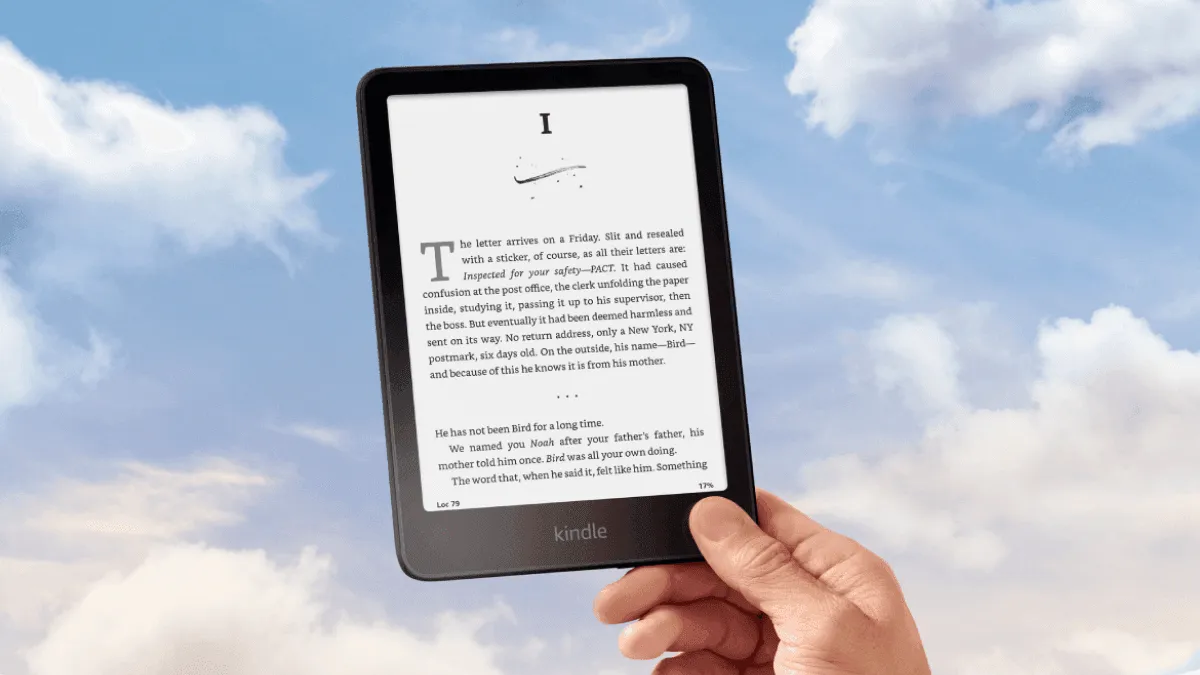
Kindle Basic vs Paperwhite: which should you buy in 2026?
Kindle Basic vs Kindle Paperwhite head-to-head: compare screen quality, waterproofing, warm light, battery, and price to find the right Kindle for your reading habits.
Browse by Brand



Kindle Basic vs Kindle Paperwhite head-to-head: compare screen quality, waterproofing, warm light, battery, and price to find the right Kindle for your reading habits.
Complete directory of Kindle firmware download links for every model — Paperwhite, Scribe, Oasis, Colorsoft, Kindle Basic, Voyage, and Touch. Updated regularly.
Learn every way to borrow free library ebooks on Kindle, from Libby setup to managing waitlists and multiple library cards.
Kobo not connecting to Wi-Fi or dropping connection? Step-by-step troubleshooting for all Kobo models — Clara, Libra, Sage, Elipsa, and more.
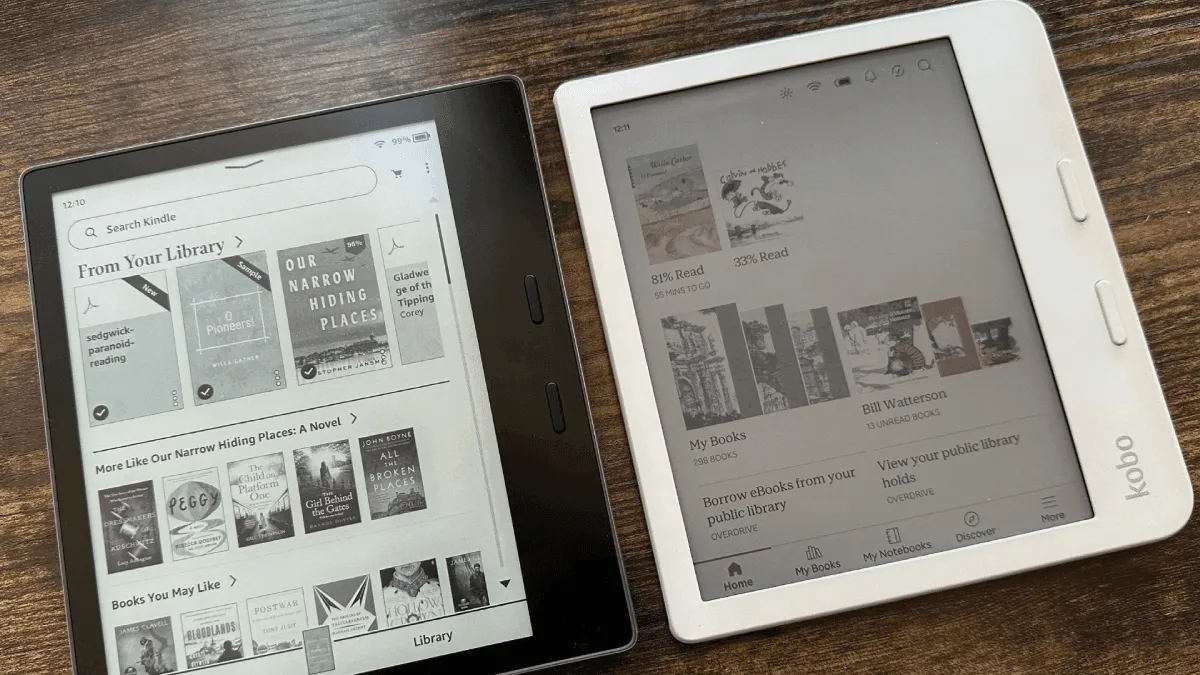
After a decade in Amazon's ecosystem with 80+ books, I broke free. Here's what triggered the switch to Kobo, the freedom of EPUB, the library integration game-changer, and the things I genuinely miss about Kindle.

Kindle stuck on the battery screen or not charging? Step-by-step fixes for charging port issues, cable problems, and battery drains on all Kindle models.

Looking for a kid-friendly e-reader? Compare the best options for young readers — Kindle Kids, Kobo Nia, and more — with notes on parental controls, durabi.

Kindle frozen on the screensaver, not responding to touch, or stuck on a page? Here is exactly what to do, from a simple restart to deeper fixes that work.
Everything you need to know about jailbreaking a Kindle in 2026 — what it unlocks, the risks, firmware compatibility, and how to get started safely.

E-readers are excellent for readers with low vision — large fonts, text-to-speech, high contrast, and other accessibility features.
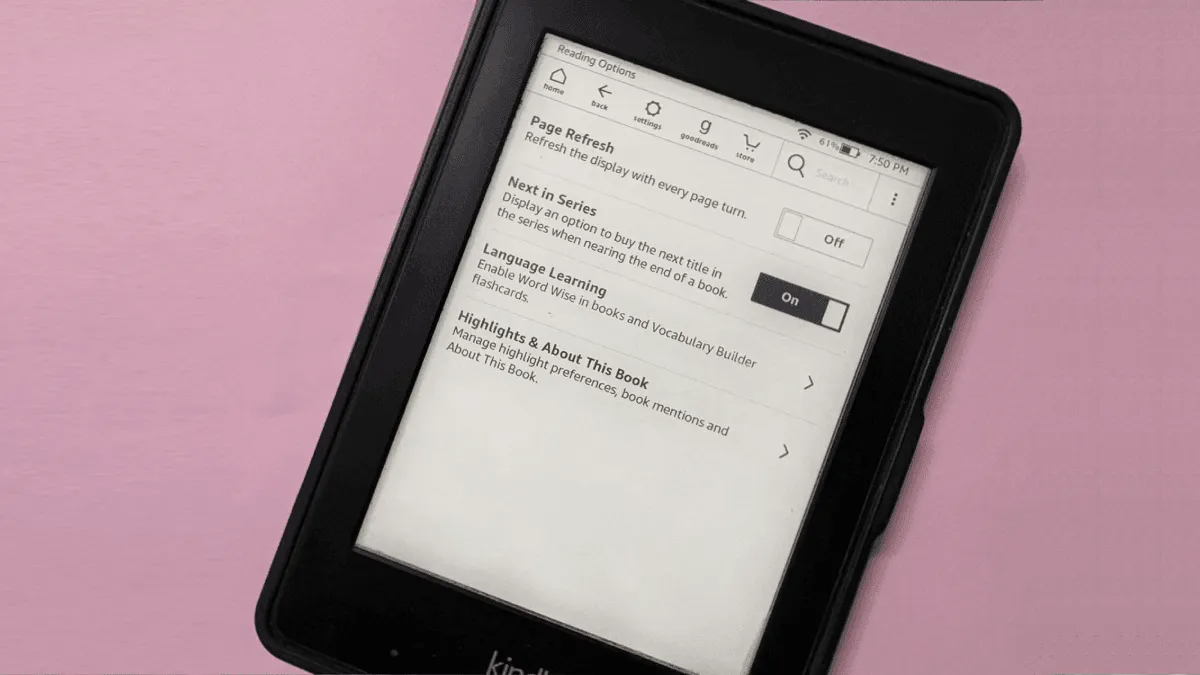
Boox e-reader showing ghost images from previous pages? Learn why E Ink ghosting happens on Boox devices and how to minimize it with the right refresh settings.
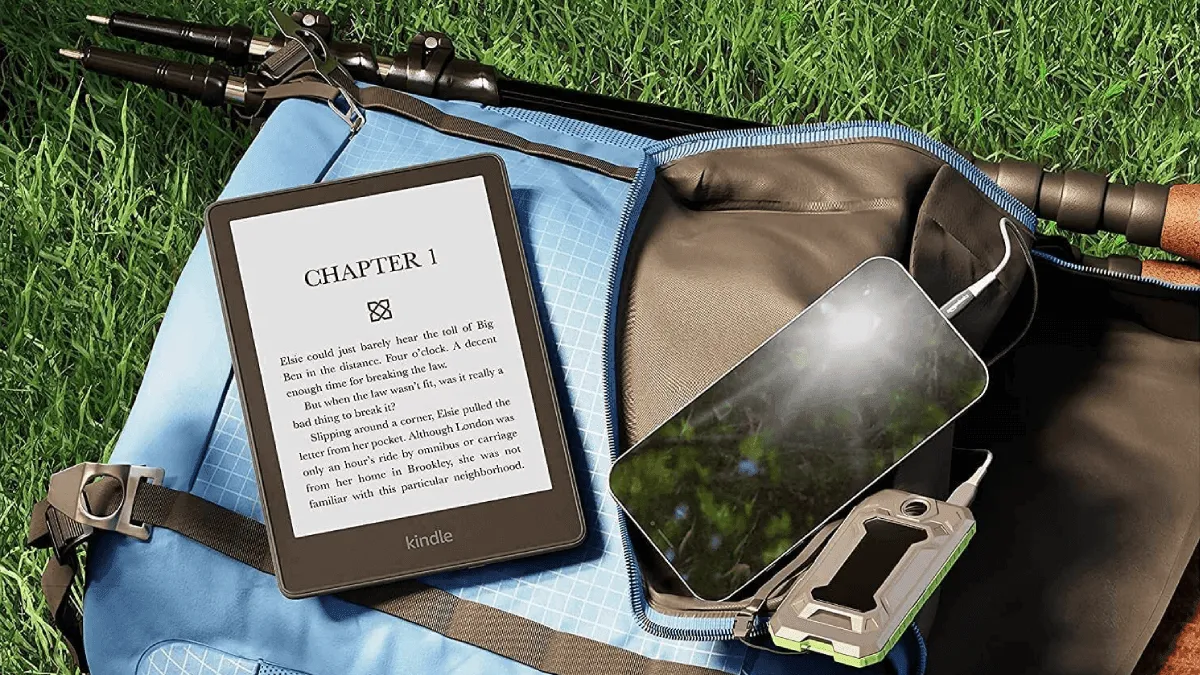
The ultimate guide to taking an e-reader on vacation — packing tips, offline reading, and device recommendations for travelers.

The best fonts and settings for dyslexic readers on Kindle, Kobo, and Boox. Science-backed recommendations for OpenDyslexic, Atkinson Hyperlegible, and more.
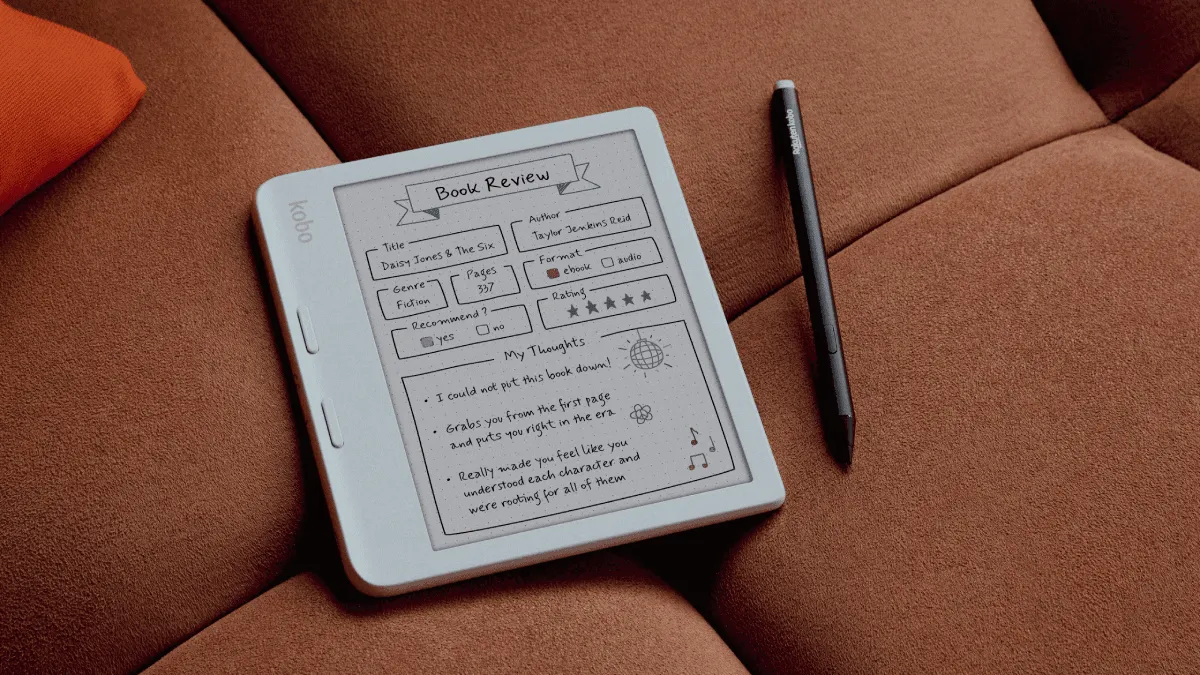
Torn between the Kobo Clara Colour and Libra Colour? Compare screen size, battery life, price, and features to pick the right color e-reader for reading style.
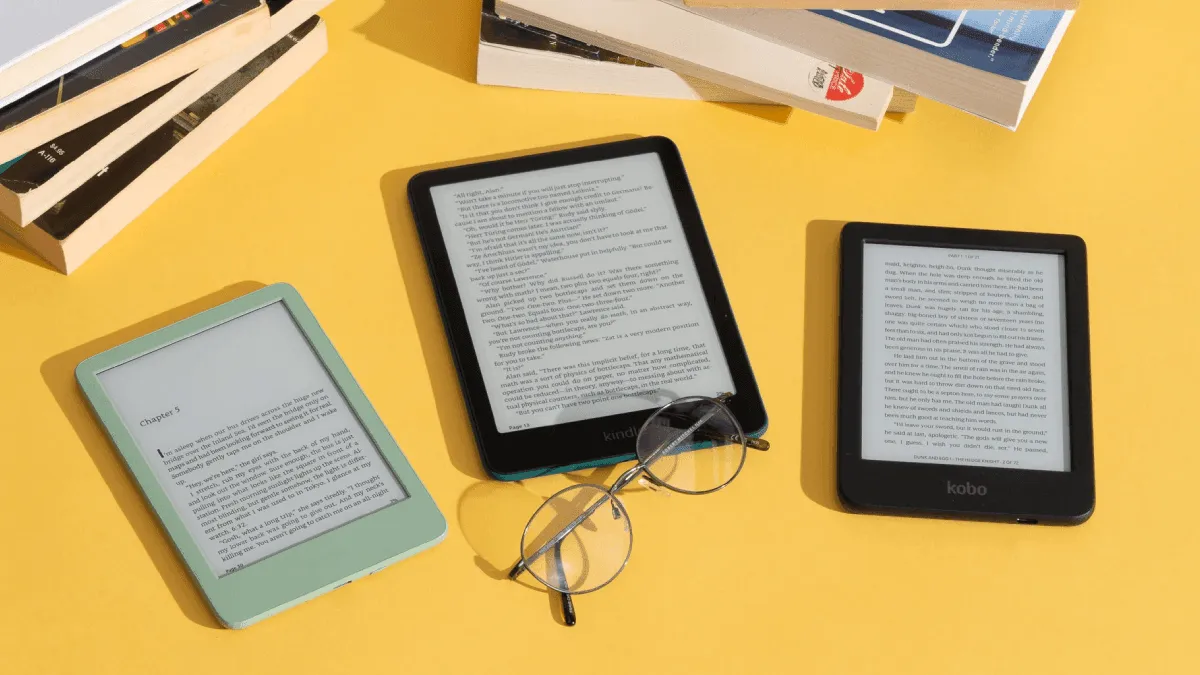
How students can use e-readers for textbooks, academic papers, and note-taking — plus the best models for campus life.
Open-source stardict dictionary format compatible with koreader, boox, and other android-based e-readers.
Every way to get books and documents onto a Kindle — email, app, usb, and browser extensions.
Turn a Kindle into a morning newspaper. Set up automatic RSS-to-Kindle delivery using Calibre, IFTTT, or a free hosted service.
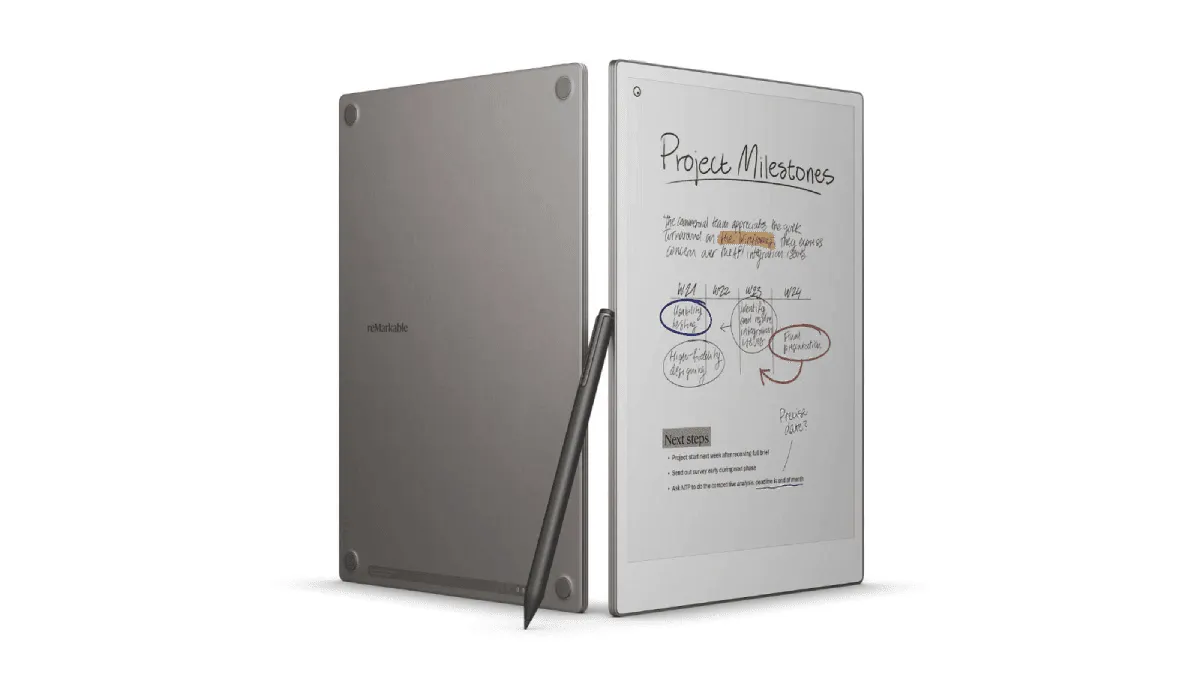
Full review of the reMarkable Paper Pro — 11.8-inch color E Ink notebook with a front light. Best digital notebook of 2026? Hands-on after 30 days.
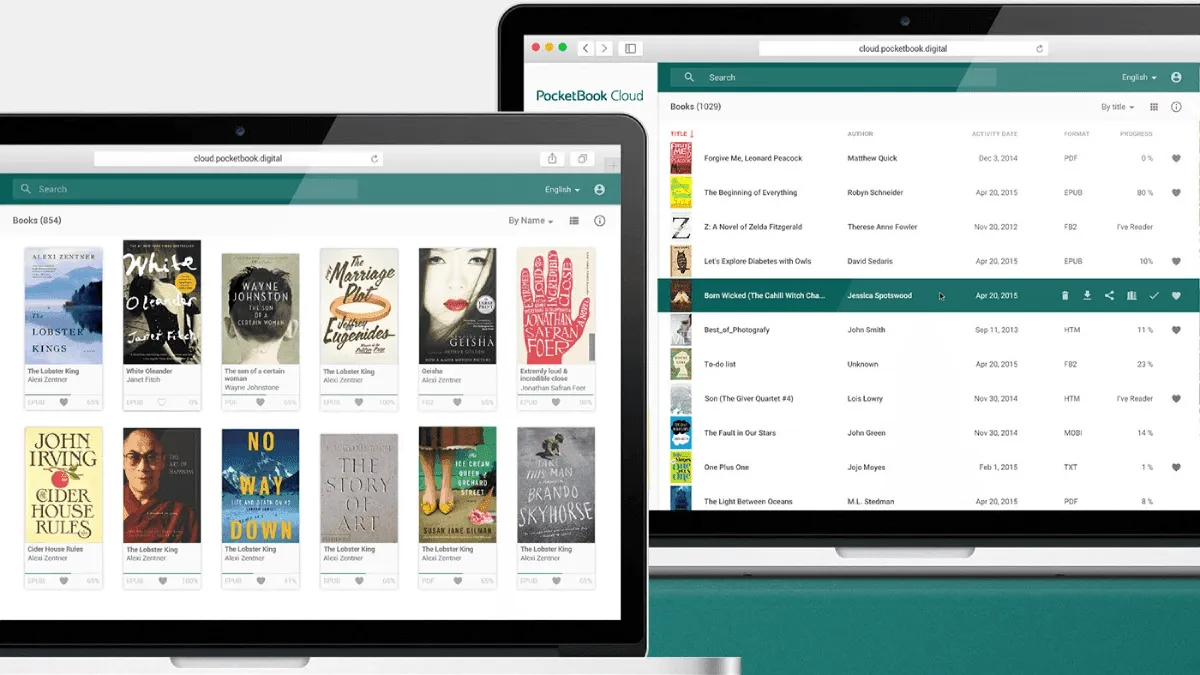
Pocketbook offers cloud sync, desktop apps, and unique tools like readrate and text-to-speech. complete guide to the pocketbook ecosystem.
Unlock SSH access on a PocketBook e-reader to install custom reading applications, run automated backups, and use the device as a portable Linux workstatio.'s safety limits.
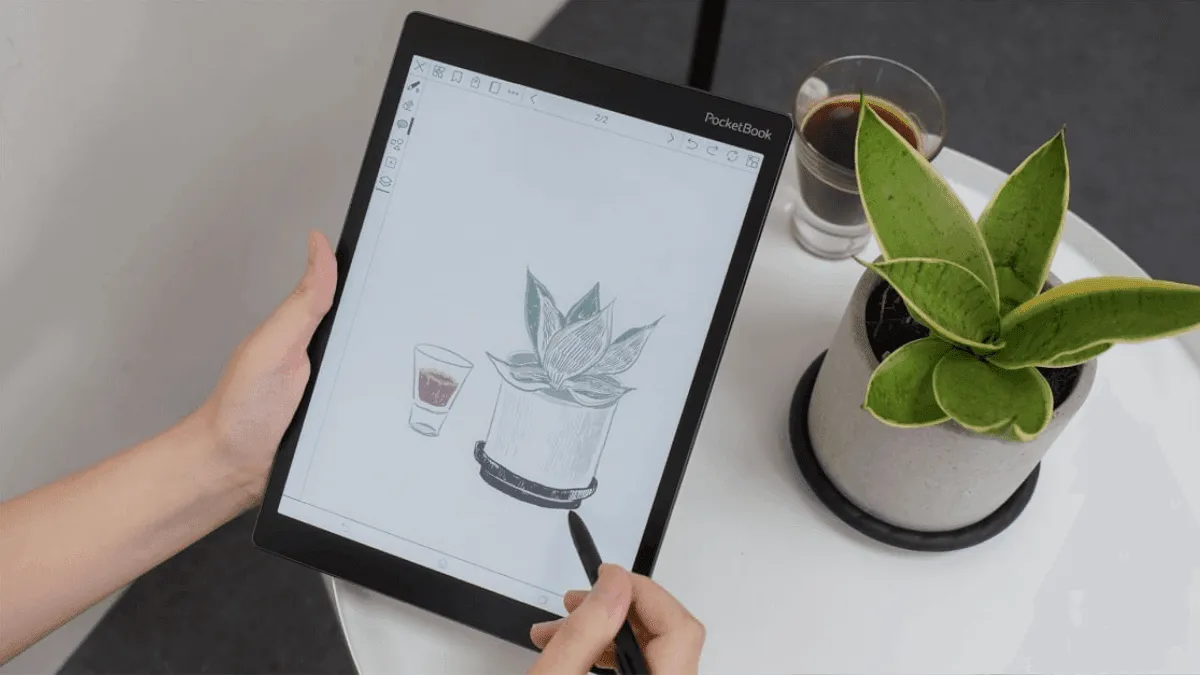
Just got a pocketbook? here's how to set it up — from initial configuration to loading the first books.
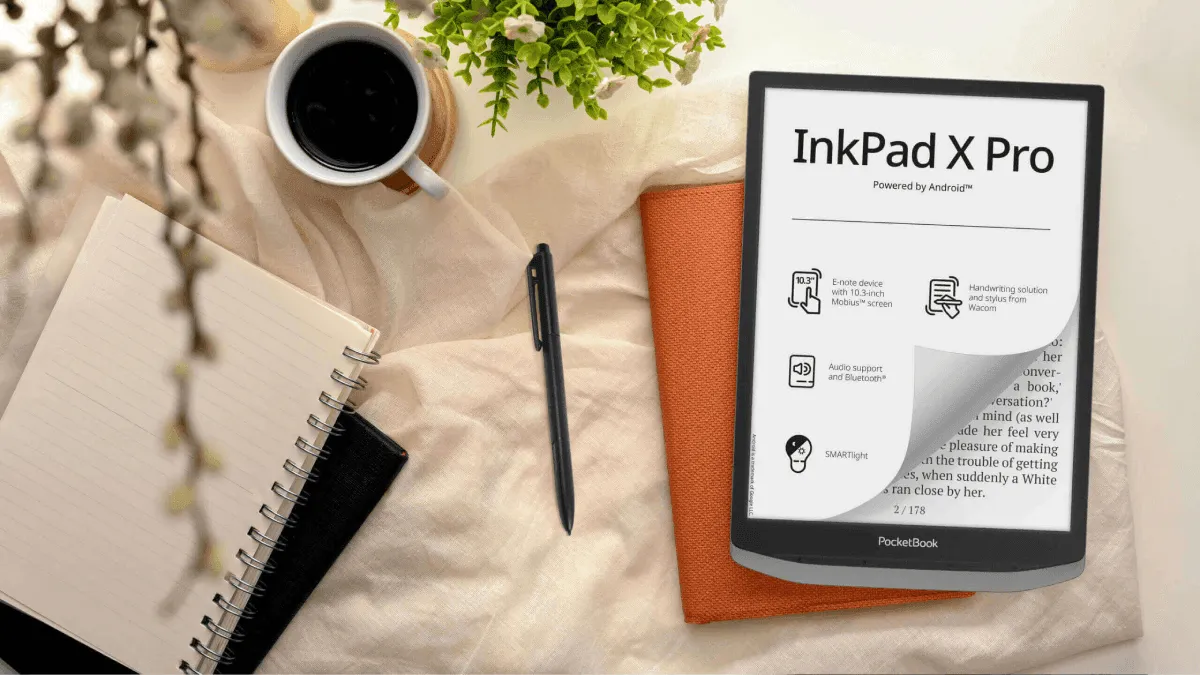
Why pocketbook deserves attention — format flexibility, hardware buttons, and features you won't find on kindle or kobo.
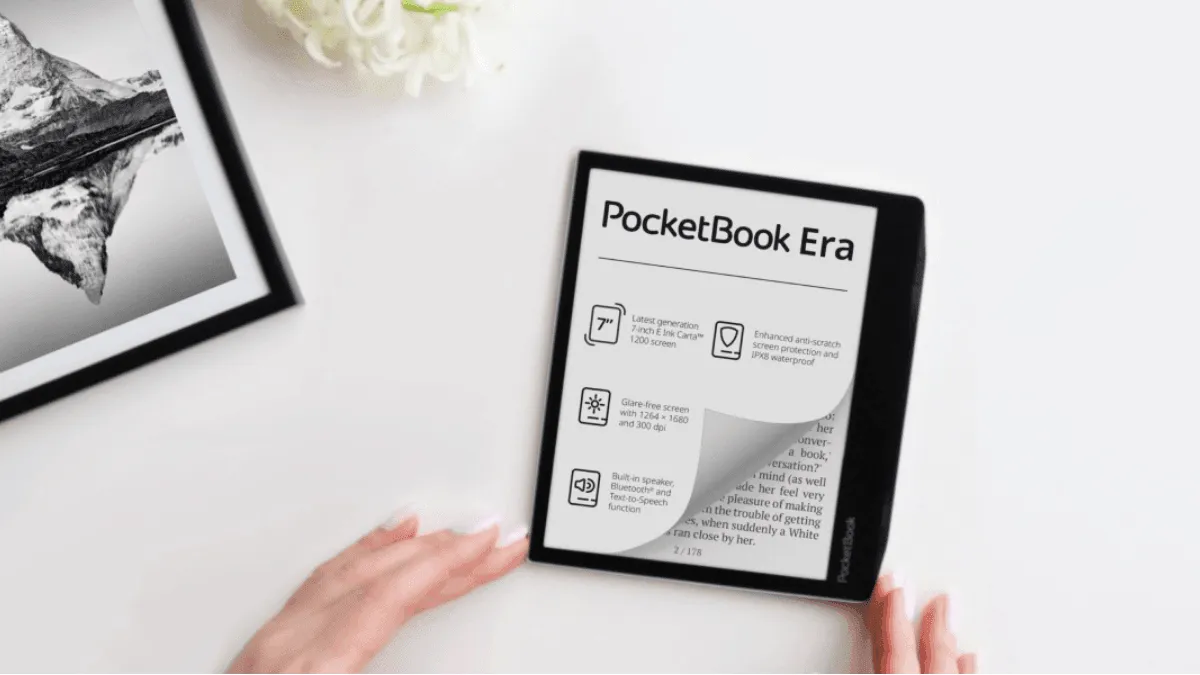
Full review of the PocketBook Era — 7-inch 300 ppi display, physical buttons, built-in speaker, and 20+ format support. The best e-reader nobody talks about.
Kobo battery life dropping from weeks to hours? Diagnose what is draining a Kobo and fix it — covers Clara, Libra, Sage, Elipsa, and older models.
Kindle not syncing books, highlights, or reading progress? Step-by-step troubleshooting guide covering Wi-Fi, Amazon account, and device settings.

Large images slow down an e-reader and take up space. here's how to optimize images for the best reading experience.
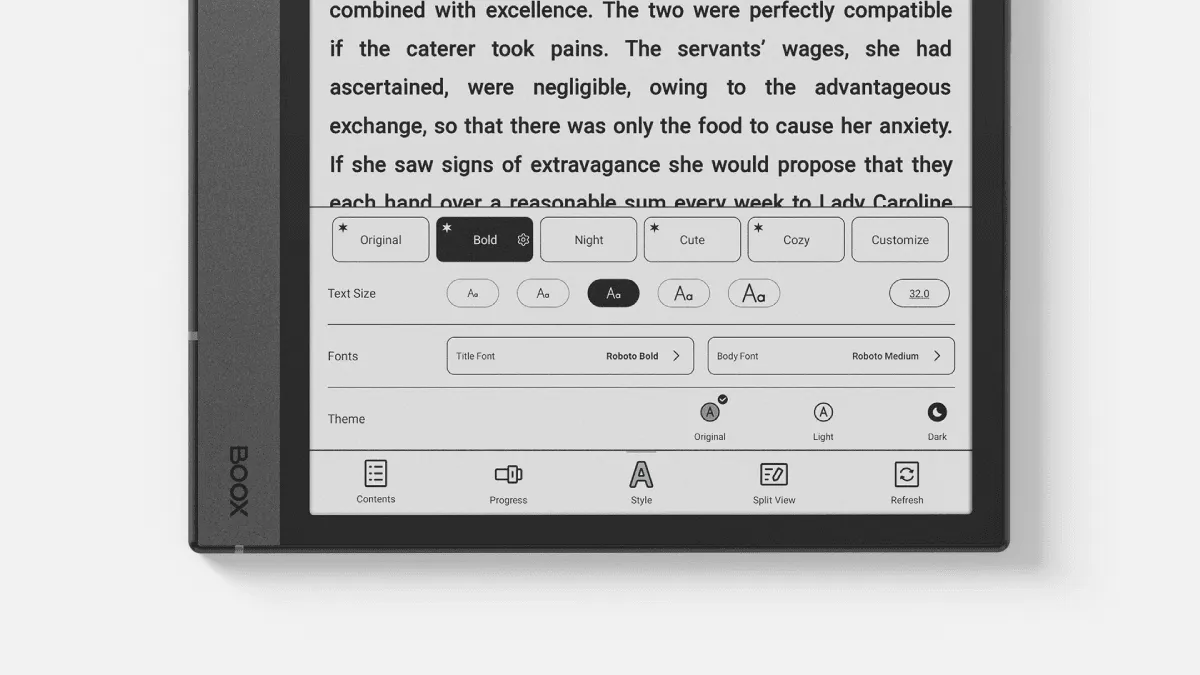
Unlock the full power of boox's built-in reading app neoreader — handle pdfs like a pro with advanced tools.
Step-by-step guide to borrowing free ebooks with libby — works with kindle, kobo, and other e-readers.

Use an e-reader as a language learning tool — built-in dictionaries, vocabulary builders, and bilingual reading strategies.
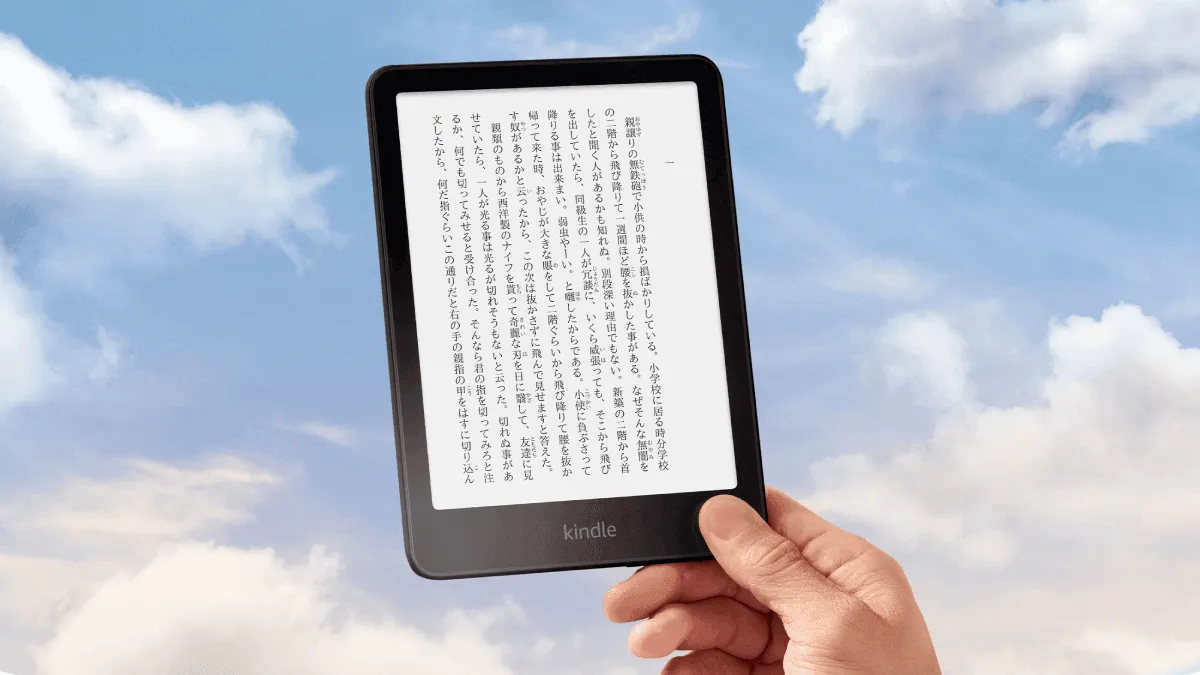
Turn a Kindle into a language learning machine. Set up Japanese-English dictionaries, install graded readers, and use Vocabulary Builder to remember every.
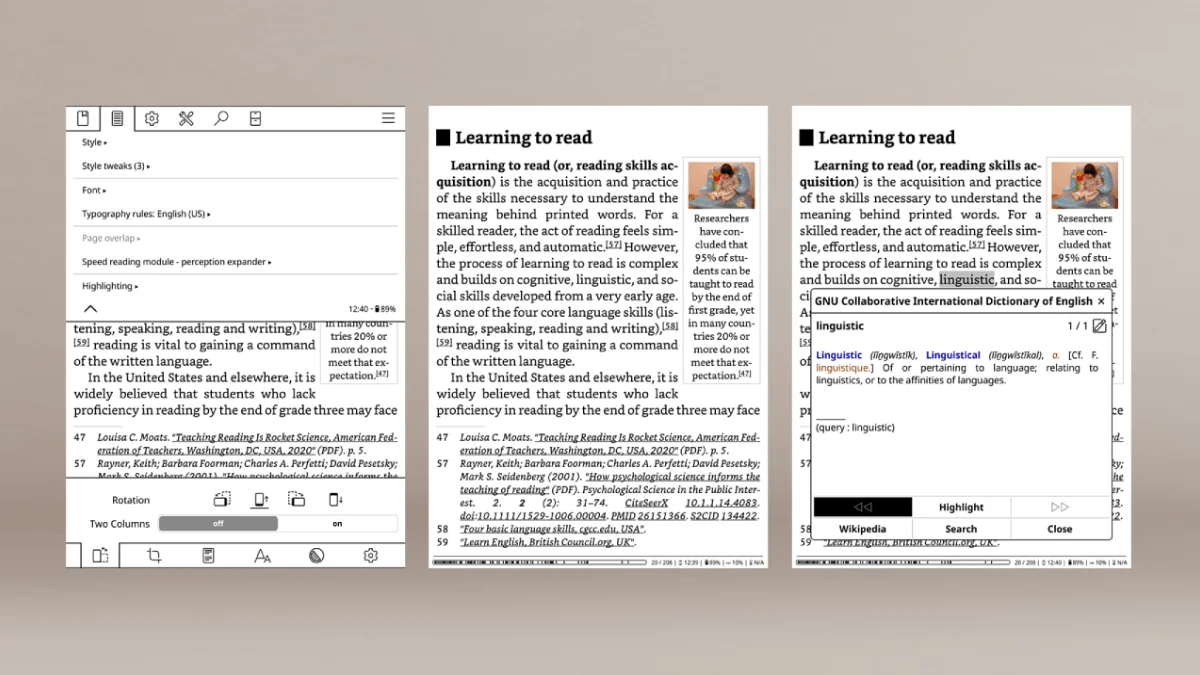
Install KOReader on a jailbroken Kindle — a powerful open-source reading app with PDF reflow, reading stats, plugins, and wireless Calibre sync.
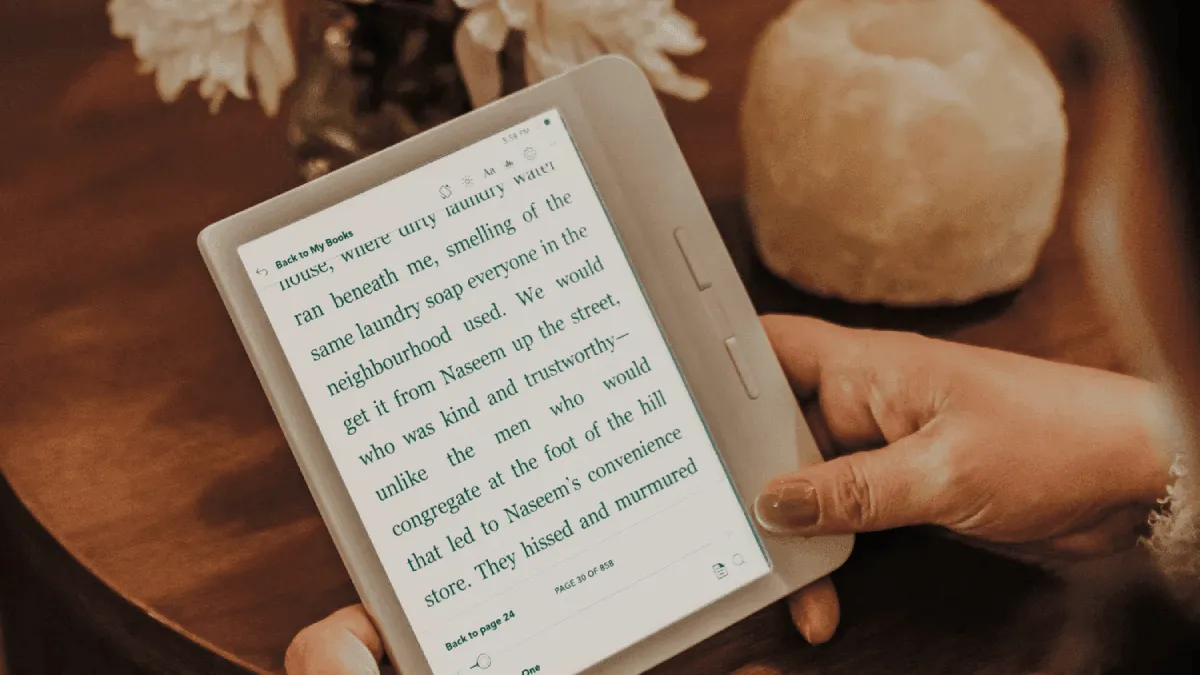
Kobo's built-in reading stats are surprisingly detailed — pages turned, hours read, reading streaks, and book completion rates.
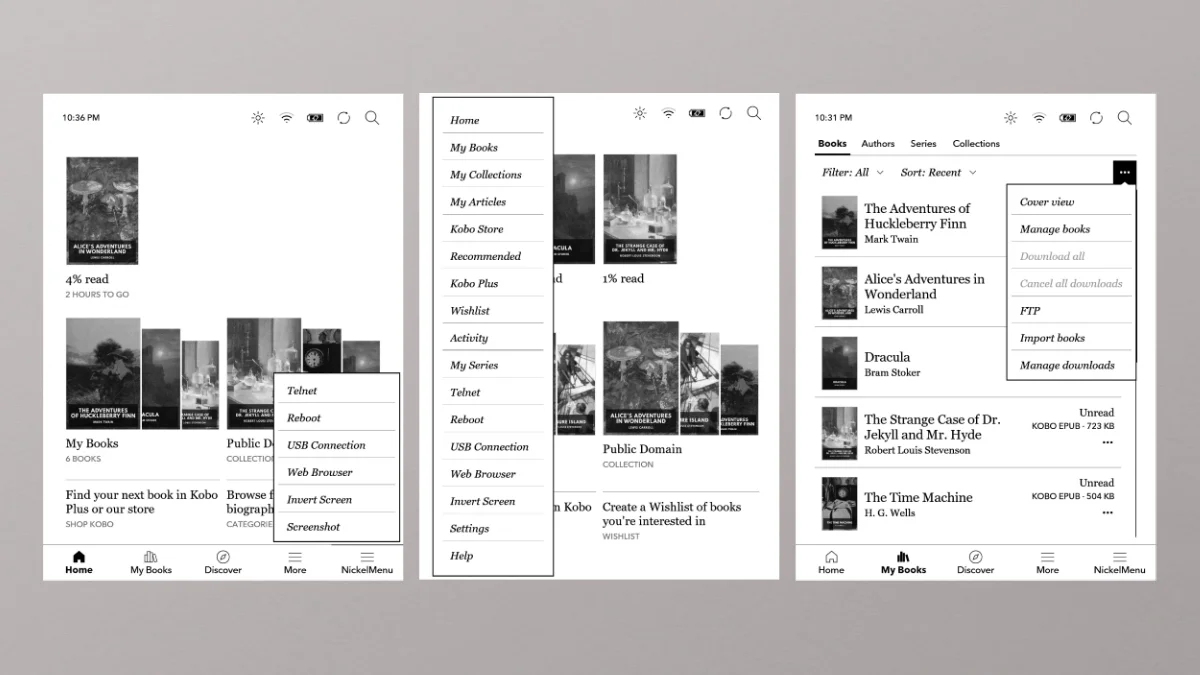
Nickelmenu adds custom menus to a Kobo. plato replaces the reading interface entirely. open-source tools for power kobo users.
After years on Kindle, I spent 30 days with the Kobo Libra Colour. Honest review covering the color screen, buttons, OverDrive integration, and whether I would switch back.
Go beyond basic KOReader and Plato setup on a Kobo. Configure gestures, optimize for manga and PDFs, sync reading progress, and customize the UI for the be.
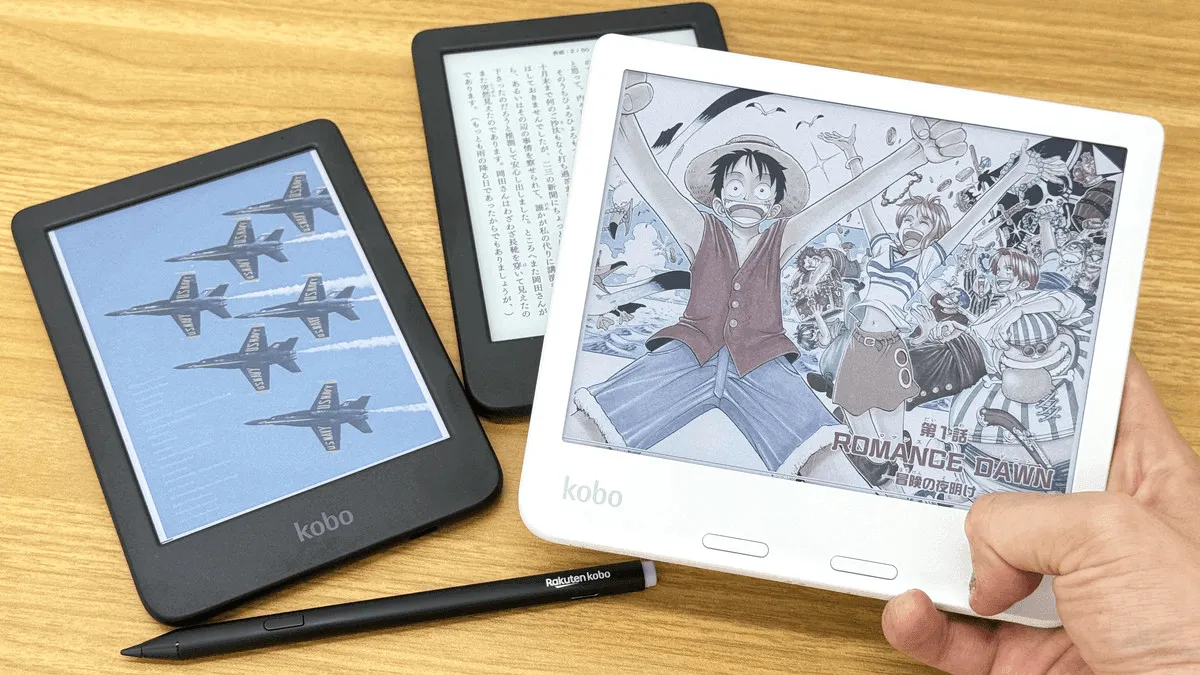
Go beyond the basics with KFMon and NickelMenu on a Kobo e-reader. Configure custom launch entries, auto-start alternative readers on boot, add shell scrip.
Complete guide to updating Kobo e-reader firmware — automatic and manual methods, latest version history, and changelog.
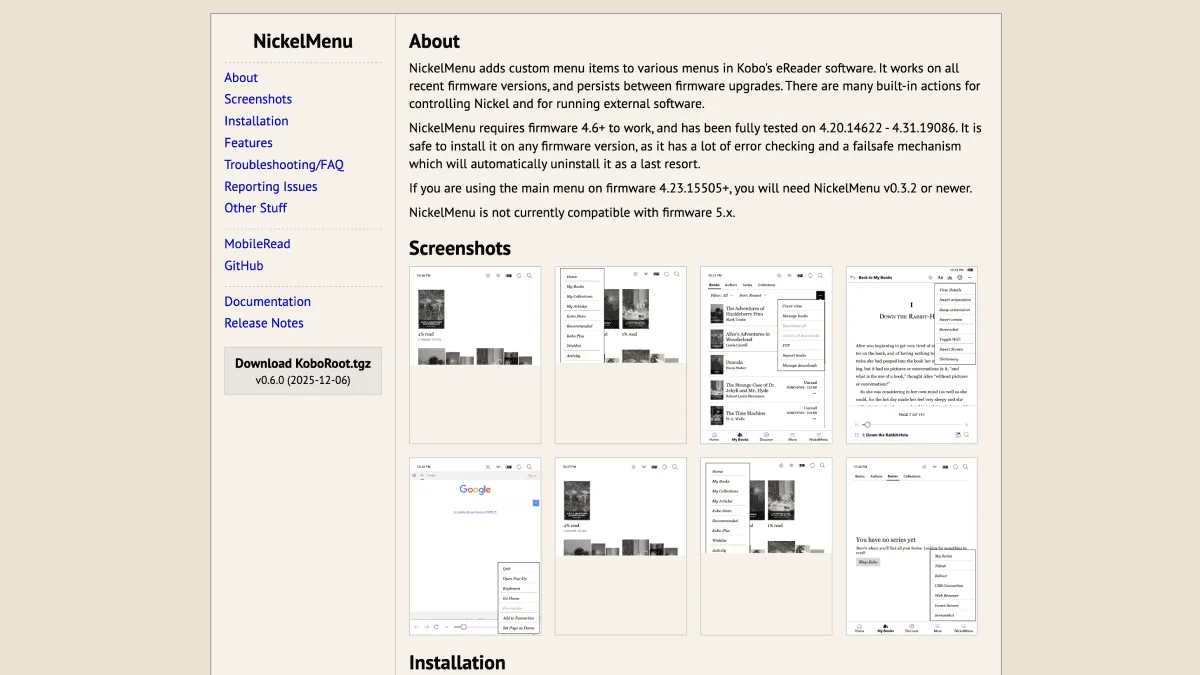
enable Kobo's hidden potential with developer mode and NickelMenu. Add custom menu shortcuts, install KOReader, and customize reading experience safely and reversibly.
If a Kobo shows a database corruption error or empty library after safely ejecting from a computer, here's how to repair the database without losing books or reading progress.
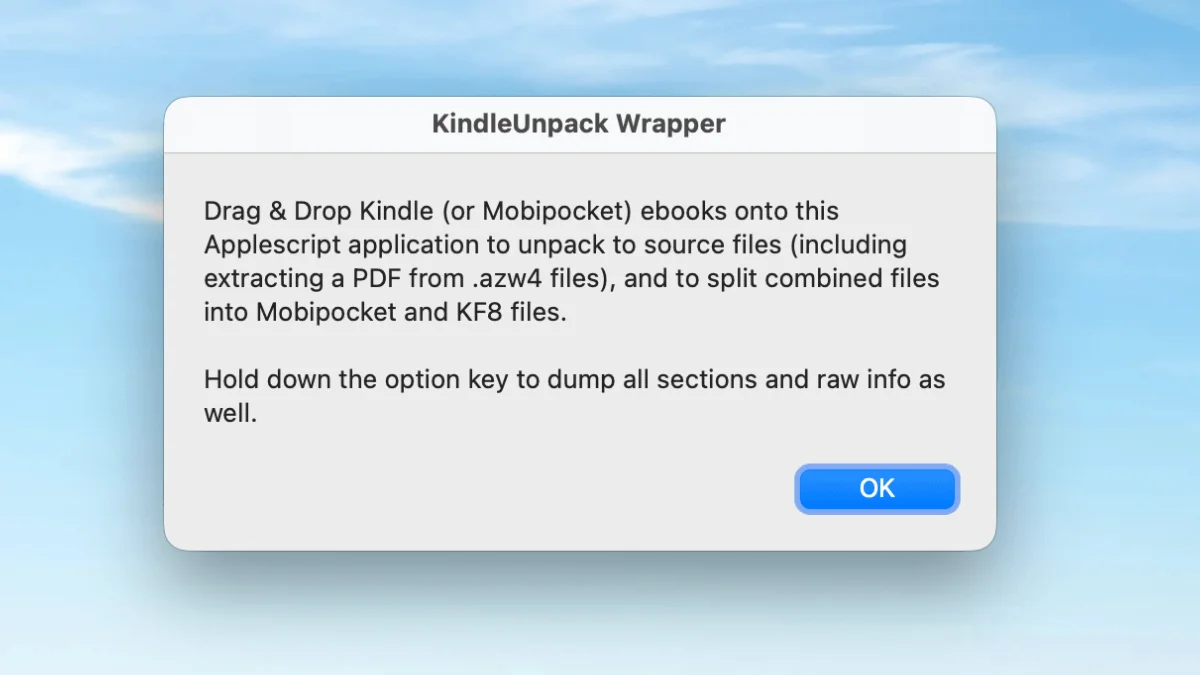
Kindleunpack extracts mobi, azw3, and kfx files into editable html, images, and metadata — essential for ebook repair and customization.
Kindlegen converts html/css to kindle format. though discontinued, it's still the best tool for creating standards-compliant kindle ebooks.
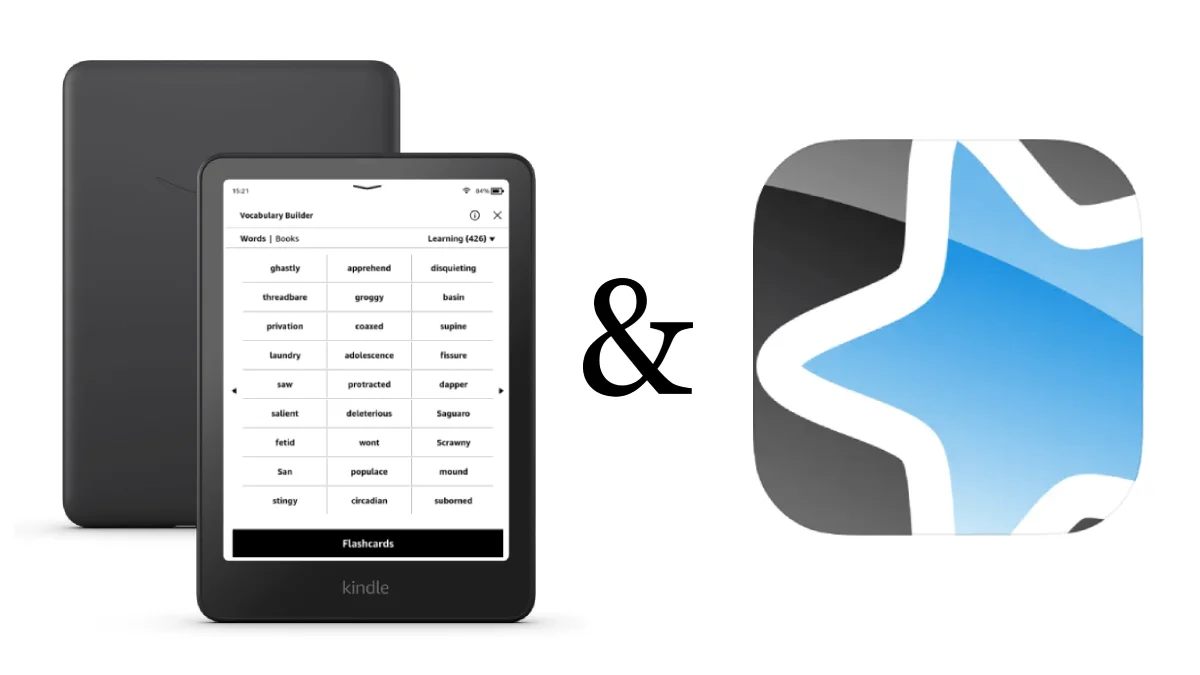
Turn Kindle Vocabulary Builder into a serious language learning tool. Export words to Anki, create custom flashcard decks, and build a daily review habit t.
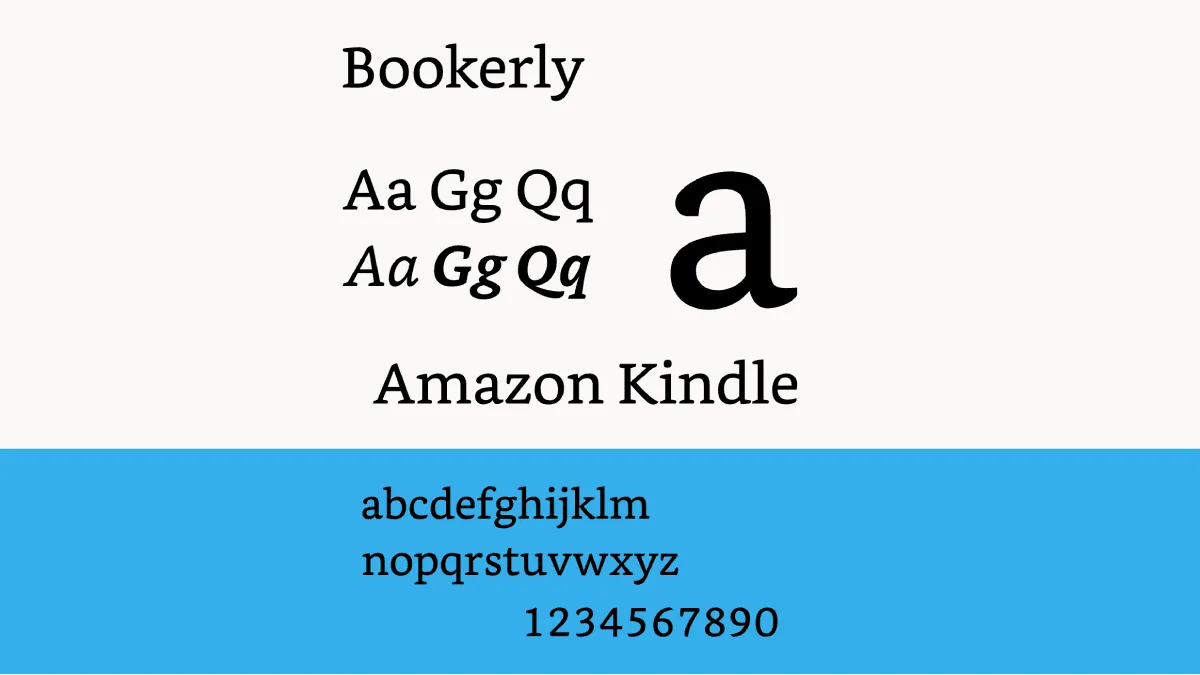
Organize a library with collections, share books with family, sync reading across devices with Whispersync, use Goodreads integration, and master highlight.
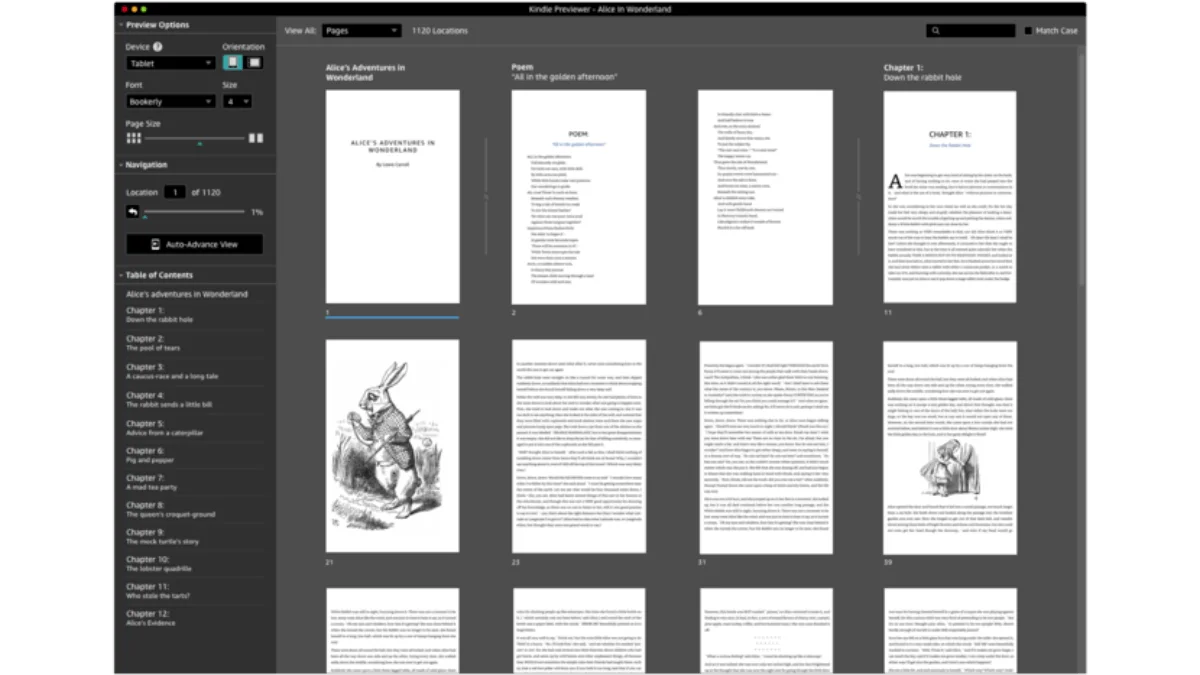
Kindle previewer simulates every kindle model so you can check an ebook before publishing. download, install, and usage guide.
Hands-on Kindle Paperwhite 2024 review: display, battery, waterproofing, and comparison with Kobo Clara BW.
Three essential kindle maintenance tools — clean up sdr folders, format clippings, and fix broken ebook covers.
Once a Kindle is jailbroken, install KUAL, the Kindle Unified Application Launcher, and KOReader to transform it into a multi-format reading powerhouse.

WinterBreak is a fresh jailbreak method targeting Kindle firmware 5.18 and newer, exploiting a vulnerability in the Kindle UI rendering stack to gain root.'s what it is, which devices it supports, and a step-by-step overview.

Step-by-step kindle jailbreak guide using the sanctuary method. unlock koreader, custom screensavers, font management, and more on kindle firmware 5.16.
Is jailbreaking a Kindle legal? Covers DMCA exemptions, Amazon terms of service, warranty risks, and practical safety — with no legal action in 15+ years of community history.
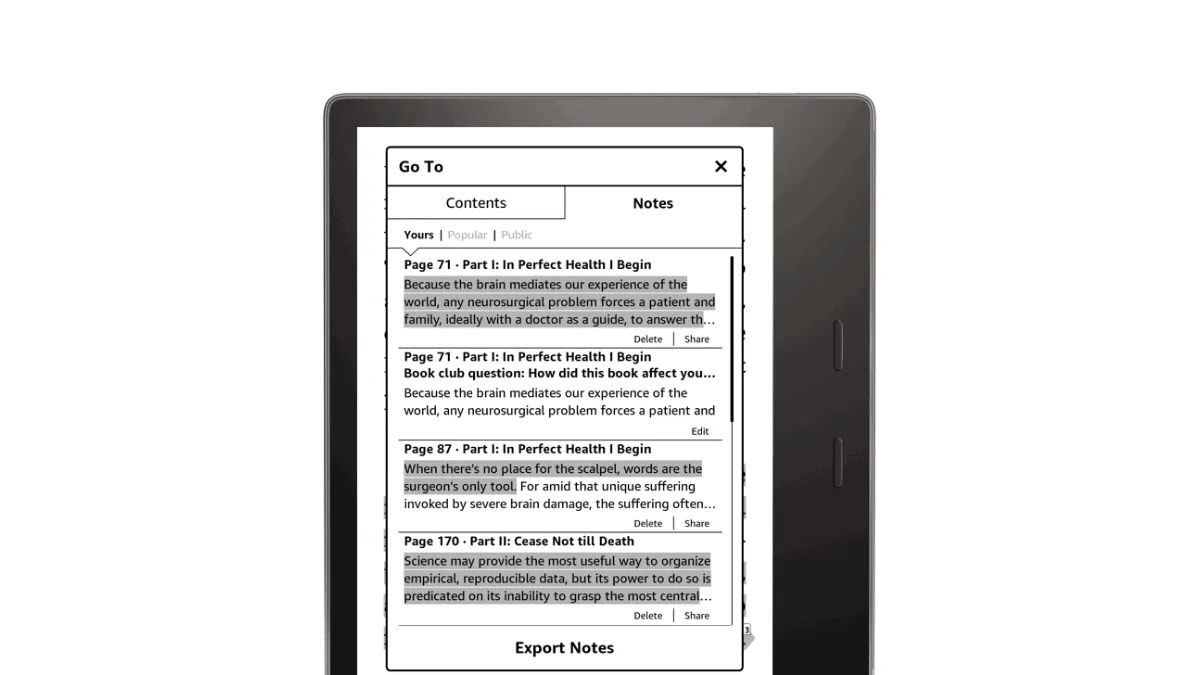
Export a Kindle highlights to Notion, Obsidian, Readwise, or plain text. Covers the My Clippings file, email export, and third-party tools like Clippings.
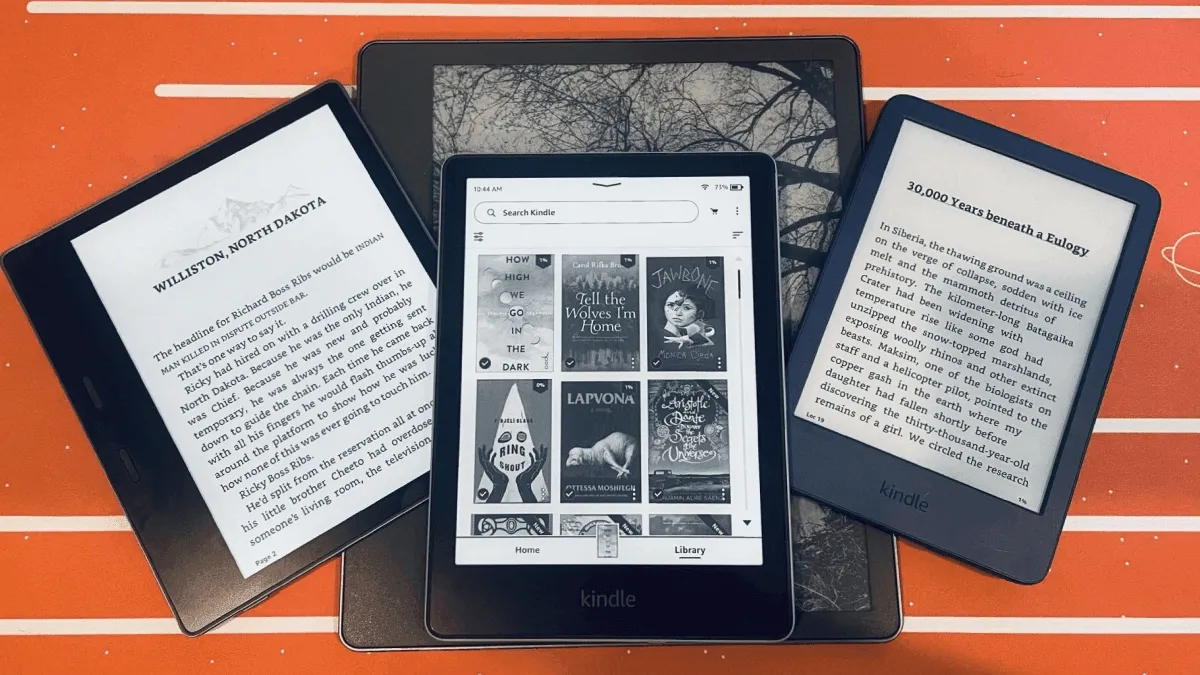
Complete comparison of every current kindle model — paperwhite, scribe, oasis, and basic — to help you choose.
Customize a Kindle's fonts, layout, and reading settings for the most comfortable reading experience.
Step-by-step guide to updating Kindle firmware. includes the latest version history, download links, and what's new in each update.
The specific settings, tweaks, and habits that turned my Kindle from a book-store-front into a focused reading machine.
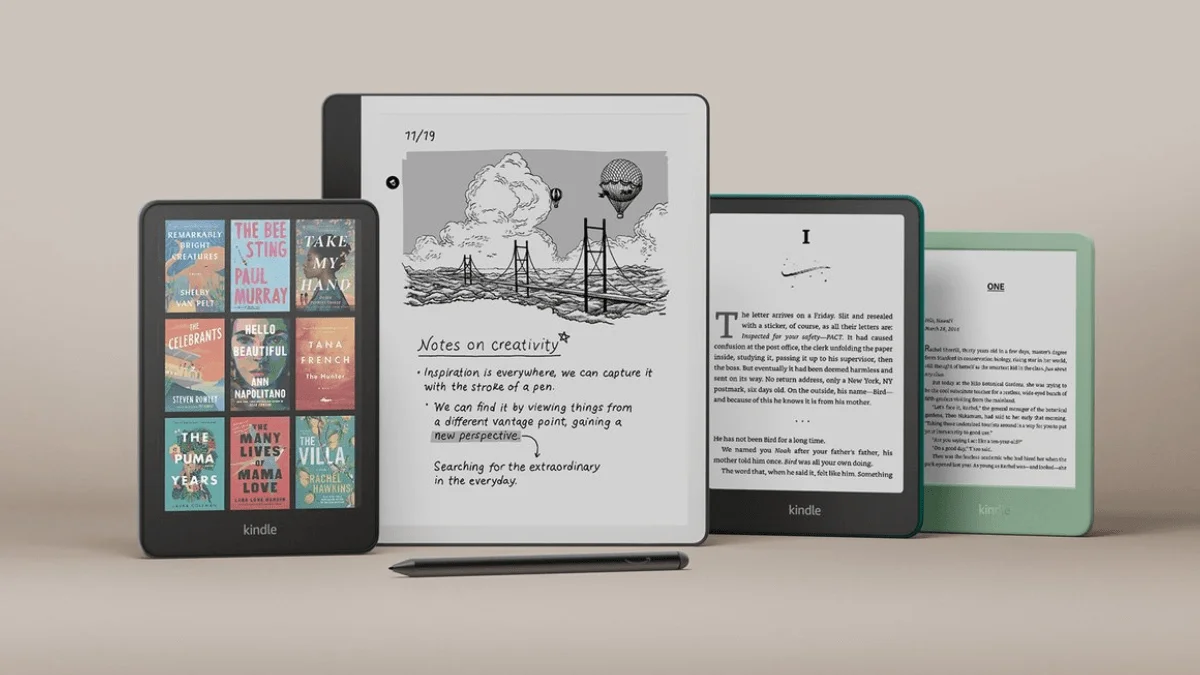
Replace Kindle ads and generic screensavers with a images. Step-by-step guide for jailbreak and non-jailbreak methods, including the book-cover-as-screensa.
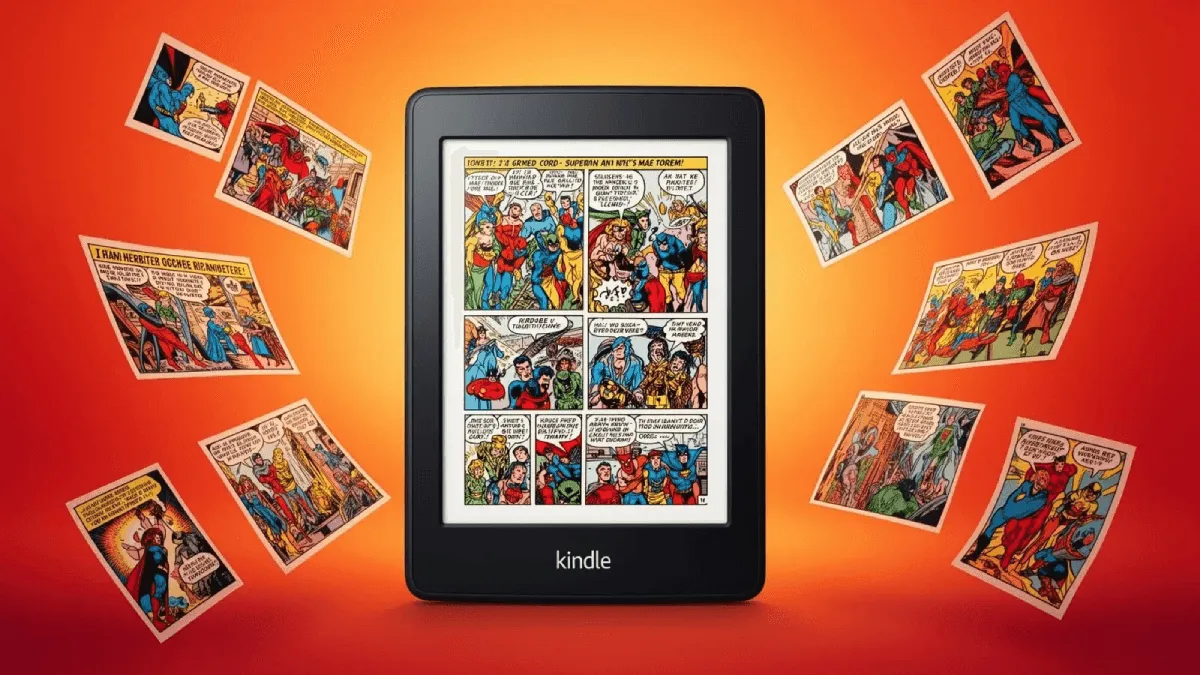
Kcc converts cbr, cbz, and image folders into epub or mobi optimized for e-ink screens — with panel splitting and grayscale conversion.
Kindle has hidden cheat codes built right into the search bar. Type ;dm, ;urst, ;shpm, and ~ds to debug a stuck indexer, check storage, or restart the UI i.

If a Kindle's lockscreen shows generic art instead of the current book cover, here are the fixes for ad-supported devices, sideloaded books, and sync issues.
Are e-readers good for children? the best kid-friendly models, parental controls, and tips to encourage reading.
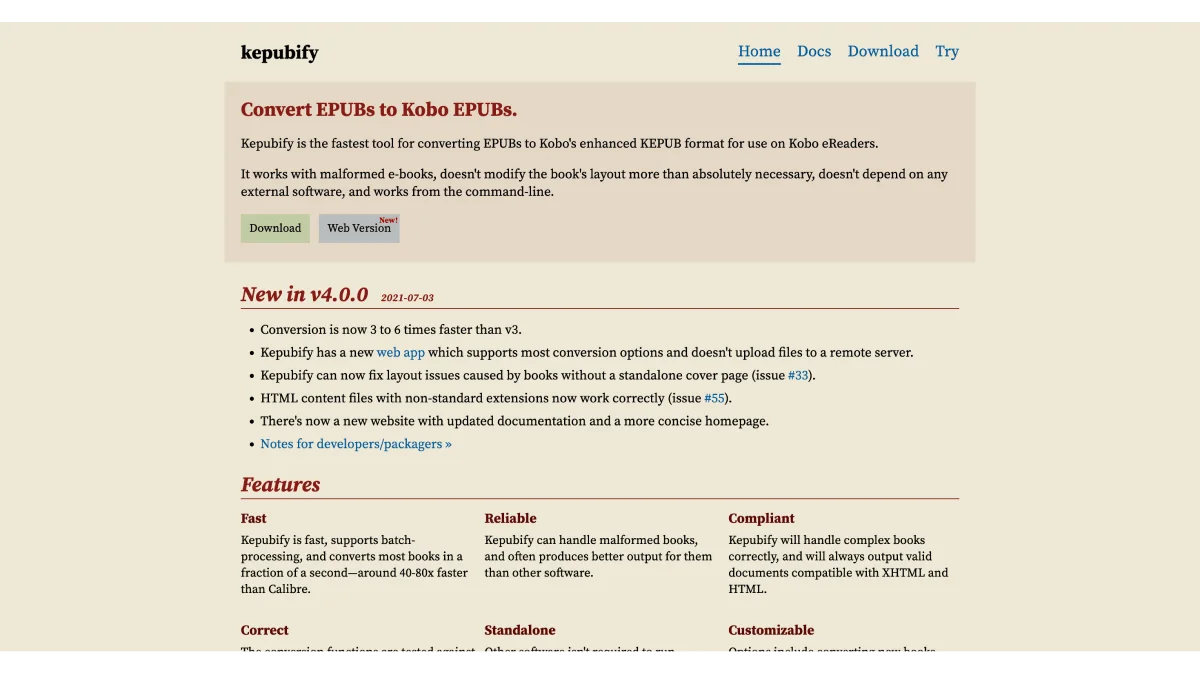
Kepub is kobo's optimized ebook format — faster page turns, reading stats, and better font handling. kepubify converts epubs in seconds.
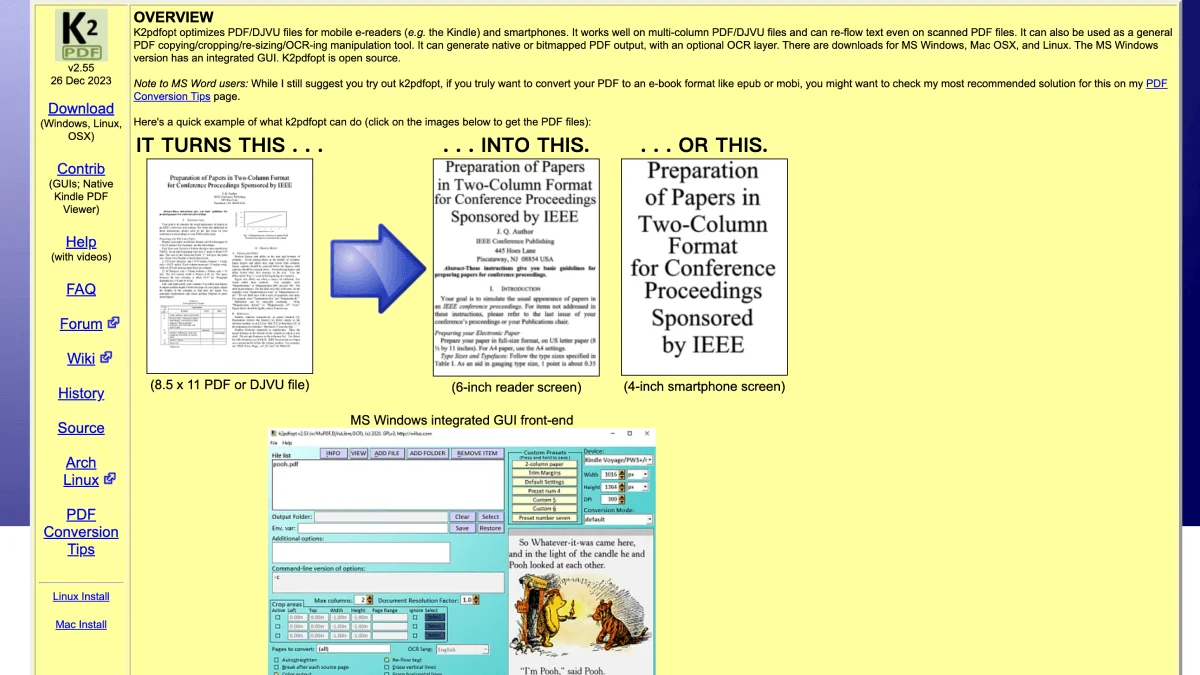
K2pdfopt optimizes pdfs for small e-reader screens — reflow columns, crop margins, ocr scanned pages, and more.
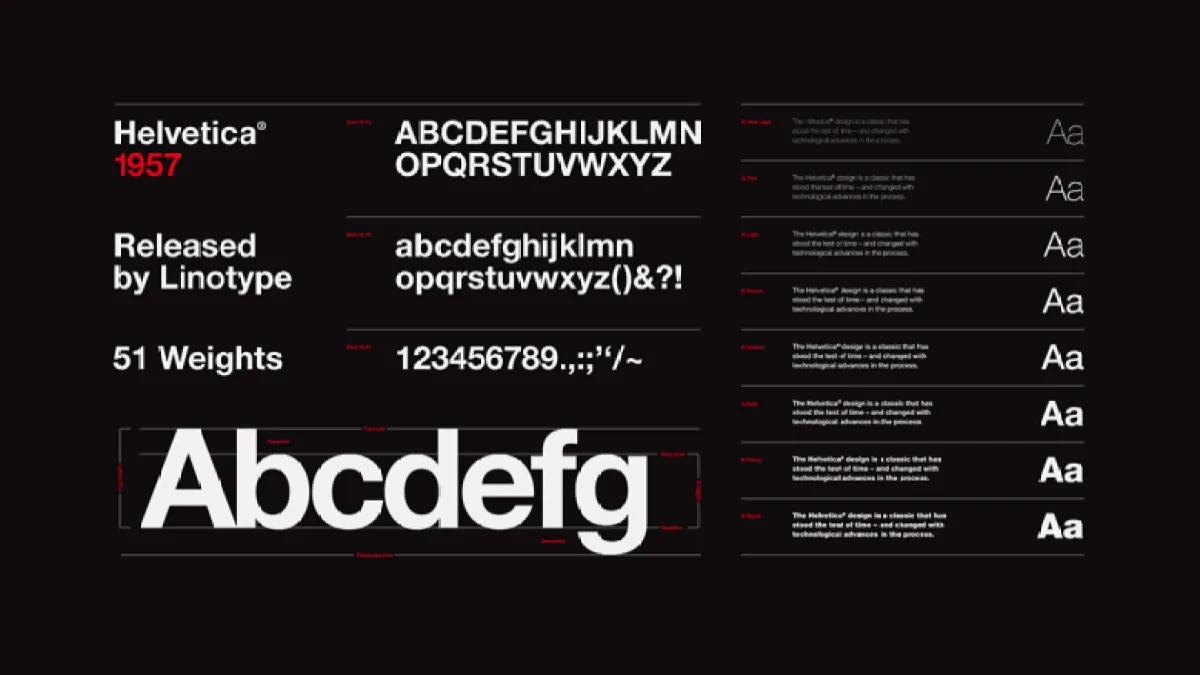
The definitive collection of free fonts for kindle, kobo, boox, and pocketbook — serif, sans-serif, specialty fonts with download links and recommendations.
A cross-brand comparison of tools across kindle, kobo, boox, and pocketbook — calibre, cloud sync, desktop apps, file transfer, and more.
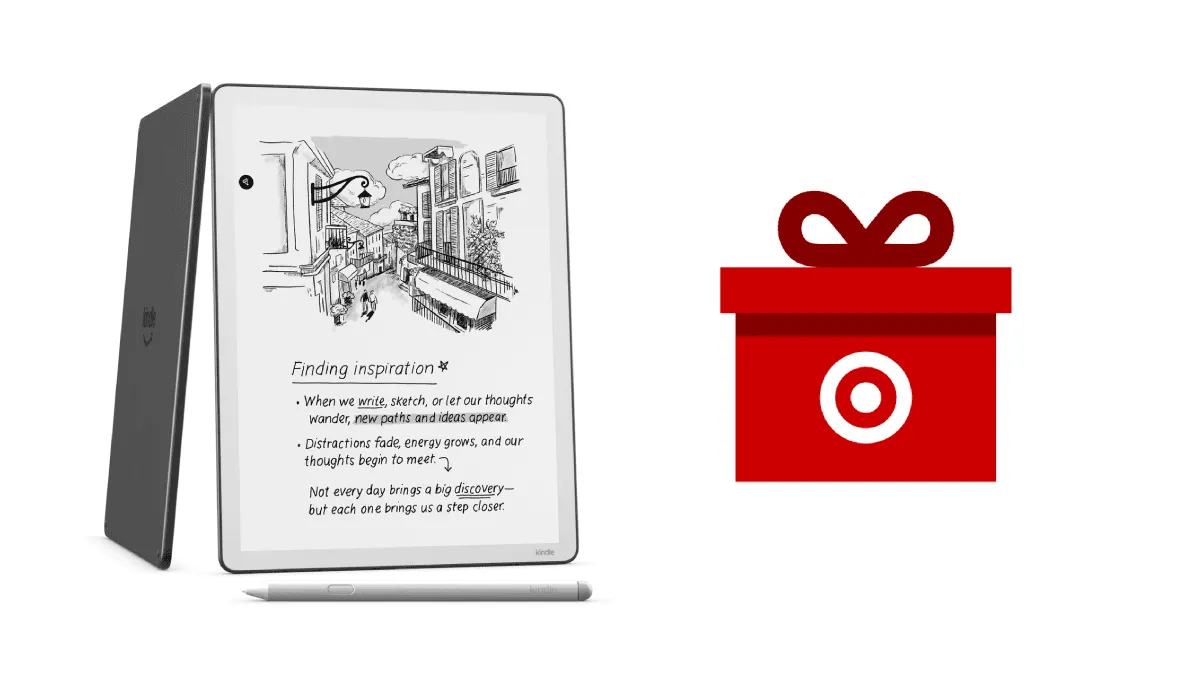
The Kindle Scribe 32GB with Premium Pen is $379.99 at Target — 24% off the regular $499.99. The best price we have seen on Amazon's note-taking e-reader.
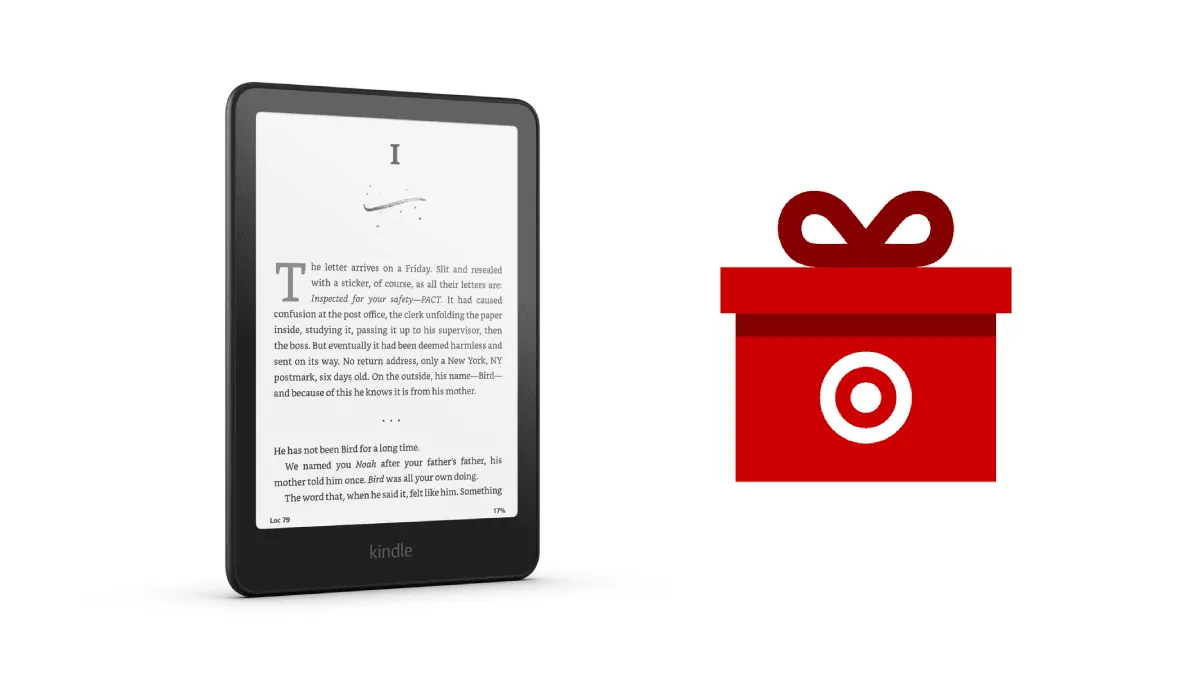
The Kindle Basic 2024 model is $84.99 at Target. The most compact and affordable Kindle just got even cheaper — perfect for a first e-reader or travel comp.
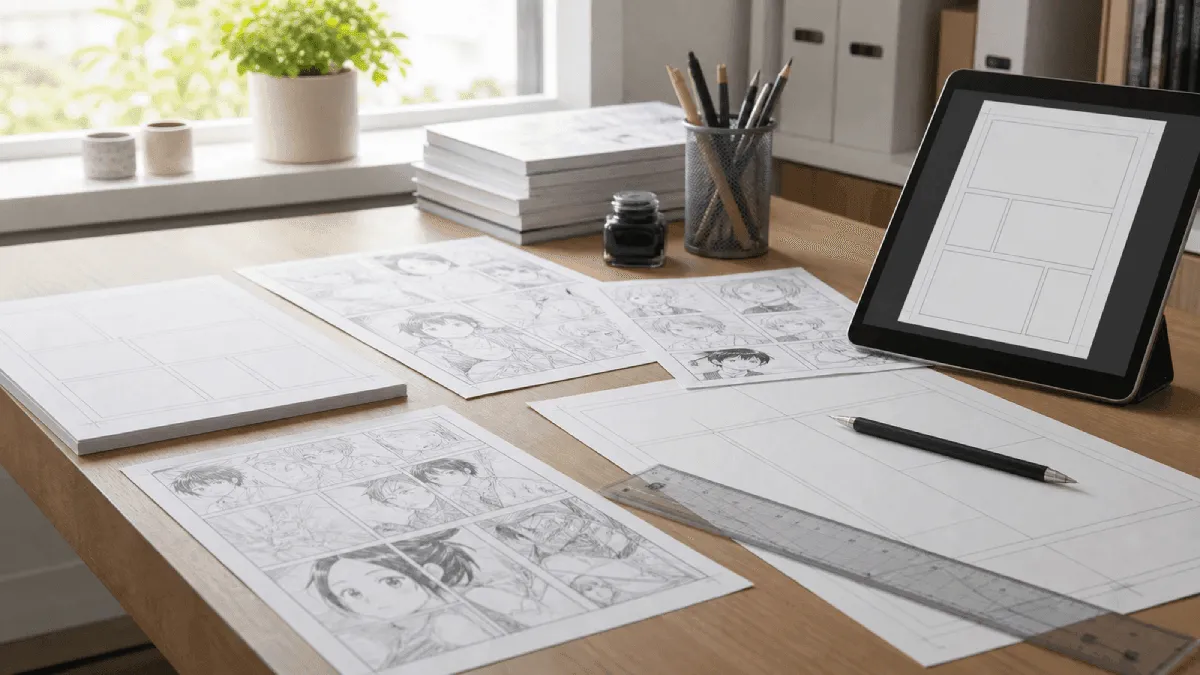
Read a digital comics on kindle, kobo, or boox — convert cbr and cbz files to epub format with full image quality.
Download free dictionaries for any e-reader — 200+ dictionaries for kindle, kobo, boox, and pocketbook. english, bilingual, specialty, and how to install.
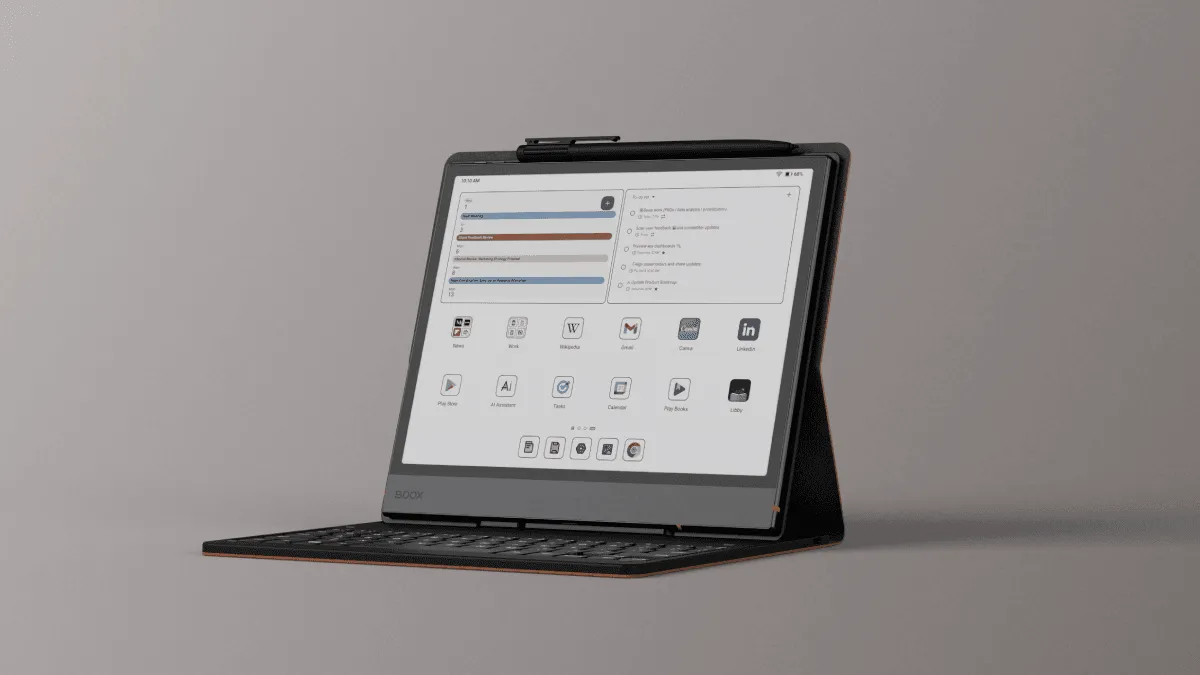
Boox runs android — unlock its full potential with these essential tools, apps, and optimization tricks for reading, note-taking, and productivity.
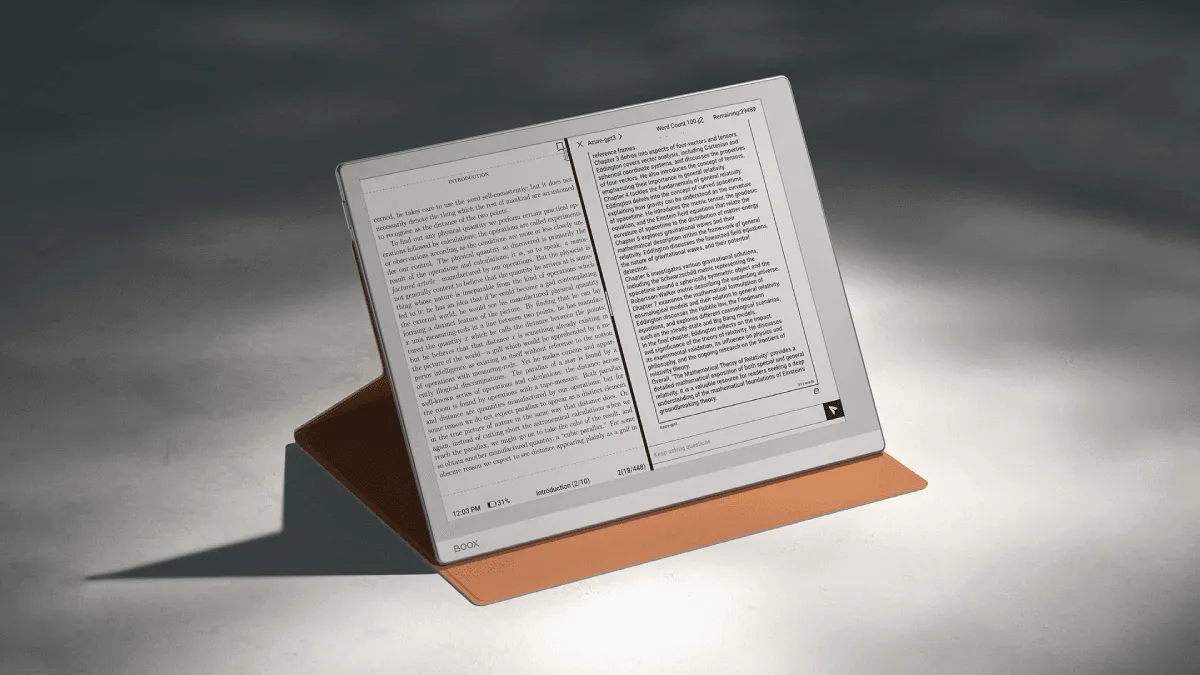
Master a Boox e-reader: Android apps, root access, split-screen multitasking, and advanced optimization tips.'s split-screen feature — read a book on one side, take notes on the other. perfect for research and study.
Root a Boox device with Magisk for full system control — remove bloatware, install system-wide ad blocking, overclock the CPU, and run custom automation wi.
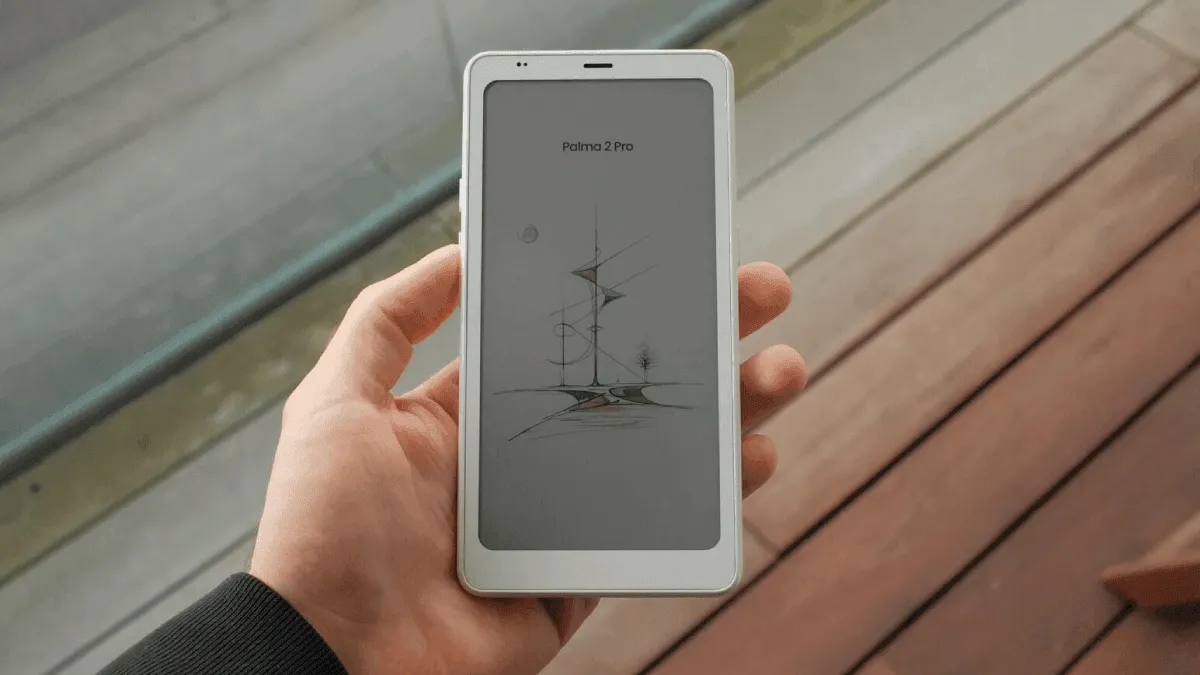
I replaced my phone reading apps with the Boox Palma 2 Pro for 14 days. Full review covering battery life, screen quality, Android apps, and whether a phone-sized e-reader makes sense.
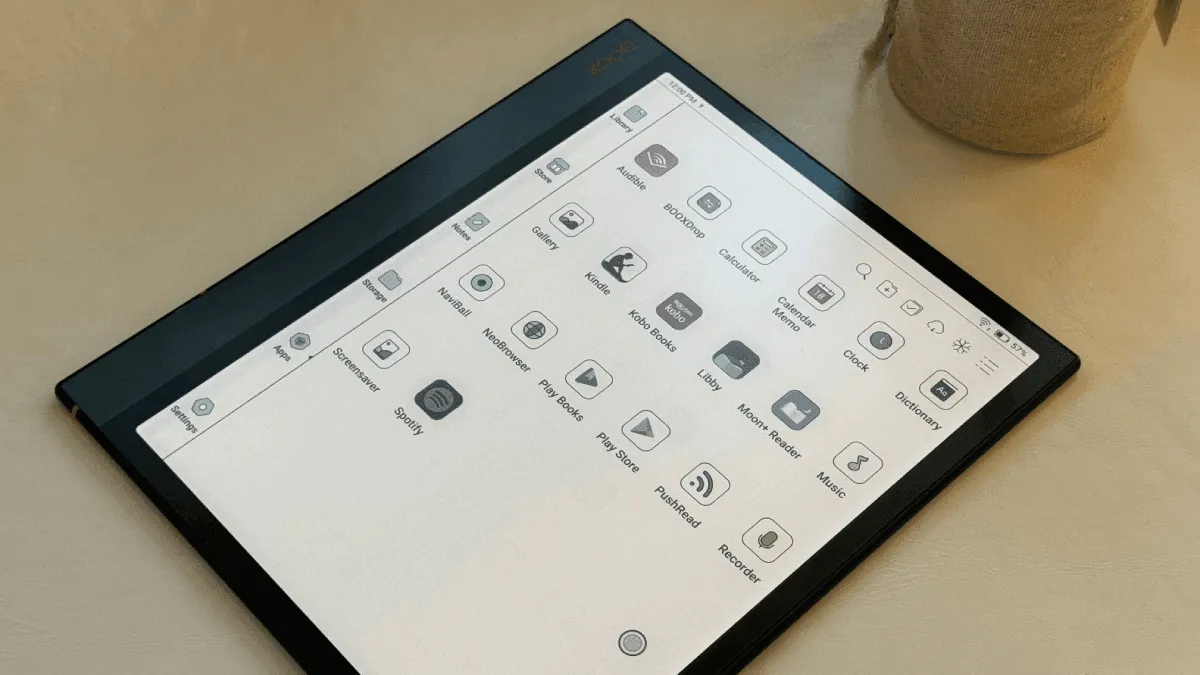
Unlock the full potential of a Boox with these essential android apps for reading, note-taking, and productivity.
How to listen to audiobooks on kindle, kobo, and boox e-readers. which models support bluetooth, how to sideload mp3 audiobooks, audible integration, and a.