
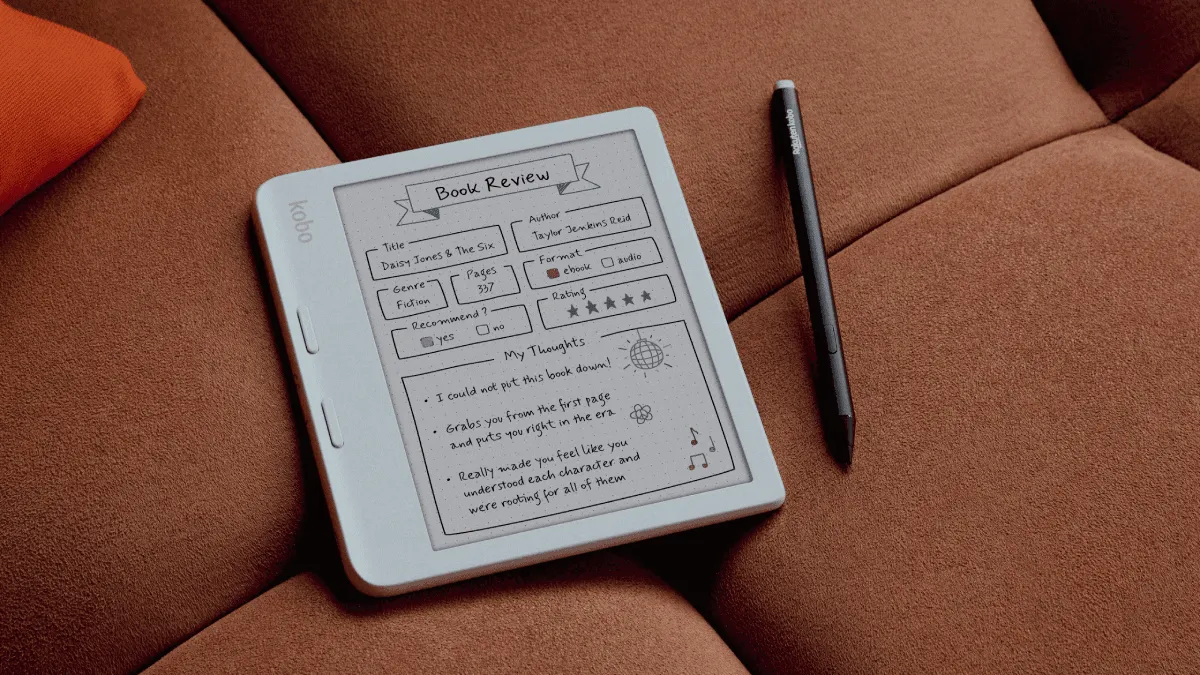
Kobo’s 2026 color e-reader lineup gives you two solid choices at two very different price points, and the decision between them is not just about money. It is about how and where you read. The Clara Colour is a pocketable 6-inch device that brings color to Kobo’s entry-level line. The Libra Colour is a 7-inch reader with physical page-turn buttons and a larger grip, aimed at people who read for hours at a stretch.
Both use the same Kaleido 3 color E Ink panel, which means color quality and resolution are identical. The differences come down to form factor, ergonomics, and a few key features. Here is what you need to know.
Specs at a Glance
| Clara Colour | Libra Colour | |
|---|---|---|
| Screen | 6-inch Kaleido 3 | 7-inch Kaleido 3 |
| Resolution | 300 ppi B&W / 150 ppi color | 300 ppi B&W / 150 ppi color |
| Waterproof | IPX8 | IPX8 |
| Page buttons | No | Yes |
| Battery | 1,500 mAh | 2,050 mAh |
| Weight | 174g | 199g |
| Storage | 16GB | 32GB |
| Price | $159 | $219 |
Size and Portability: Do You Read on the Go?
The Clara Colour is meaningfully smaller than the Libra Colour. At 174g and roughly the size of a mass-market paperback, it disappears into a jacket pocket or a small bag. If you read during your commute, on the subway, or in waiting rooms, the Clara is the more convenient device. You can hold it one-handed indefinitely without fatigue.
The Libra Colour is larger and heavier, but not by much: 199g and roughly the size of a trade paperback. The extra inch of screen real estate is noticeable — you get about 30% more text per page, which means fewer page turns per chapter. For reading at home, on the couch, or in bed, the Libra feels more like a book and less like a phone.
Page-Turn Buttons: The Real Differentiator
The Libra Colour has physical page-turn buttons on the thicker side bezel, and this is the feature that makes people choose it over the Clara. If you have ever tried to turn a page one-handed on a touchscreen e-reader while lying in bed, you know the frustration of reaching your thumb across the screen, blocking your view, and accidentally triggering a menu instead of the next page.
Buttons solve that entirely. With the Libra, your thumb rests naturally on the forward button, and you can read one-handed for hours without moving your grip. The Clara requires tapping or swiping the screen to turn pages, which is fine for two-handed reading but less comfortable for one-handed use.
If you read primarily at home in a chair or bed, the Libra’s buttons are genuinely worth the $60 premium. If you read on the go and hold the device with both hands anyway, the Clara’s touch-only interface is perfectly adequate.
Storage: 16GB vs 32GB
The Clara Colour comes with 16GB of storage, the Libra Colour with 32GB. For text-based books, 16GB is enormous: you can store roughly 12,000 standard EPUBs. For color content like comics and graphic novels, files are much larger (50-200MB each), and 16GB fills up faster. If you plan to build a large comic or manga library on a device, the Libra’s 32GB is the safer choice.
Both devices are waterproof (IPX8), support Bluetooth for audiobooks, and run Kobo’s clean, ad-free software with OverDrive library integration built in.
Screen Quality: Same Panel, Different Experience
Both the Clara Colour and Libra Colour use the Kaleido 3 color E Ink panel, which means the underlying display technology is identical: 300 ppi for black-and-white content, 150 ppi for color. But the larger screen on the Libra changes how you experience that display.
On the Clara’s 6-inch screen, color covers and illustrated pages feel slightly cramped. A full-color graphic novel page rendered at 150 ppi on a 6-inch canvas shows visible color dithering — the dot pattern that creates the color effect is more noticeable at this size. On the Libra’s 7-inch screen, the same content gets 36% more surface area, and the color dithering recedes enough that you stop noticing it after a few pages. For black-and-white text, both are razor-sharp, but the Libra’s larger canvas means fewer hyphenated words at line breaks, which makes for smoother reading flow.
The front light on both devices uses ComfortLight PRO with adjustable color temperature, and I’ve found the Libra’s larger screen distributes light more evenly across the panel. On the Clara, there is a very slight brightness fall-off at the bottom edge near the Kobo logo — not enough to bother most people, but noticeable in a dark room at low brightness. The Libra’s lighting is more uniform edge to edge.
Size and Portability Trade-offs Deep Dive
The weight difference between the two devices is only 25 grams — 174g for the Clara vs 199g for the Libra. On paper, that is negligible. In hand, the difference is amplified by the form factor. The Clara is a symmetrical slab you can palm from any angle. The Libra has an asymmetric design with a thicker grip side that houses the buttons and battery. This grip side makes the Libra dramatically more comfortable for one-handed reading in portrait mode — your fingers wrap around the thicker edge naturally, and the weight distribution shifts toward your palm rather than your fingertips.
The Clara, being symmetrical, works equally well in either hand but requires a more active grip. For two-handed reading — which is how most people read on public transit or at a desk — the Clara is actually more comfortable because you can shift hands freely without reorienting the device. The Libra’s asymmetric design means you’ll want to hold it with the button side, which is optimized for right-handed use (you can flip it 180 degrees for left-handed use, and the screen auto-rotates).
For travel, the Clara wins easily. It fits in a jacket pocket, a small crossbody bag, or the outer pocket of a backpack. The Libra needs a dedicated spot in your bag — it is not pocketable unless you wear cargo pants or a large coat. If your reading happens primarily outside the house, the Clara’s portability advantage is significant. If 90% of your reading is at home, the Libra’s ergonomic advantages outweigh the portability trade-off.
Price Analysis: Is the Libra Worth $60 More?
At $159 for the Clara Colour and $219 for the Libra Colour, the $60 gap is substantial — roughly 38% more. Here is what that extra money buys:
- 1 extra inch of screen: $20. More text per page, less color dithering visible.
- Physical page-turn buttons: $25. The feature that defines the Libra experience.
- Double storage (32GB vs 16GB): $10. Matters for comic and manga libraries.
- Larger battery (2,050 vs 1,500 mAh): $5. Both last weeks; the Libra lasts slightly longer.
If buttons are important to you, the Libra is the only Kobo with them at this size. There is no Clara with buttons. That makes the decision straightforward for button-lovers: pay the $60 or do without. If buttons don’t matter to you and you value portability, the Clara gives you the same color E Ink experience for substantially less money.
For a deeper dive into the Libra Colour’s performance, see our full review of the Kobo Libra Colour. If you are wondering whether color E Ink is worth it at all in 2026, our color E Ink guide breaks down the technology and trade-offs. And for a broader comparison across brands, check our e-reader comparison guide.
Which Should You Buy?
For most people, the Libra Colour is the better device. The 7-inch screen, physical buttons, larger battery, and double storage make it the more pleasant device for extended reading sessions. At $219, it is still reasonably priced for what you get.
Buy the Clara Colour if:
- You read mostly on the go and want maximum portability
- You do not care about page-turn buttons
- You read mostly text-based books and do not need 32GB
- The $60 price difference matters to you
Buy the Libra Colour if:
- You read for long stretches at home and want the most comfortable experience
- One-handed reading is your default position
- You read comics, manga, or illustrated books and want extra storage
- Physical buttons matter to you
Either way, Kobo’s color E Ink is the real deal in 2026, and both the Clara and Libra deliver it at prices that undercut Amazon’s Kindle Colorsoft by a meaningful margin.
Frequently asked questions
Is the Kobo Clara Colour worth the extra cost over the Clara BW?
If you read comics, graphic novels, illustrated books, or content with color charts and diagrams, the Clara Colour is worth the $30 premium. If you only read black-and-white novels and text-based nonfiction, the Clara BW is the better value and has slightly better screen contrast.
Does the Libra Colour have a bigger battery than the Clara Colour?
Yes. The Libra Colour has a 2,050 mAh battery vs 1,500 mAh in the Clara Colour. In practice, both last several weeks of reading, but the Libra Colour lasts roughly 20% longer under the same usage conditions.
Can you use a stylus with the Kobo Clara Colour or Libra Colour?
Neither the Clara Colour nor the Libra Colour supports stylus input. For stylus support on a Kobo, you need the Kobo Sage or Kobo Elipsa 2E, both of which have larger screens and active pen support.