
Zotero and e-reader workflow for academic papers
Set up a seamless Zotero to e-reader pipeline for academic reading. Export PDFs, sync annotations, and read research papers on E Ink without printing.
Content Type
Set up a seamless Zotero to e-reader pipeline for academic reading. Export PDFs, sync annotations, and read research papers on E Ink without printing.
Learn every way to borrow free library ebooks on Kindle, from Libby setup to managing waitlists and multiple library cards.
The physical vs. digital books debate is a false choice. Here's why reading both formats isn't a compromise — it's the smartest way to build a reading life that actually works.
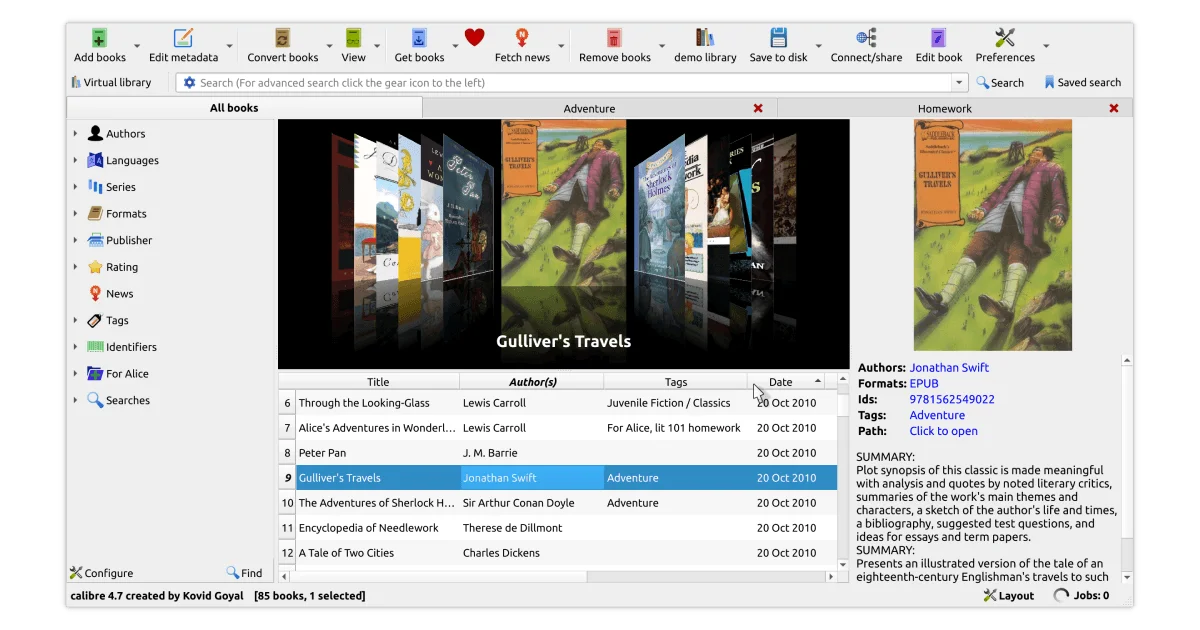
A Calibre library has become a digital hoard. Here is a practical system for organizing thousands of ebooks — tags, virtual libraries, metadata, and automa.
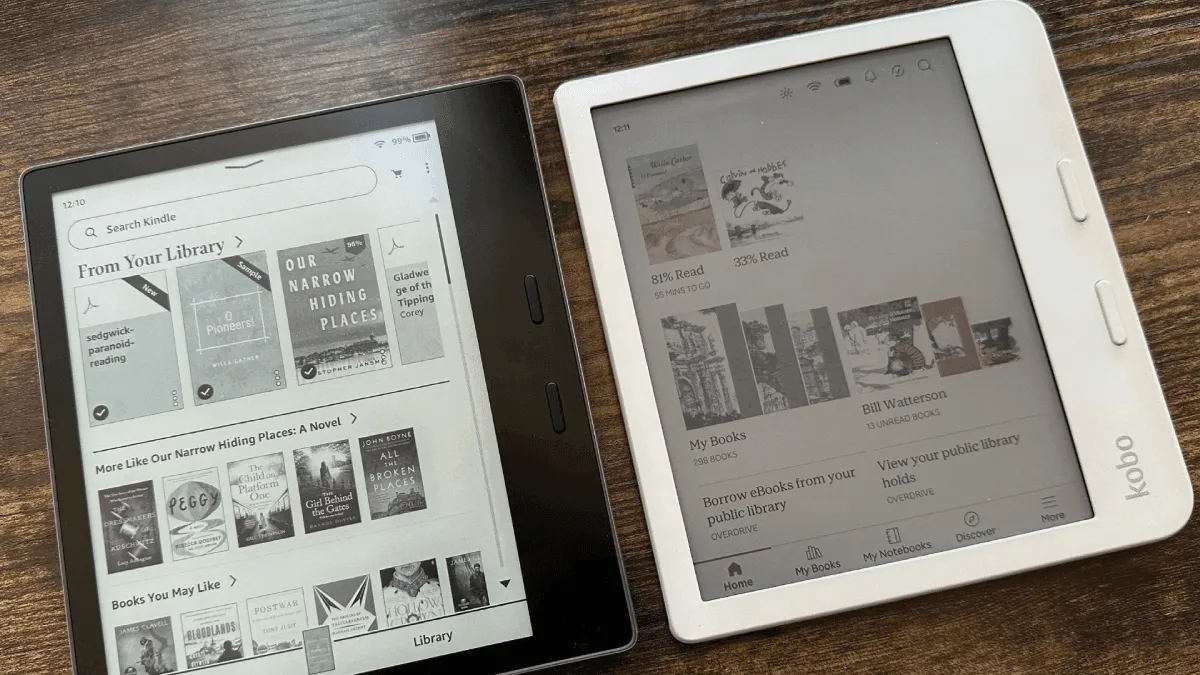
After a decade in Amazon's ecosystem with 80+ books, I broke free. Here's what triggered the switch to Kobo, the freedom of EPUB, the library integration game-changer, and the things I genuinely miss about Kindle.
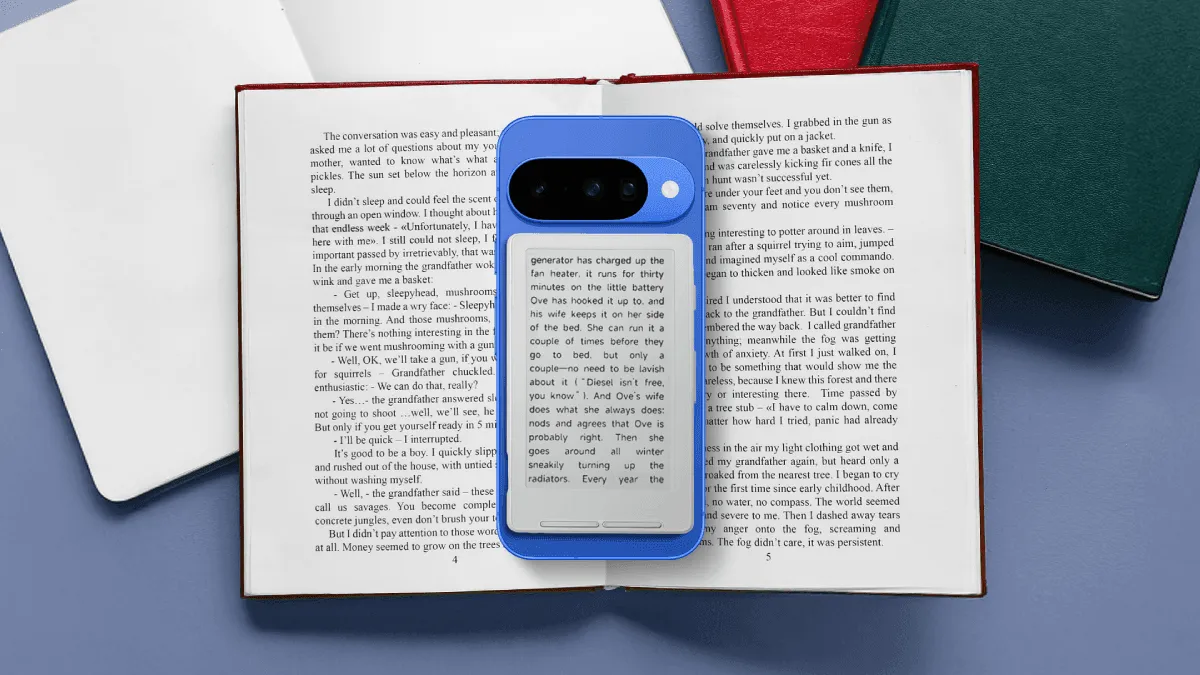
A phone can do everything an e-reader can — technically. But after two hours of reading on each, the difference isn't about features. It's about what reading feels like when nothing else can interrupt you.

E-readers are excellent for readers with low vision — large fonts, text-to-speech, high contrast, and other accessibility features.
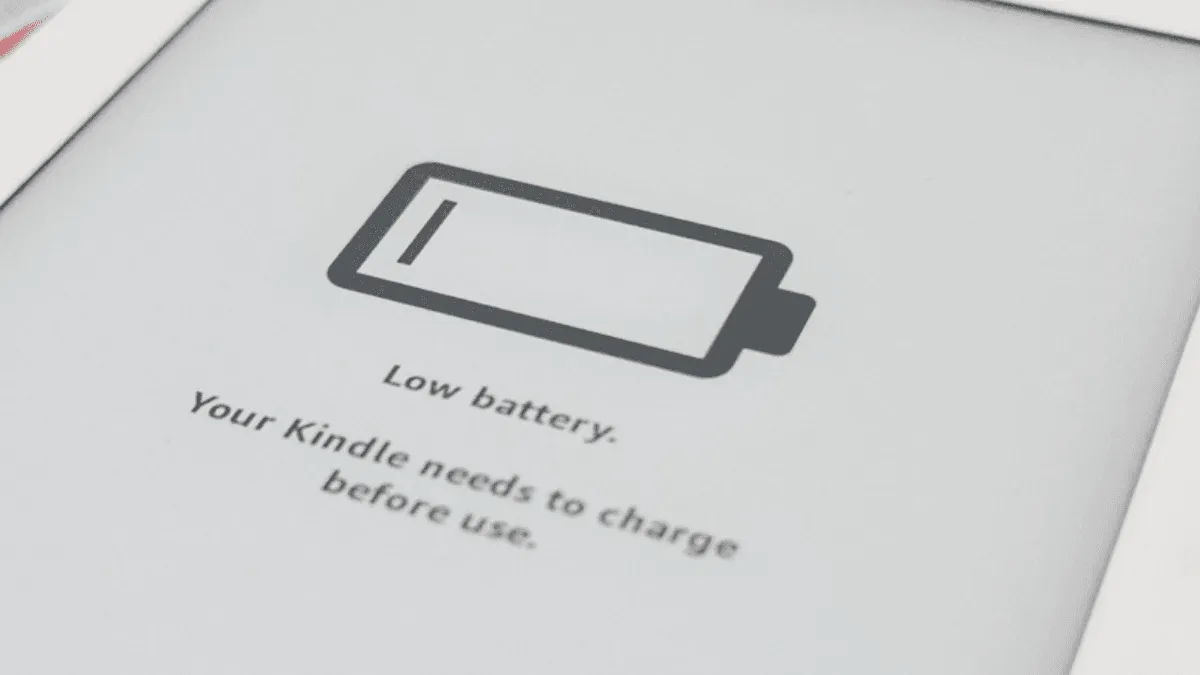
Keep a Kindle, Kobo, or Boox in perfect condition for years. How to safely clean the screen, protect the battery, and prevent common damage on every e-read.
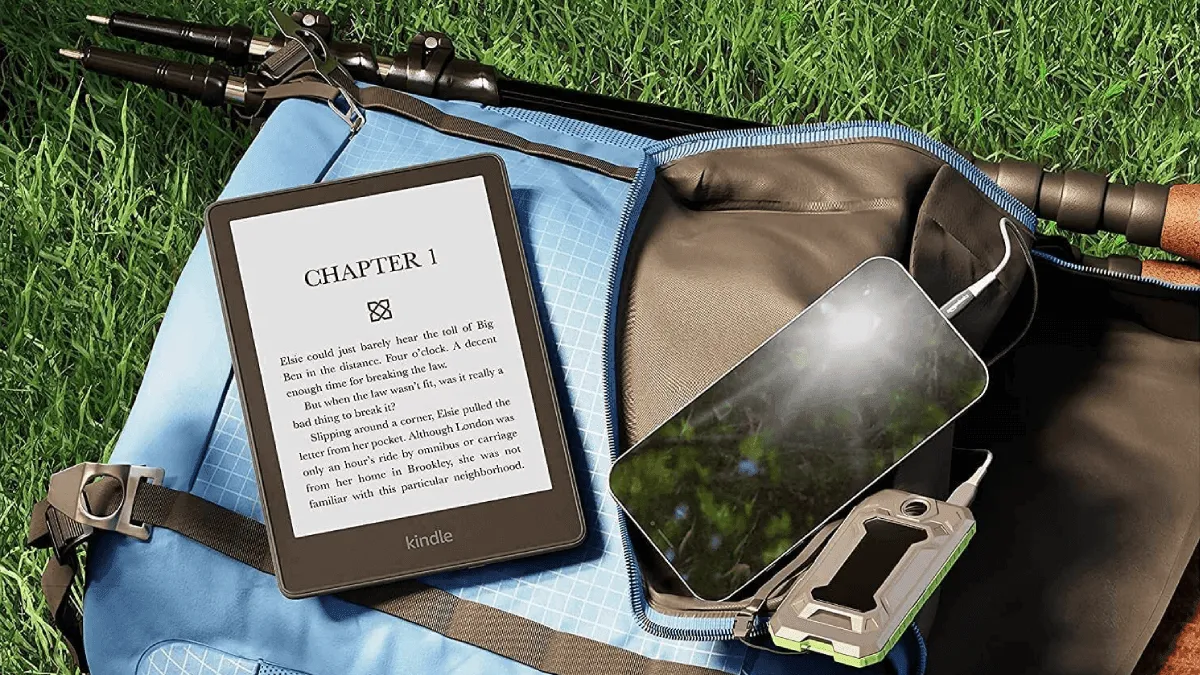
The ultimate guide to taking an e-reader on vacation — packing tips, offline reading, and device recommendations for travelers.

The best fonts and settings for dyslexic readers on Kindle, Kobo, and Boox. Science-backed recommendations for OpenDyslexic, Atkinson Hyperlegible, and more.
comparing Kindle cloud, Kobo sync, and Boox cloud options — plus Calibre backup strategies and exporting highlights to Readwise and Notion.
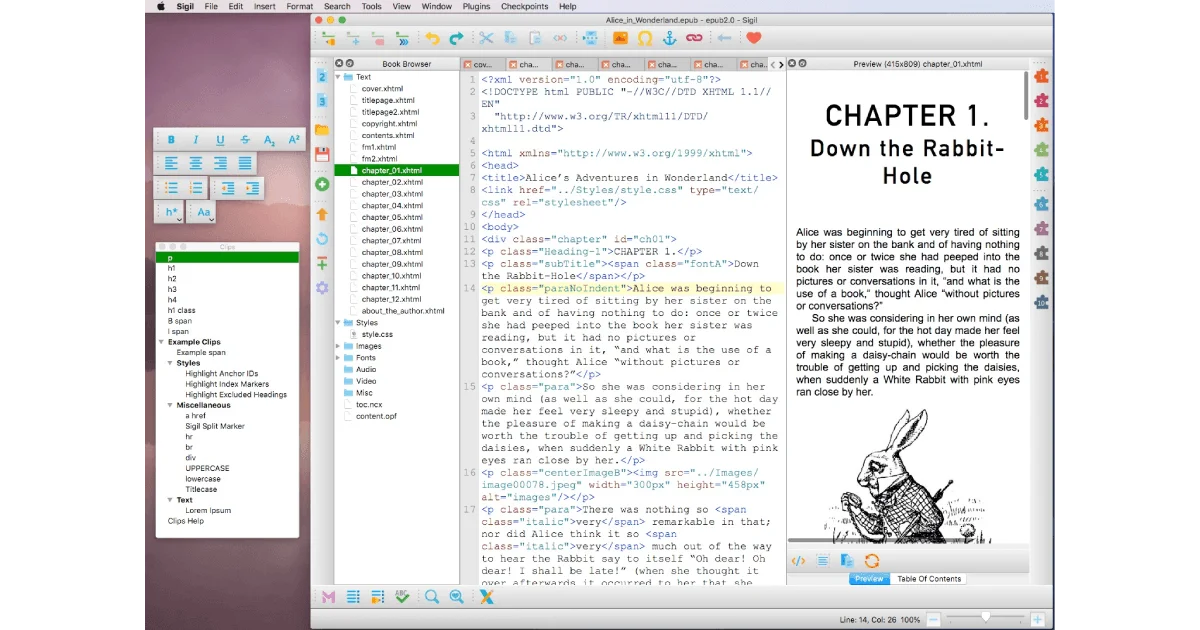
Sigil is the best free epub editor. learn how to download, install, and use it to create and edit professional ebooks.
Step-by-step guide to transferring a ebook files to kindle, kobo, boox, pocketbook, and more — no store required.
Every way to get books and documents onto a Kindle — email, app, usb, and browser extensions.
Turn a Kindle into a morning newspaper. Set up automatic RSS-to-Kindle delivery using Calibre, IFTTT, or a free hosted service.
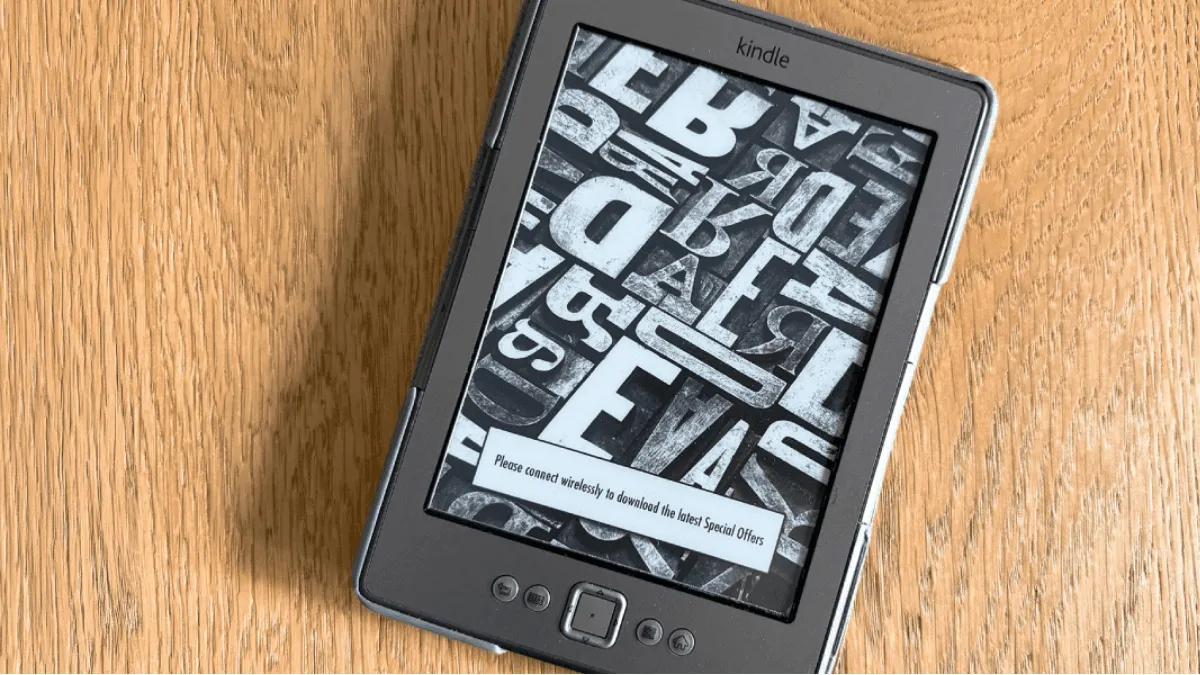
An old e-reader doesn't belong in a drawer. Turn it into a weather dashboard, a Pomodoro timer, a digital photo frame, or a wall-mounted family calendar. No jailbreak needed for most projects.
EPUB is the universal ebook format but not all e-readers support it natively. Learn how to sideload EPUBs to Kindle, Kobo, Boox, PocketBook, and reMarkable.
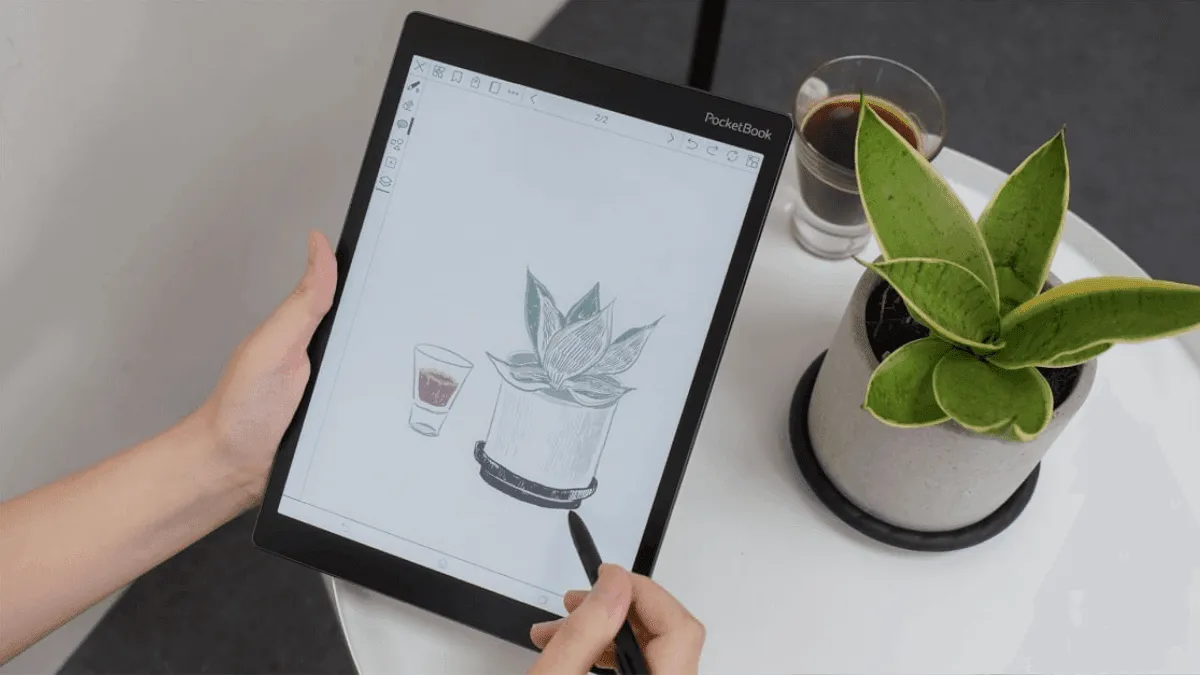
Just got a pocketbook? here's how to set it up — from initial configuration to loading the first books.
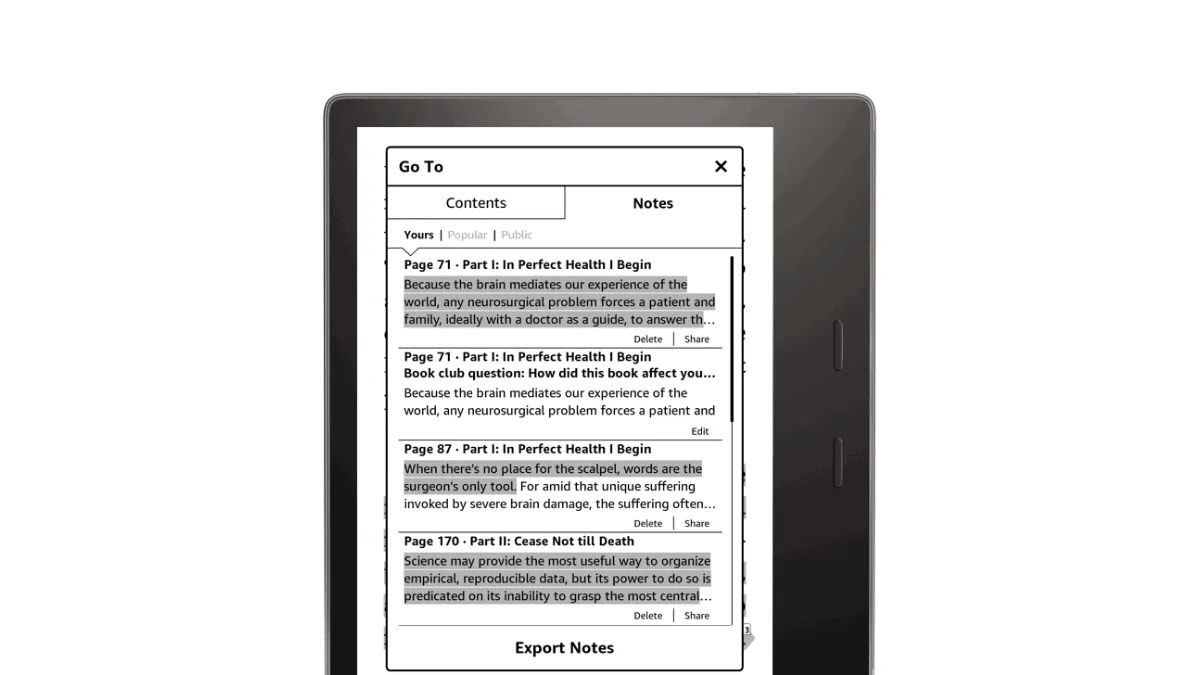
Automatically export a Kindle highlights and notes to Notion, Obsidian, or any Markdown note-taking app.
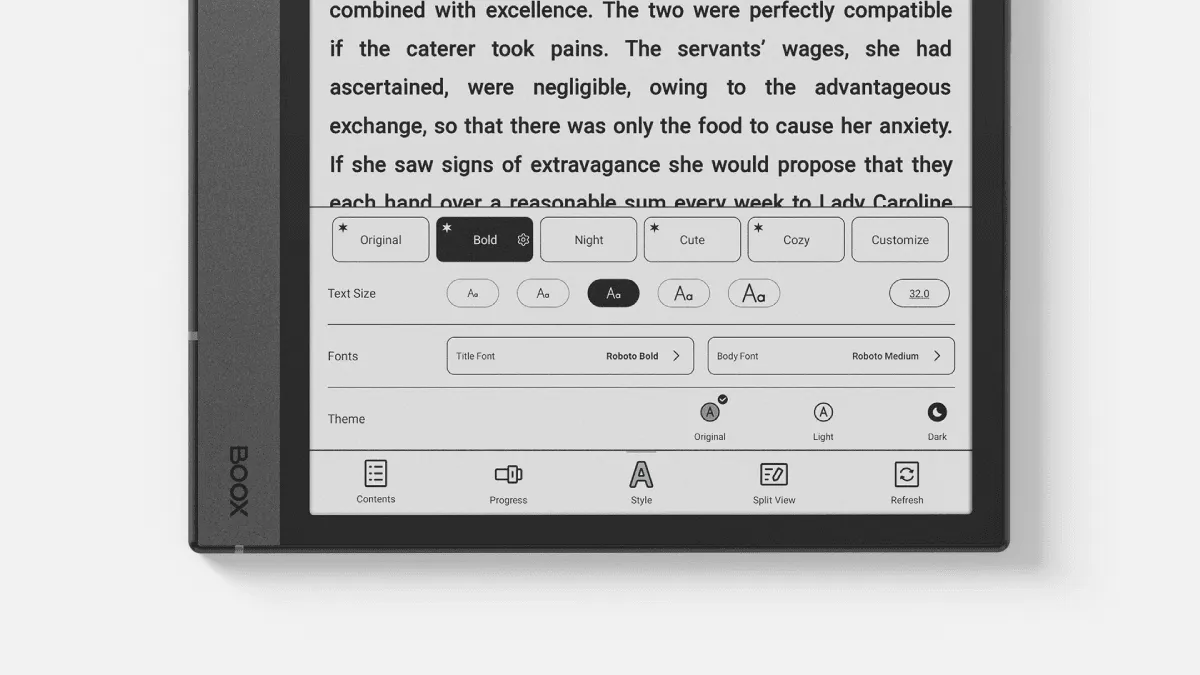
Unlock the full power of boox's built-in reading app neoreader — handle pdfs like a pro with advanced tools.
Step-by-step guide to borrowing free ebooks with libby — works with kindle, kobo, and other e-readers.

Use an e-reader as a language learning tool — built-in dictionaries, vocabulary builders, and bilingual reading strategies.
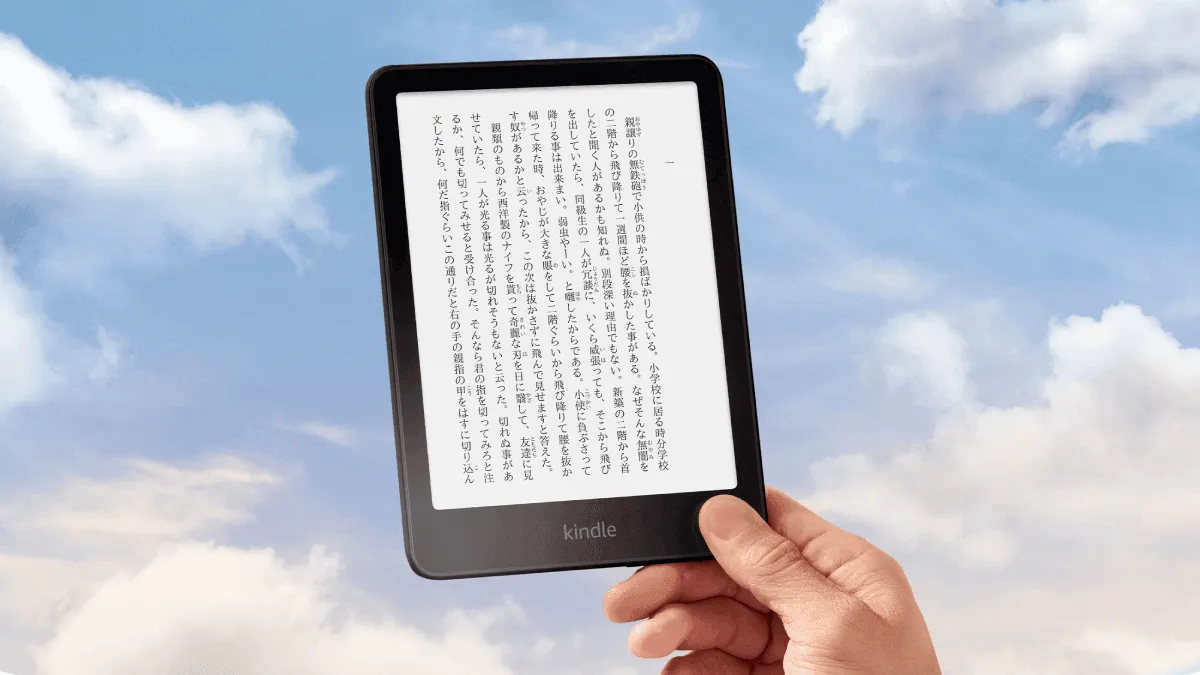
Turn a Kindle into a language learning machine. Set up Japanese-English dictionaries, install graded readers, and use Vocabulary Builder to remember every.
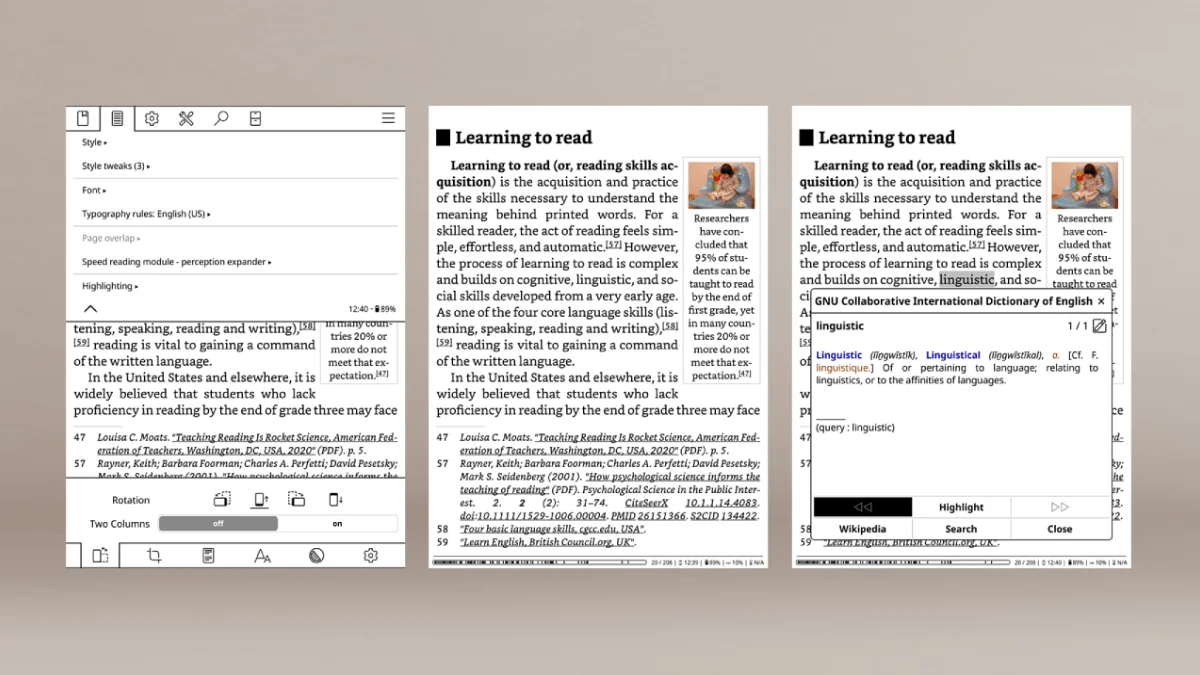
Install KOReader on a jailbroken Kindle — a powerful open-source reading app with PDF reflow, reading stats, plugins, and wireless Calibre sync.
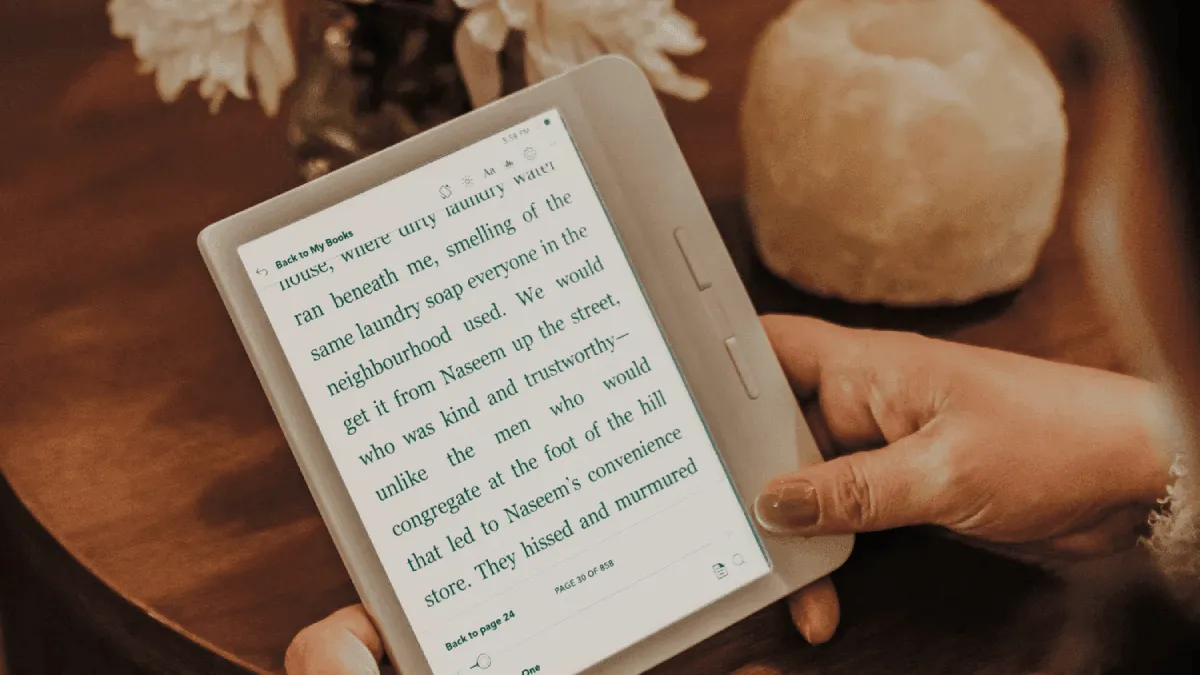
Kobo's built-in reading stats are surprisingly detailed — pages turned, hours read, reading streaks, and book completion rates.
Complete guide to updating Kobo e-reader firmware — automatic and manual methods, latest version history, and changelog.
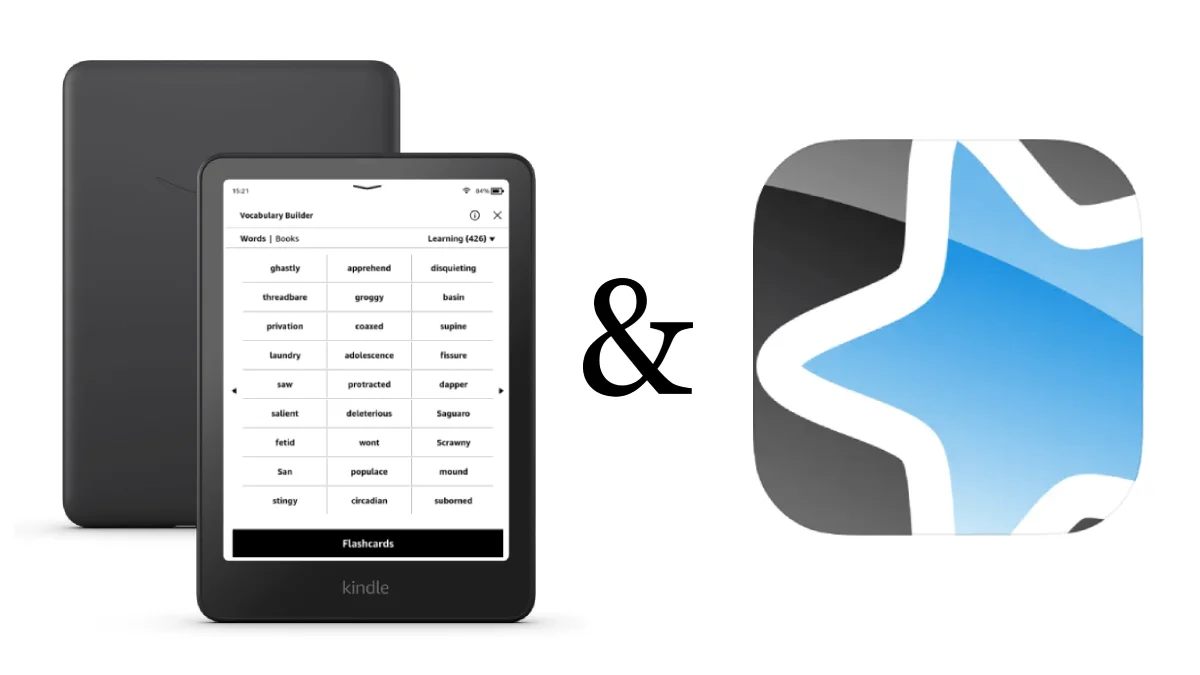
Turn Kindle Vocabulary Builder into a serious language learning tool. Export words to Anki, create custom flashcard decks, and build a daily review habit t.
Organize a library with collections, share books with family, sync reading across devices with Whispersync, use Goodreads integration, and master highlight.
Export a Kindle highlights to Notion, Obsidian, Readwise, or plain text. Covers the My Clippings file, email export, and third-party tools like Clippings.
Customize a Kindle's fonts, layout, and reading settings for the most comfortable reading experience.
Step-by-step guide to updating Kindle firmware. includes the latest version history, download links, and what's new in each update.
The specific settings, tweaks, and habits that turned my Kindle from a book-store-front into a focused reading machine.
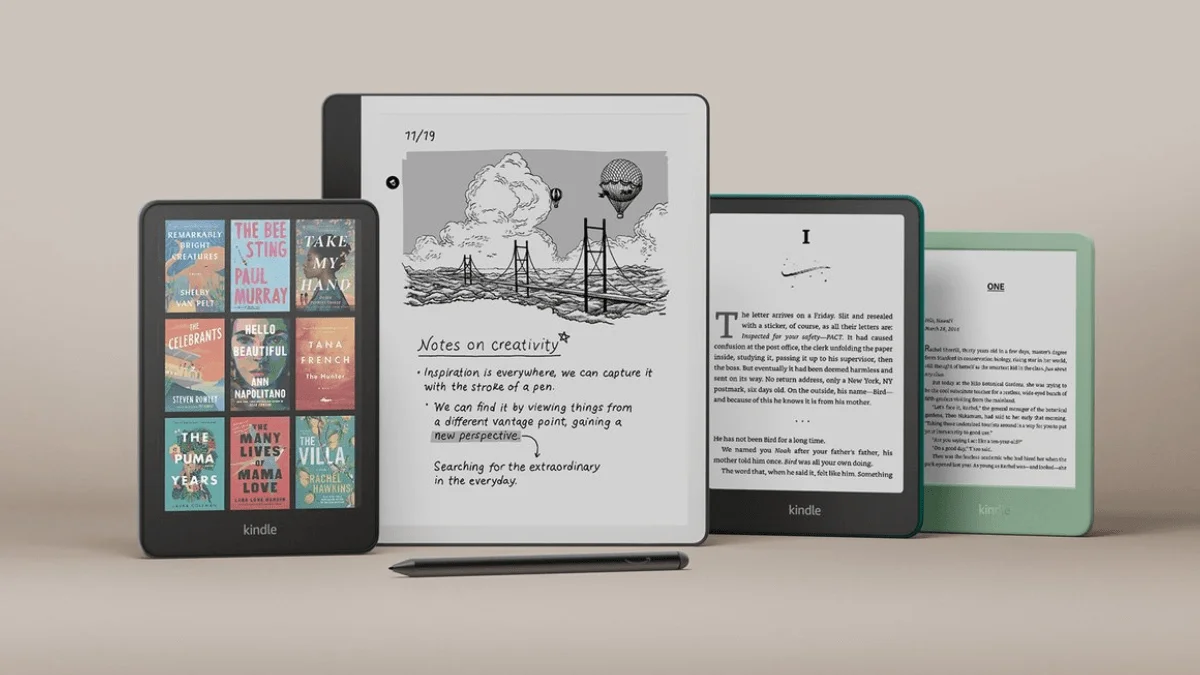
Replace Kindle ads and generic screensavers with a images. Step-by-step guide for jailbreak and non-jailbreak methods, including the book-cover-as-screensa.

Are e-readers good for children? the best kid-friendly models, parental controls, and tips to encourage reading.
Install custom fonts on any e-reader brand. Step-by-step guides for Kindle, Kobo, Boox, and PocketBook — plus the best free fonts and OTF vs TTF compatibil.
Practical strategies to build a daily reading habit using an e-reader. Covers reading goals, habit tracking, reading multiple books at once, and tools to k.
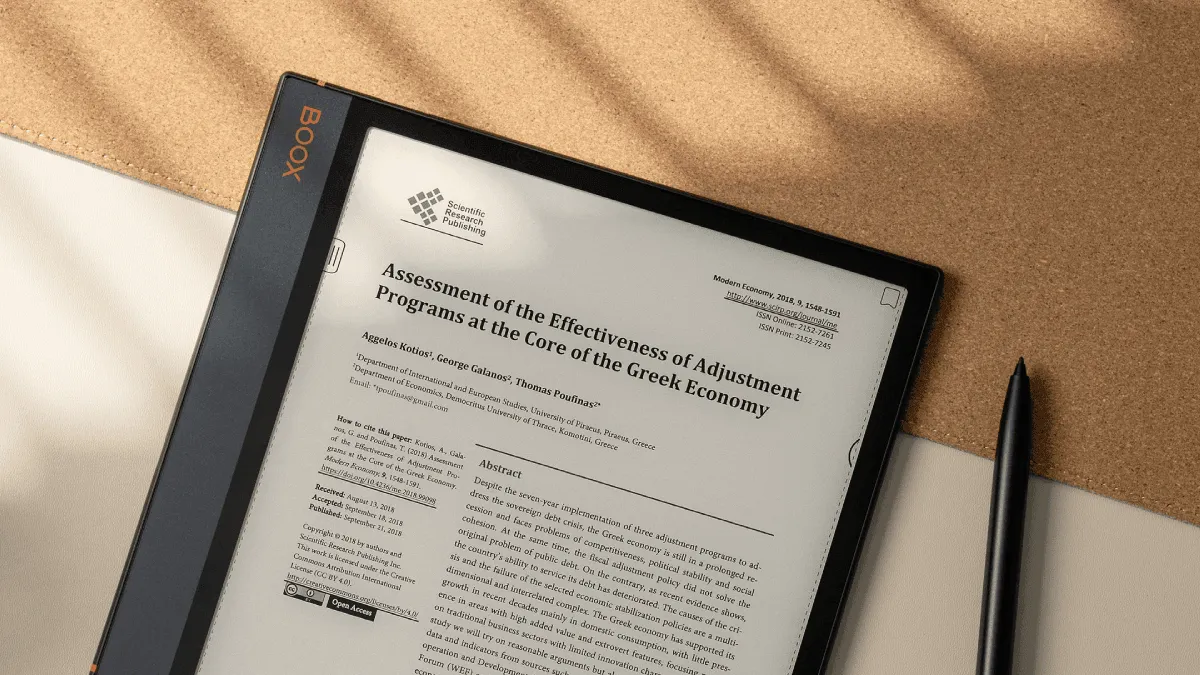
How to use an e-reader as a productivity tool — annotate pdfs, organize research, and manage work documents.
how to maximize value when upgrading — Amazon's trade-in program, selling on eBay and Swappa, and which old devices still hold their value.
Struggling to choose an e-reader as a gift? here's how to match the perfect device to any reader.
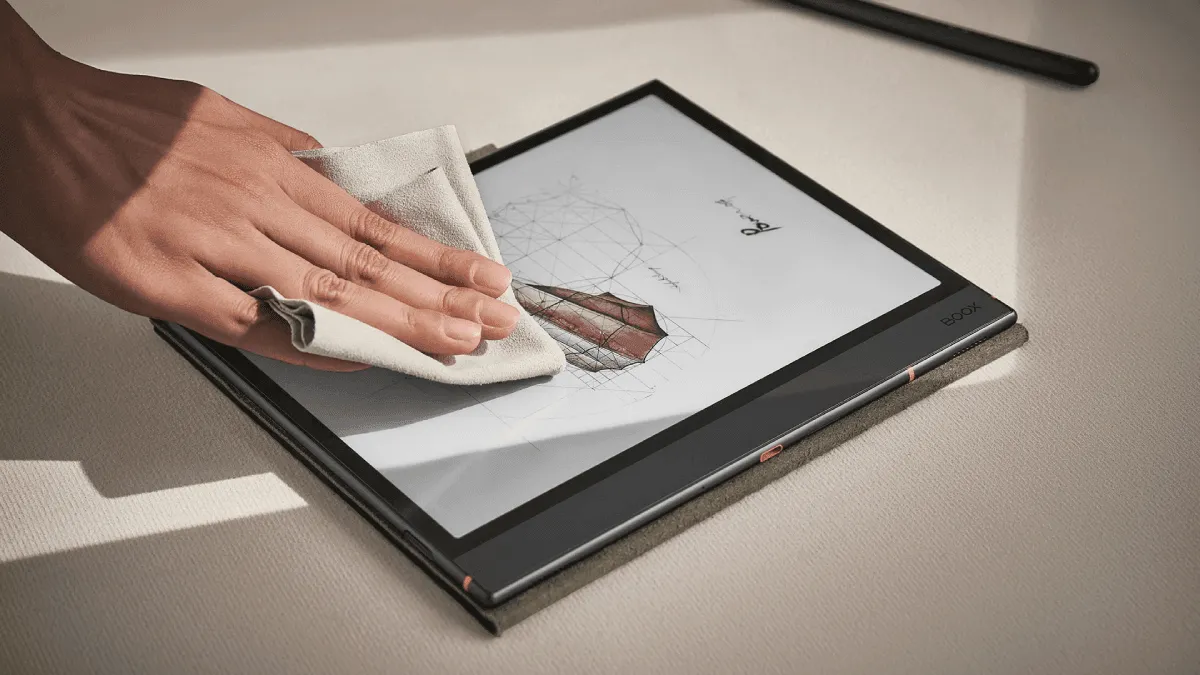
E-ink screens are fragile and expensive to replace. Learn exactly how to clean smudges, prevent scratches, and protect a Kindle or Kobo screen from daily w.
Go beyond basic Calibre usage. Master advanced metadata editing, batch conversion, regex search-and-replace, format-specific settings, and automation for l.
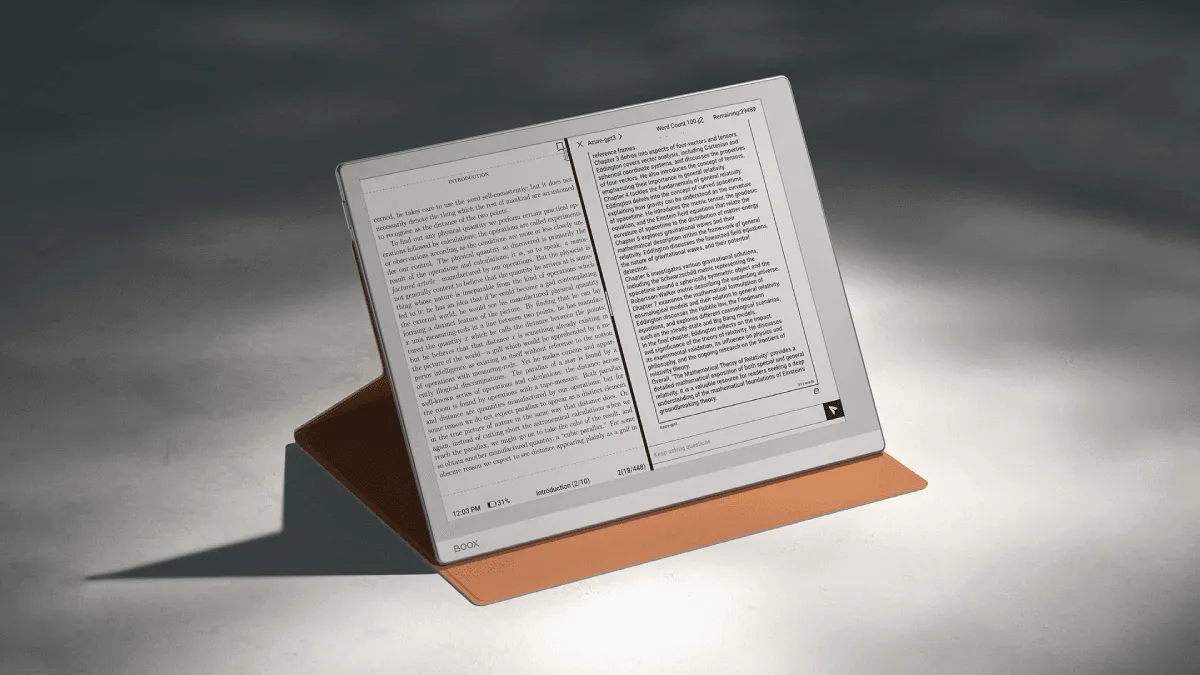
Master a Boox e-reader: Android apps, root access, split-screen multitasking, and advanced optimization tips.'s split-screen feature — read a book on one side, take notes on the other. perfect for research and study.
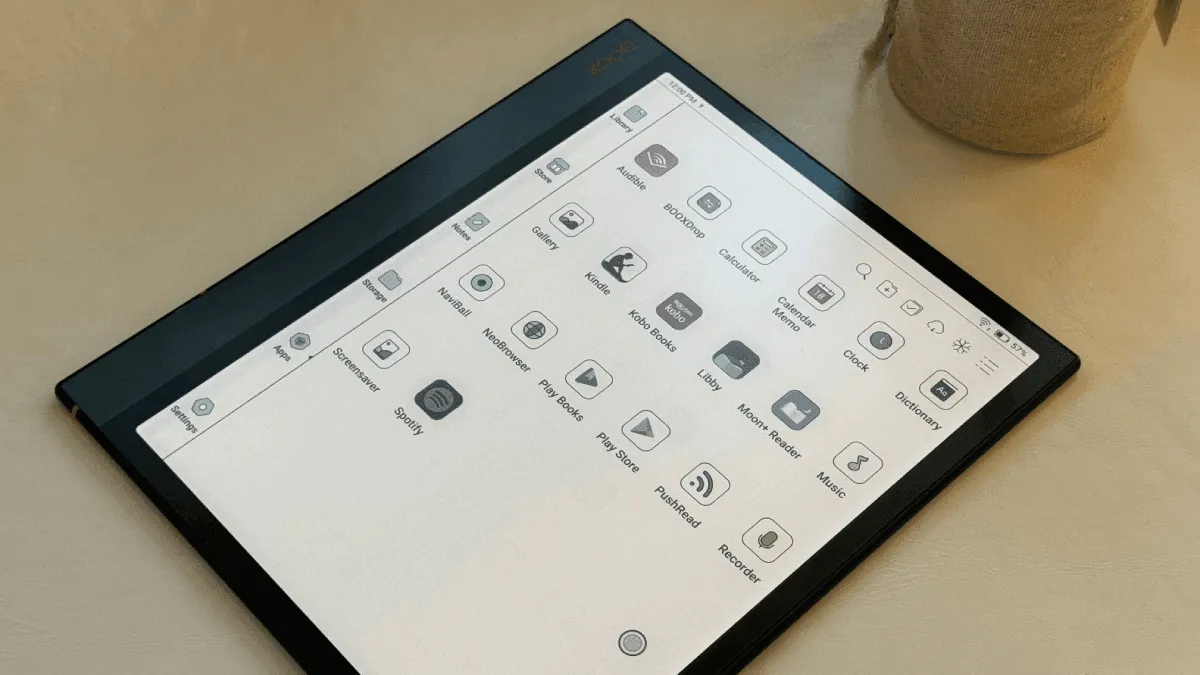
Unlock the full potential of a Boox with these essential android apps for reading, note-taking, and productivity.
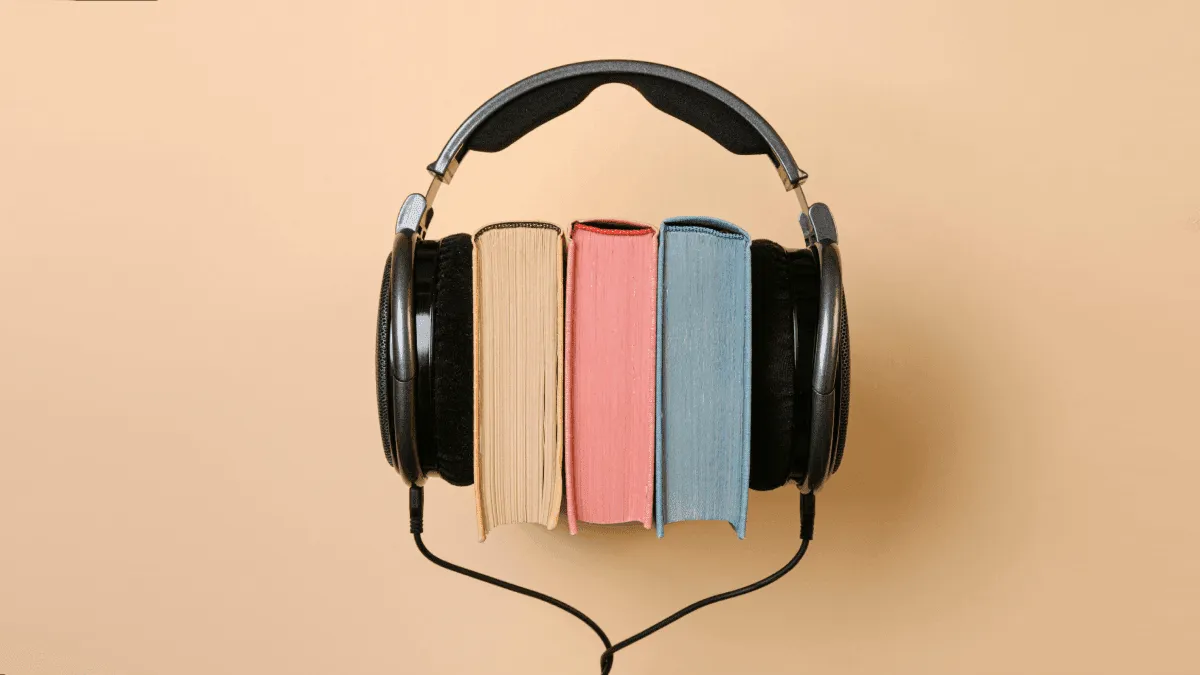
How to listen to audiobooks on kindle, kobo, and boox e-readers. which models support bluetooth, how to sideload mp3 audiobooks, audible integration, and a.

Use AI to summarize chapters, translate passages, and explain complex concepts while reading on a Kindle or Kobo.