
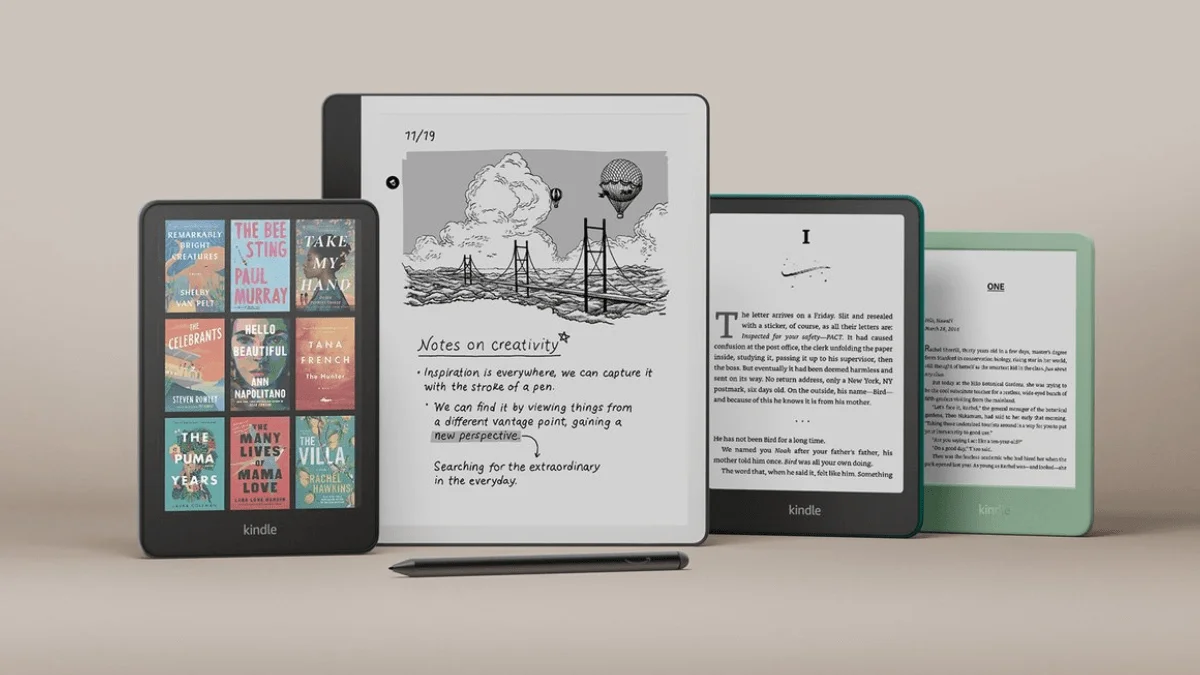
How I Configured My Kindle for Distraction-Free Reading
The specific settings, tweaks, and habits that turned my Kindle from a book-store-front into a focused reading machine.
The specific settings, tweaks, and habits that turned my Kindle from a book-store-front into a focused reading machine.
Replace Kindle ads and generic screensavers with a images. Step-by-step guide for jailbreak and non-jailbreak methods, including the book-cover-as-screensa.
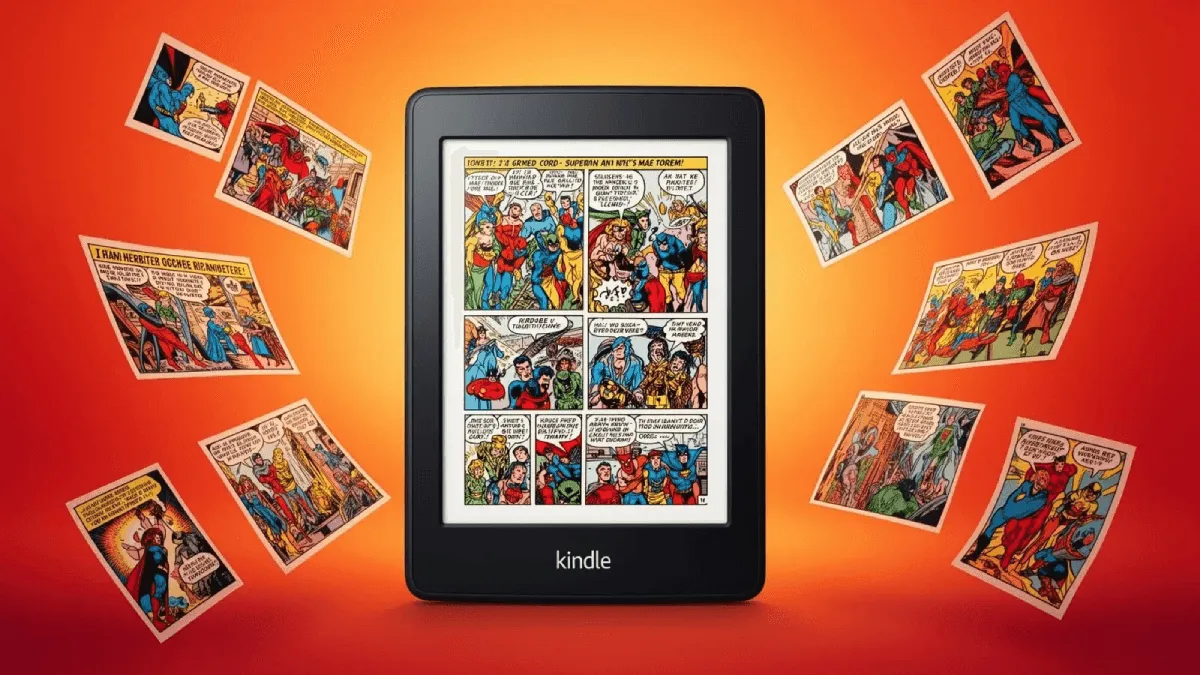
Kcc converts cbr, cbz, and image folders into epub or mobi optimized for e-ink screens — with panel splitting and grayscale conversion.
Kindle has hidden cheat codes built right into the search bar. Type ;dm, ;urst, ;shpm, and ~ds to debug a stuck indexer, check storage, or restart the UI i.

If a Kindle's lockscreen shows generic art instead of the current book cover, here are the fixes for ad-supported devices, sideloaded books, and sync issues.

Are e-readers good for children? the best kid-friendly models, parental controls, and tips to encourage reading.
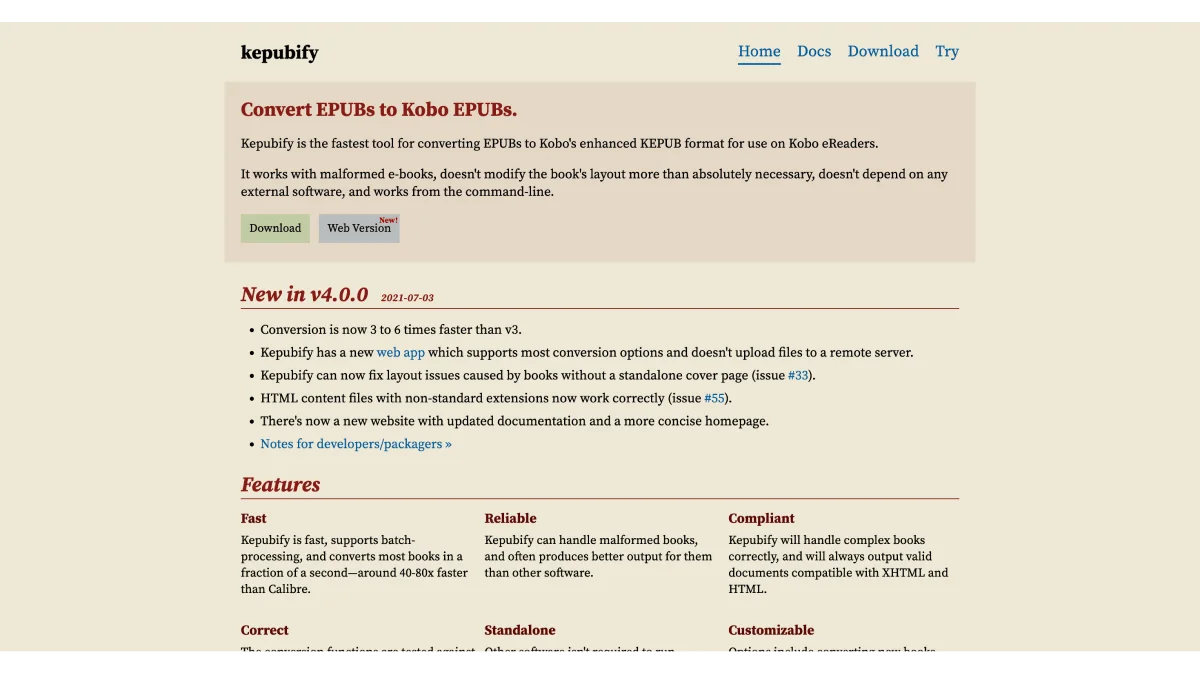
Kepub is kobo's optimized ebook format — faster page turns, reading stats, and better font handling. kepubify converts epubs in seconds.
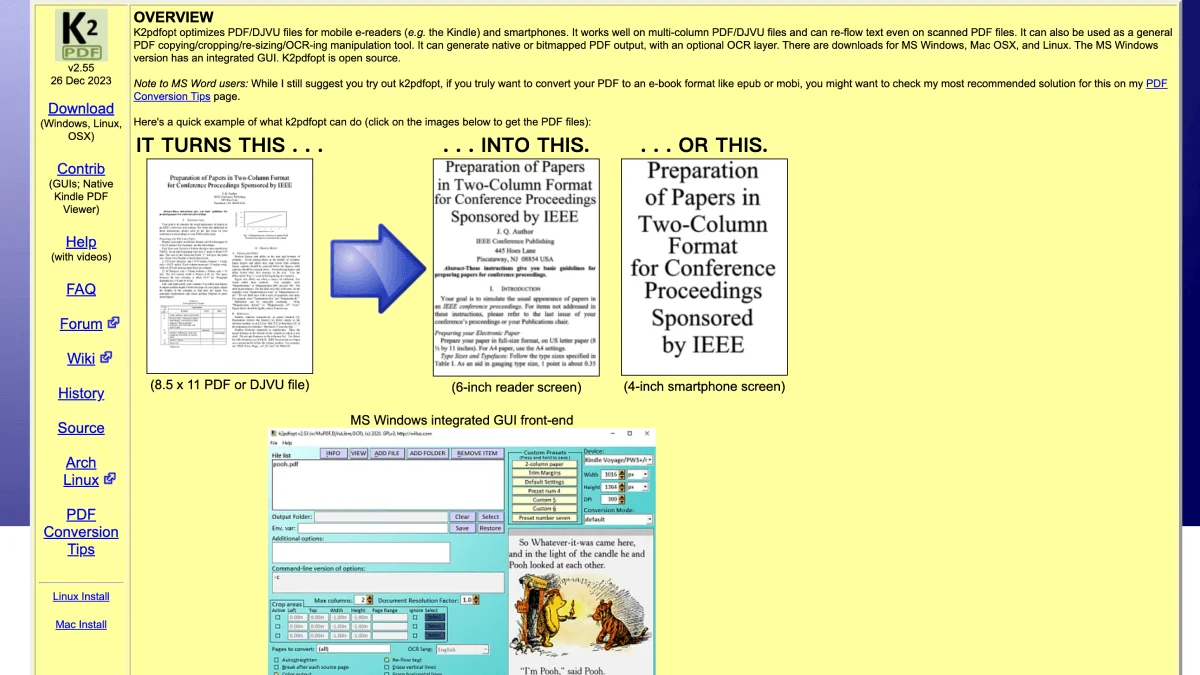
K2pdfopt optimizes pdfs for small e-reader screens — reflow columns, crop margins, ocr scanned pages, and more.
Install custom fonts on any e-reader brand. Step-by-step guides for Kindle, Kobo, Boox, and PocketBook — plus the best free fonts and OTF vs TTF compatibil.
Practical strategies to build a daily reading habit using an e-reader. Covers reading goals, habit tracking, reading multiple books at once, and tools to k.
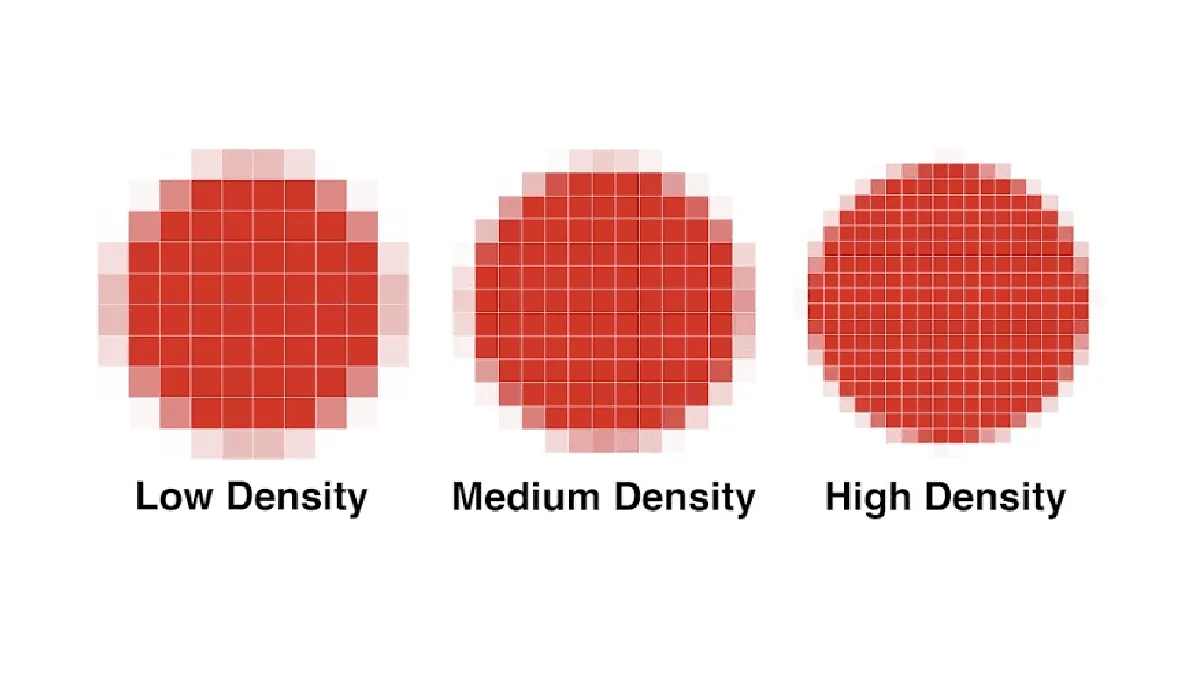
Complete glossary covering E Ink technology, PPI, refresh rates, front light temperature, sideloading, and common e-reader terms.
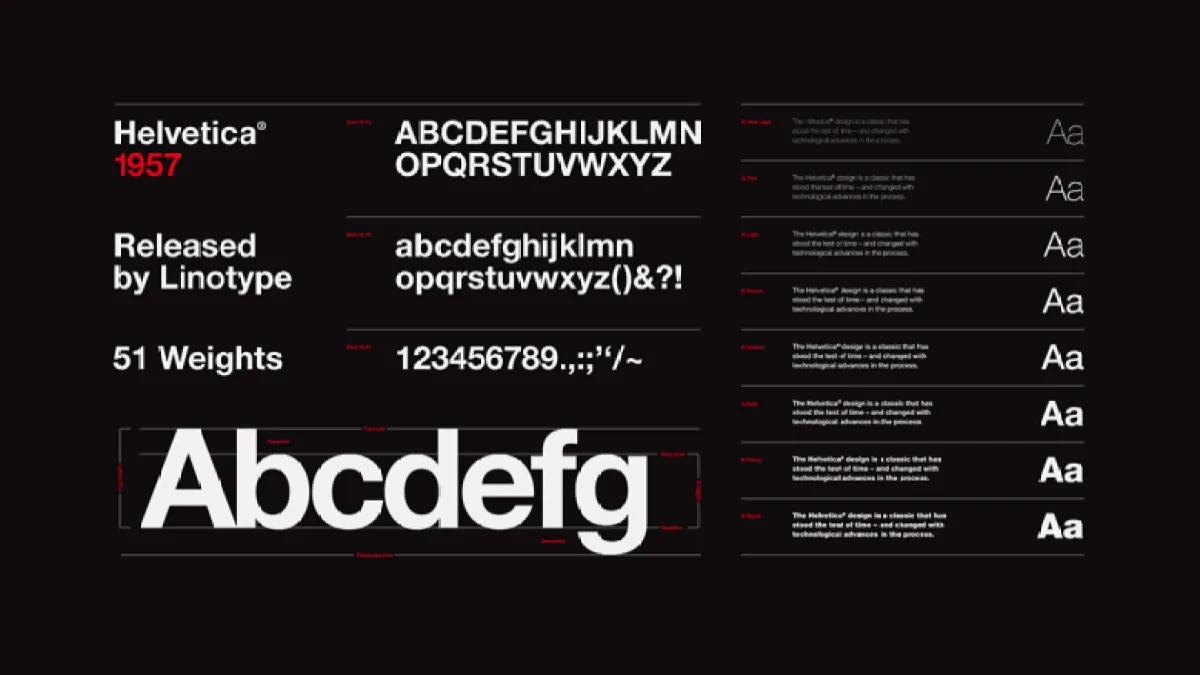
The definitive collection of free fonts for kindle, kobo, boox, and pocketbook — serif, sans-serif, specialty fonts with download links and recommendations.
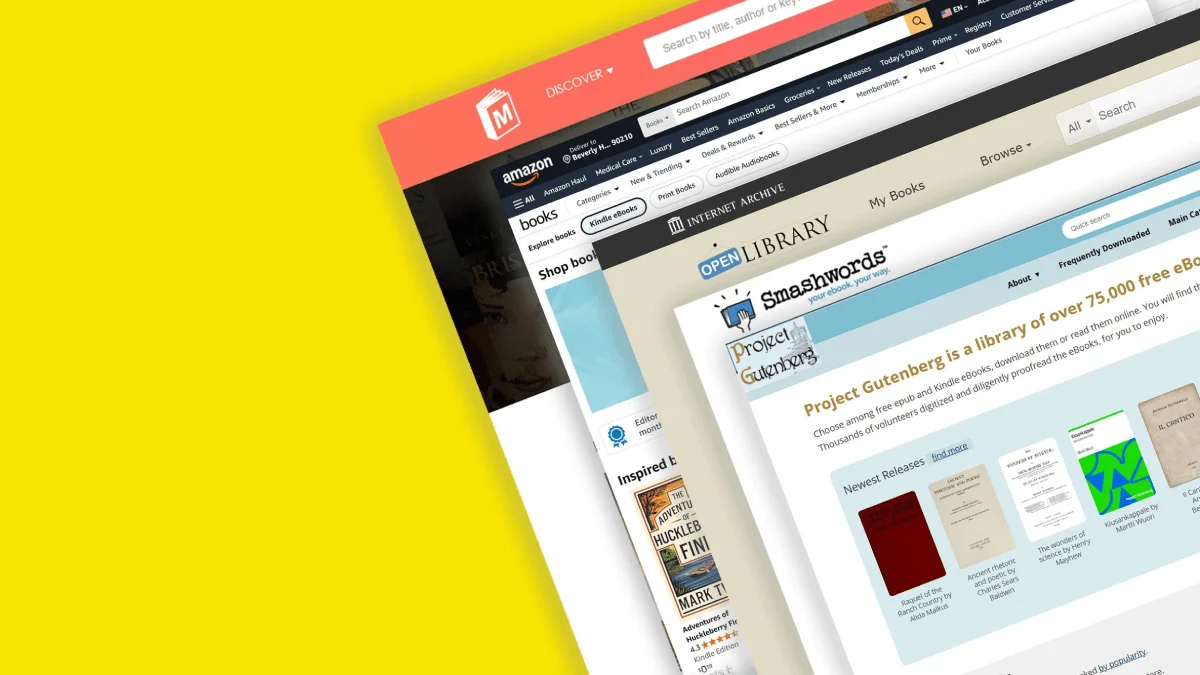
Complete directory of 50+ legal free ebook sites organized by category: public domain classics, contemporary freebies, academic texts, comics, audiobooks.

Step-by-step guide to fixing Kindle ebook covers that show as blank or generic thumbnails using the free Fix Kindle Ebook Cover tool.
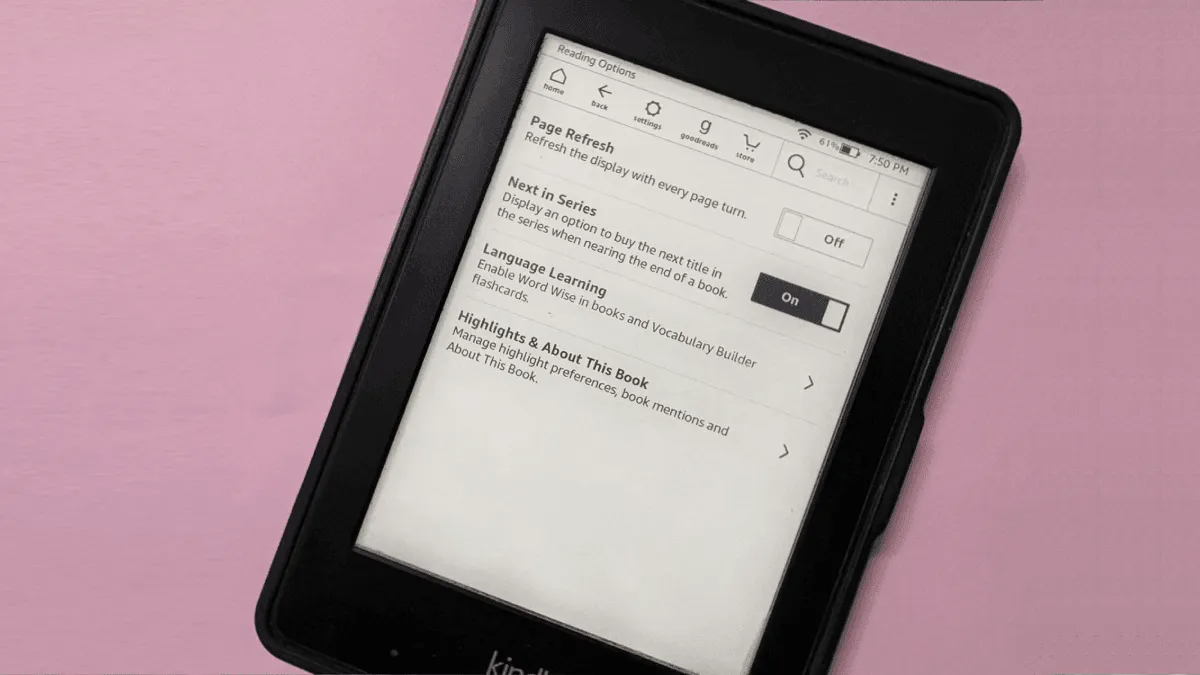
E Ink ghosting is when faint traces of previous pages remain visible. Learn why it happens, how to minimize it with settings, and how to clear it on Kindle.
The only ebook tools you really need: Calibre for library management, Sigil for editing, Kindle Comic Converter, Send to Kindle, and KOReader for advanced.
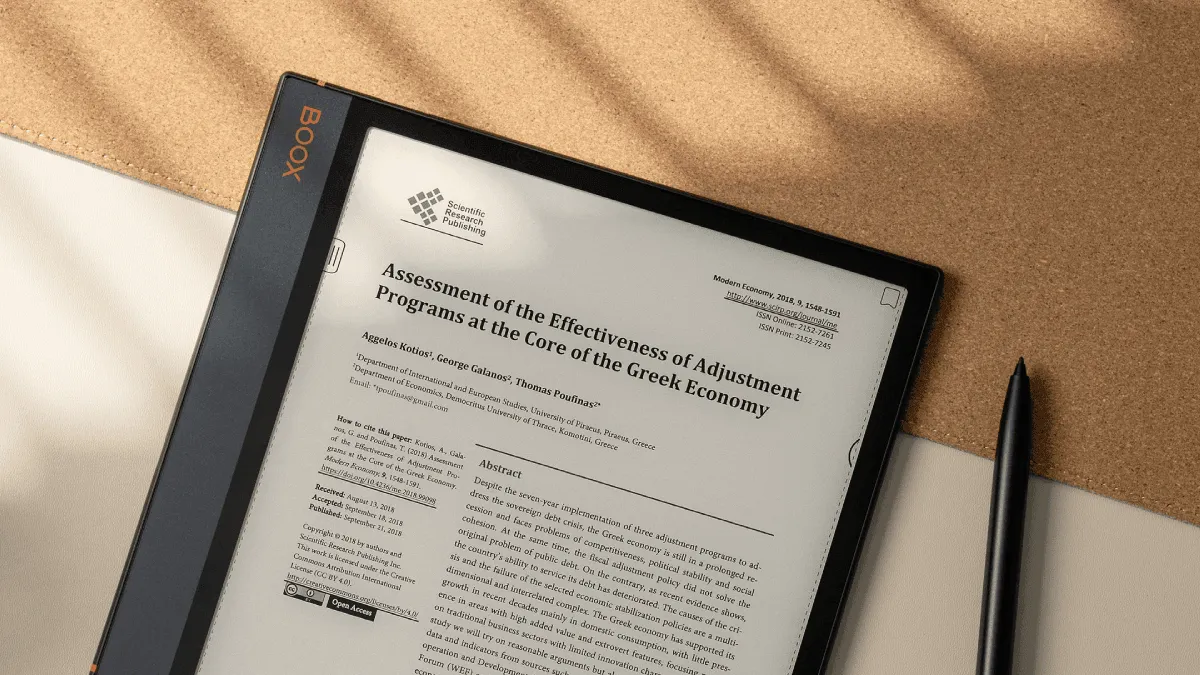
How to use an e-reader as a productivity tool — annotate pdfs, organize research, and manage work documents.
Step-by-step fixes for Kindle, Kobo, Boox, and PocketBook Wi-Fi problems. 2.4GHz vs 5GHz, router settings, firmware issues, and when to factory reset.
comparing Kindle, Kobo, Boox, reMarkable, and PocketBook warranties — standard coverage, extended options, and what accidental damage actually means.
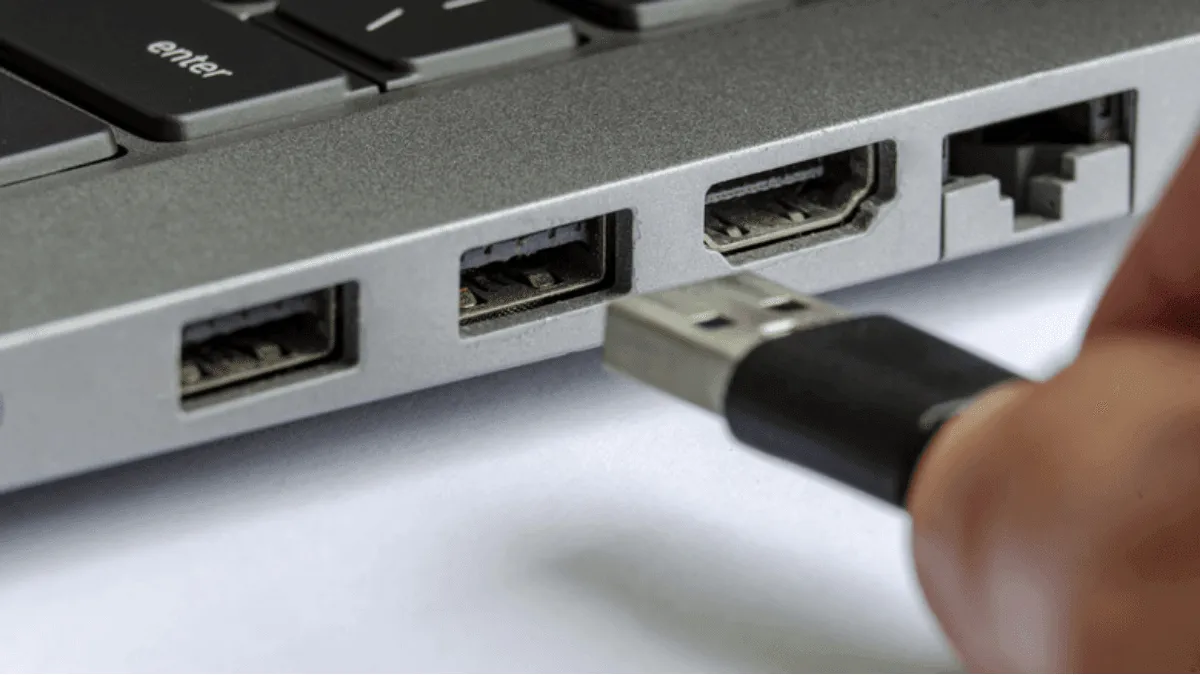
When a computer won't recognize an e-reader over USB, try these fixes — from cable issues to driver problems to device-specific solutions for Kindle, Kobo, and Boox.

Quick fixes for the most common e-reader problems — frozen screens, battery issues, sync failures, and more.

how to maximize value when upgrading — Amazon's trade-in program, selling on eBay and Swappa, and which old devices still hold their value.
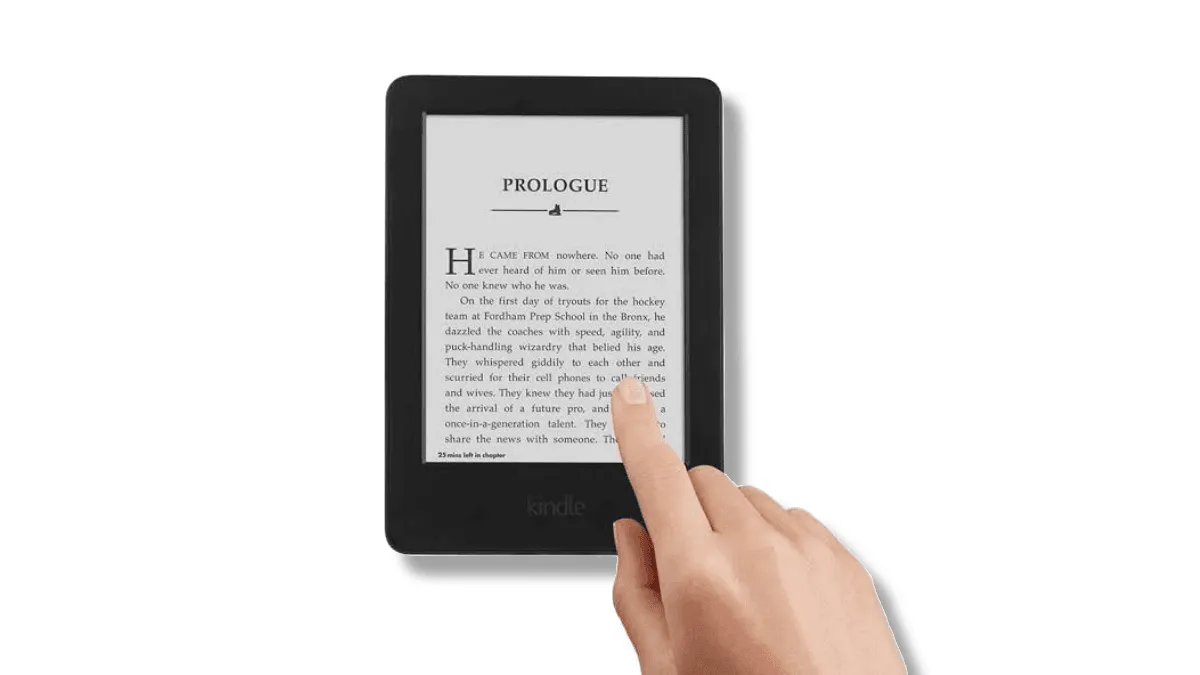
Is an e-reader touchscreen not registering taps accurately, missing touches, or registering phantom input?

A cross-brand comparison of tools across kindle, kobo, boox, and pocketbook — calibre, cloud sync, desktop apps, file transfer, and more.

If an e-reader became sluggish after sideloading a batch of books, it's likely stuck indexing corrupted files. Here's how to identify and fix indexing issues.

Is an e-reader screen showing a yellow tint, uneven backlight, or warmer tones on one edge? Here's how to diagnose and fix common frontlight issues on Kindle, Kobo, and Boox.
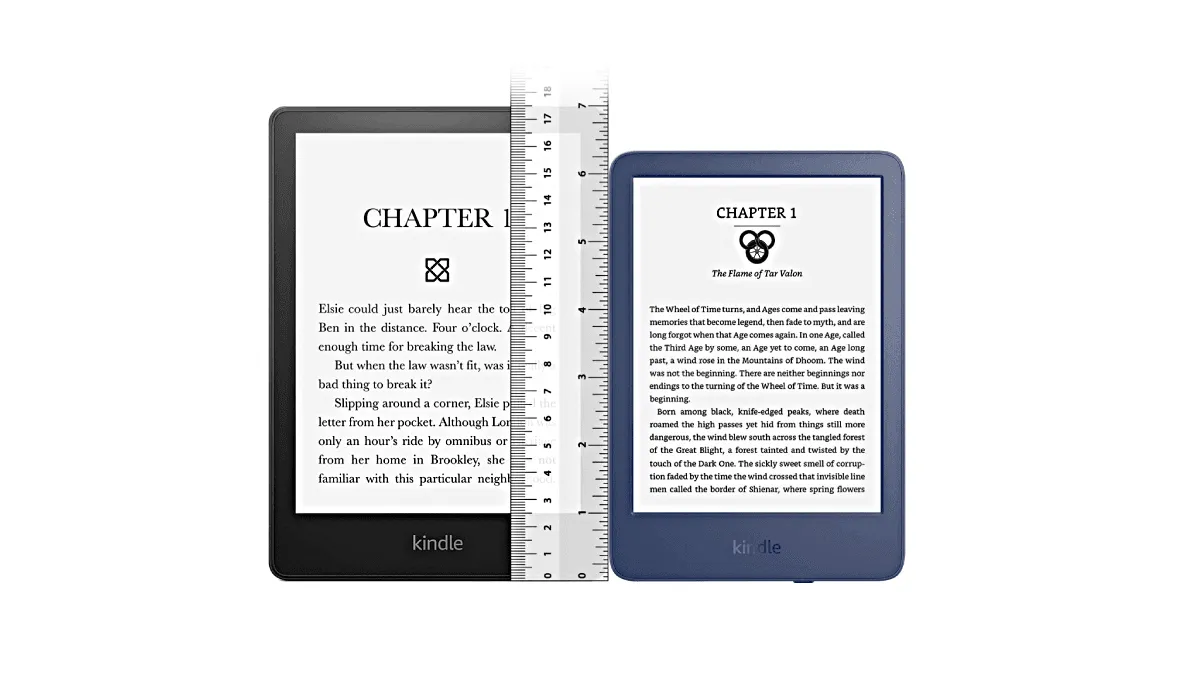
Does screen size matter for e-readers? Compare 6-inch, 7-inch, 8-inch, and 10-inch displays — how portability, reading comfort, and use cases change with e.
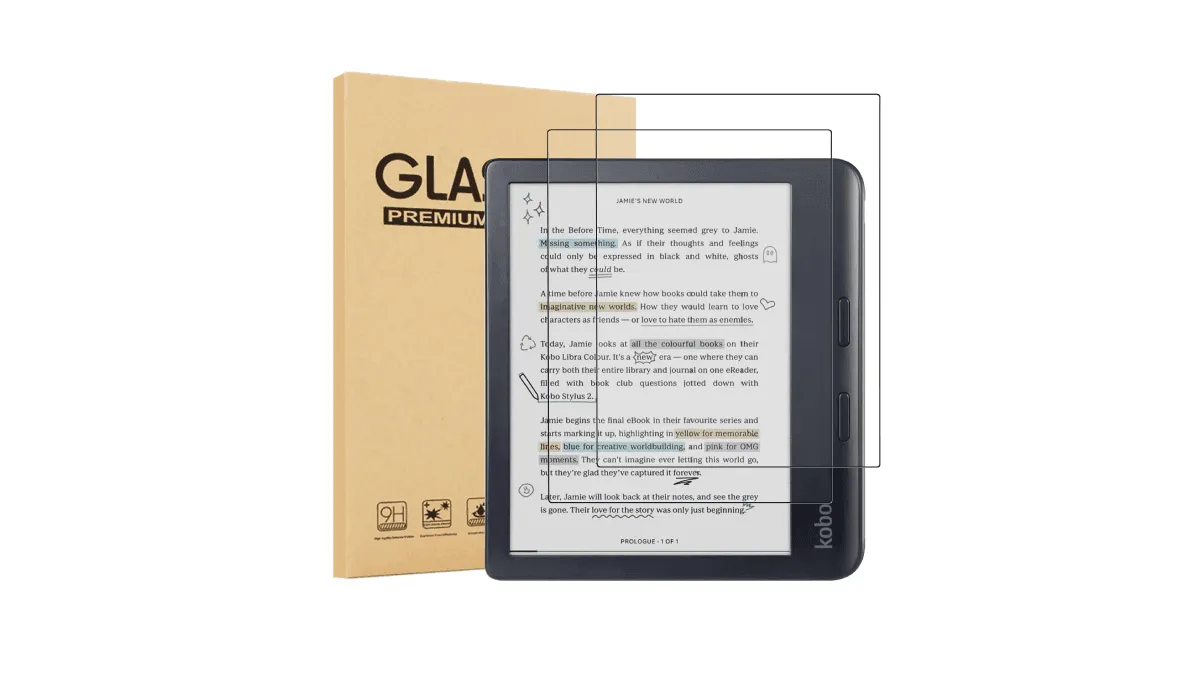
Should you put a screen protector on an e-reader? we test matte, glossy, and tempered glass options for every brand.

a side-by-side look at return windows, restocking fees, and refurbished warranties — plus tips for testing a new device within the return period.
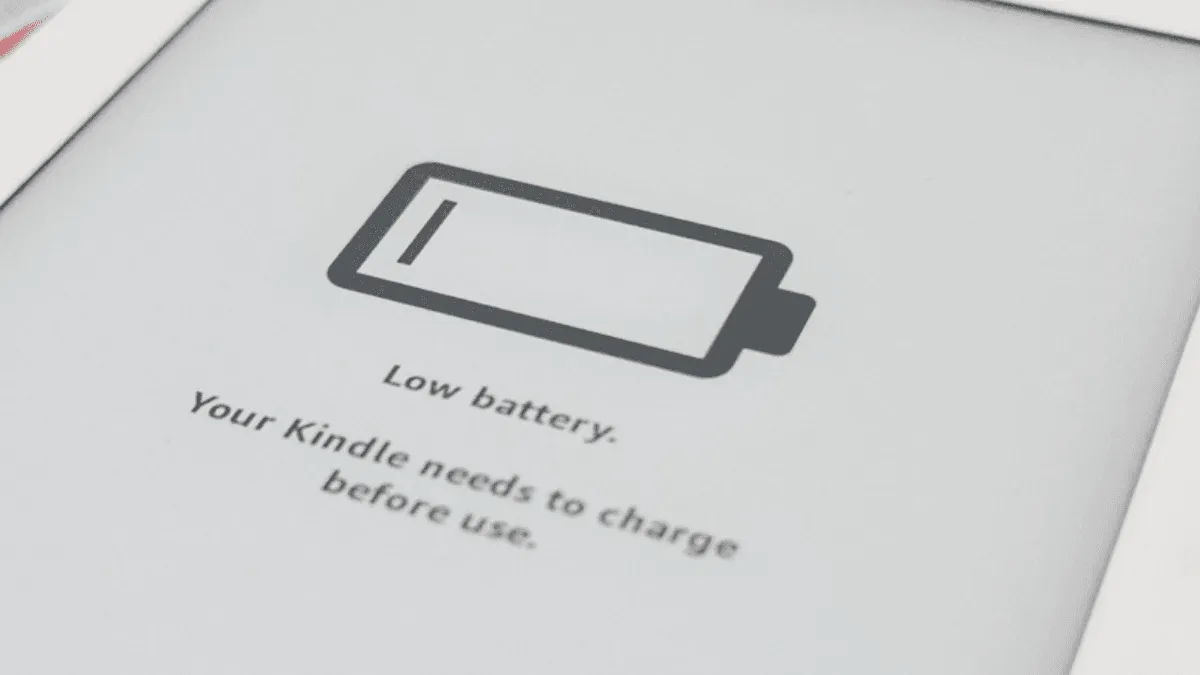
Keep an e-reader running for years — proper battery charging, screen cleaning, storage, and troubleshooting tips.