
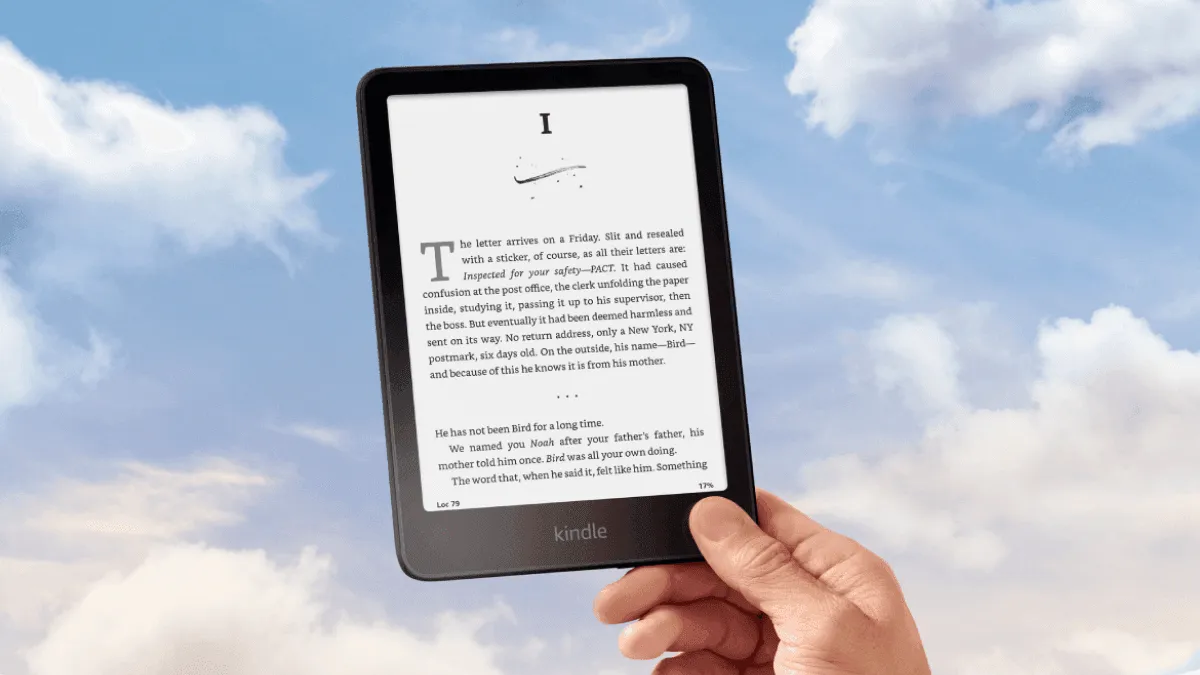
Amazon sells two 6-inch Kindles at two different price points, and the naming is not helpful. The Kindle Basic ($99) and Kindle Paperwhite ($149) use the same 300 PPI E Ink panel, but the $50 gap buys you features that significantly change the reading experience. Here is how to decide.
Quick Comparison
| Feature | Kindle Basic (11th Gen) | Kindle Paperwhite (12th Gen) |
|---|---|---|
| Screen | 6” E Ink, 300 PPI | 6.8” E Ink, 300 PPI |
| Warm Light | No (white only) | Yes (adjustable amber) |
| Waterproof | No | IPX8 (2m, 60 min) |
| Storage | 16 GB | 16 GB |
| Weight | 158g | 205g |
| Battery | 6 weeks | 10 weeks |
| USB-C | Yes | Yes |
| Price | $99.99 | $149.99 |
The $50 Difference: What You Actually Get
The spec sheet lists five differences. Three of them matter daily. Two you will never notice.
Warm Light: The Biggest Quality-of-Life Upgrade
The Kindle Basic has white LEDs only. You can dim them, but you cannot change the color temperature. If you read in bed or in a dim room at night, that white-blue light hits your eyes the same way a phone screen does — it signals “daytime” to your brain and makes falling asleep harder.
The Paperwhite’s warm light shifts the LEDs toward amber, matching the color of an incandescent bulb or candlelight. At its warmest setting, the screen looks like aged paper under a reading lamp. After using both for months, I consider warm light the single most important feature difference between the two devices. Nighttime reading on the Basic feels like staring at a backlit screen. On the Paperwhite, it feels like reading a paperback under a warm lamp.
If you read before bed more than once a week, the Paperwhite is worth the extra $50 for the warm light alone.
Waterproofing: Insurance, Not a Feature
The Basic is not waterproof. A single splash from a water bottle, a drop into the bath, or reading by the pool with wet hands can kill the device. The Paperwhite carries an IPX8 rating — it survives 60 minutes in 2 meters of fresh water.
You may think “I never read near water.” But poolside vacations, hotel bathtubs, rainy bus stops, and leaky water bottles in a backpack are all ordinary parts of life. Waterproofing is insurance. You hope you never need it, but when you do, it saves a $150 device.
Screen Size: Bigger Is Not Always Better
The Paperwhite’s 6.8-inch screen shows roughly 20% more text per page than the Basic’s 6-inch screen. Fewer page turns per book, less thumb movement. The trade-off: the Paperwhite weighs 47g more (205g vs 158g), and its larger body is harder to hold one-handed for long sessions.
The Basic at 158g is small enough to fit in a jacket pocket and light enough to hold indefinitely without fatigue. For commuters, travelers, and people with smaller hands, the Basic’s size and weight are real advantages over the Paperwhite’s extra screen real estate.
Who Should Buy the Kindle Basic
- You read primarily during the day or in well-lit rooms
- You value portability and one-handed comfort above all else
- You are on a tight budget and $50 matters
- You only read a few books per month and do not need premium features
The Kindle Basic at $99 is the best value in e-readers. It has the same sharp 300 PPI screen as the Paperwhite, the same USB-C charging, and the same Kindle ecosystem. It is not a “stripped-down” device — it does the core job of displaying books perfectly well. The missing features are quality-of-life upgrades, not reading-quality downgrades.
Who Should Buy the Kindle Paperwhite
- You read before bed and want warm light
- You read near water — bath, pool, beach, hot tub
- You want fewer page turns per book (larger screen)
- You value the longest possible battery life
The Paperwhite is the Goldilocks Kindle. Not as expensive as the Oasis or Scribe, not as stripped-down as the Basic. For $149, it delivers the complete modern e-reader experience with no compromises. If you read more than one book per month, the Paperwhite justifies its price premium within the first week of nighttime reading.
Expanded Feature Comparison
Beyond the headline specs, there are subtler differences that affect daily use:
| Feature | Kindle Basic (11th Gen) | Kindle Paperwhite (12th Gen) |
|---|---|---|
| Screen size | 6.0” | 6.8” |
| Resolution | 300 PPI | 300 PPI |
| Front light | 4 white LEDs | 17 LEDs (white + amber) |
| Warm light | No | Yes, 25-level adjustable |
| Waterproofing | None | IPX8 (2m fresh water, 60 min) |
| Storage | 16 GB | 16 GB |
| Processor | MediaTek MT8110 | MediaTek MT8113 |
| RAM | 512 MB | 512 MB |
| Battery life | Up to 6 weeks | Up to 10 weeks |
| Battery capacity | 1,040 mAh | 1,700 mAh |
| Charging | USB-C | USB-C |
| Weight | 158g | 205g |
| Dimensions | 157.8 x 108.6 x 8.0 mm | 174.2 x 124.6 x 8.1 mm |
| Wireless charging | No | No |
| Bluetooth / Audible | Yes | Yes |
| Dark mode | Yes (invert black/white) | Yes (invert + warm light combo) |
| Flush-front display | No (recessed bezel) | Yes (flush glass) |
| Price | $99.99 | $149.99 |
Real-World Daily Usage
After switching between both devices for weeks, here is what the spec differences actually feel like.
Commute reading on the Basic. The smaller body slips into a coat pocket without a bulge. Standing on a crowded train with one hand on a rail, the 158g Basic is the device I reach for. The recessed bezel gives a tactile edge to grip, and I never worry about it slipping out of my hand the way I do with the Paperwhite’s flush glass front. The four-LED front light is adequate for indoor environments — subways, buses, waiting rooms — but in direct sunlight, the difference between 4 LEDs and 17 becomes apparent at the edges of the screen, where the Basic has a slightly uneven light cast.
Bedtime reading on the Paperwhite. This is where the Paperwhite earns its premium. At 10 p.m. in a dark room with the warm light set to about 18 out of 25, the screen glows a soft amber that doesn’t wake up my partner and doesn’t keep my brain wired after I put the device down. The Basic in the same scenario feels clinical — even at minimum brightness, the white-blue light is intrusive in a pitch-black room. The Paperwhite’s flush screen also accumulates less dust and lint around the edges than the Basic’s recessed bezel, which matters if your nightstand is anything like mine.
Beach and pool use. I brought both to a week-long vacation. The Basic stayed in the hotel room. The Paperwhite came to the beach. I did not drop it in the water, but I didn’t have to treat it like a fragile piece of electronics, either. Sand brushed off the flush screen easily. A splash from a kid cannonballing into the pool landed on it — no problem. The Basic would have been a casualty of that splash. This is what waterproofing buys you: not active underwater reading, but the freedom to stop worrying.
Price and Value Analysis
At $99.99, the Kindle Basic is the cheapest way into the Kindle ecosystem with a device that doesn’t feel compromised on the reading quality itself. It frequently drops to $79.99 during Prime Day and Black Friday sales, at which point it’s an impulse buy. The Paperwhite at $149.99 (sale price typically $119.99) costs 50% more. The question is whether the warm light, waterproofing, and larger screen are worth $50-70.
Here’s how I see the value breakdown:
- Warm light: $25 of the premium. If you read at night, this alone justifies the upgrade.
- Waterproofing: $15. Insurance against a $100+ accident.
- Larger screen + flush design: $10. More text per page, but heavier to hold.
- Better battery + more LEDs: Included in the above.
If you check all three boxes (night reader, near-water reader, want the bigger screen), the Paperwhite is a no-brainer. If you check none of them, the Basic saves you money and is lighter in your hand. If you check only one — say you only want warm light — I still think the Paperwhite is worth it, because warm light really does change the bedtime reading experience that dramatically.
For readers who want to go even cheaper, check out our best e-readers under $150 guide for alternatives that may offer features the Basic lacks. For a broader look at how this generation stacks up against older Kindles, see our Kindle generations comparison. And for a full roundup of how Kindle matches up against Kobo and Boox, our e-reader comparison guide covers every current device.
The One Scenario Where Neither Works
If you read comics, manga, or PDFs, skip both and look at a 7.8-inch or larger device. Six-inch screens are built for reflowable text. Illustrated content, fixed-layout PDFs, and detailed diagrams need more screen real estate. The Kobo Libra Colour and Kindle Scribe handle this content much better than either 6-inch model.
Frequently asked questions
Is the Kindle Paperwhite worth $50 more than the Kindle Basic?
For most readers, yes. The $50 premium buys waterproofing, warm light, a larger 6.8-inch screen, and double the storage (16GB vs 8GB on older Basic models). The only reason to save the $50 is if you exclusively read in dry environments during daylight hours and value the smaller size.
Does the Kindle Basic have a warm light?
No. The Kindle Basic only has white LEDs with adjustable brightness. There is no amber/warm light mode. If you read in bed or in dim rooms, the Paperwhite's warm light makes a meaningful difference in eye comfort.
Can I read the Kindle Basic in the bath or at the pool?
Not safely. The Kindle Basic lacks waterproofing. A single accidental splash or drop can permanently damage the device. The Paperwhite has an IPX8 rating and survives full submersion.
Which Kindle is best for travel?
Both travel well, but for different reasons. The Kindle Basic is lighter (158g) and smaller, disappearing into any bag. The Paperwhite has waterproofing and better battery life (10 weeks vs 6 weeks), making it the safer choice for beach and pool trips. For lightweight backpacking, the Basic's 47g weight savings matters more than waterproofing.