
 Inksky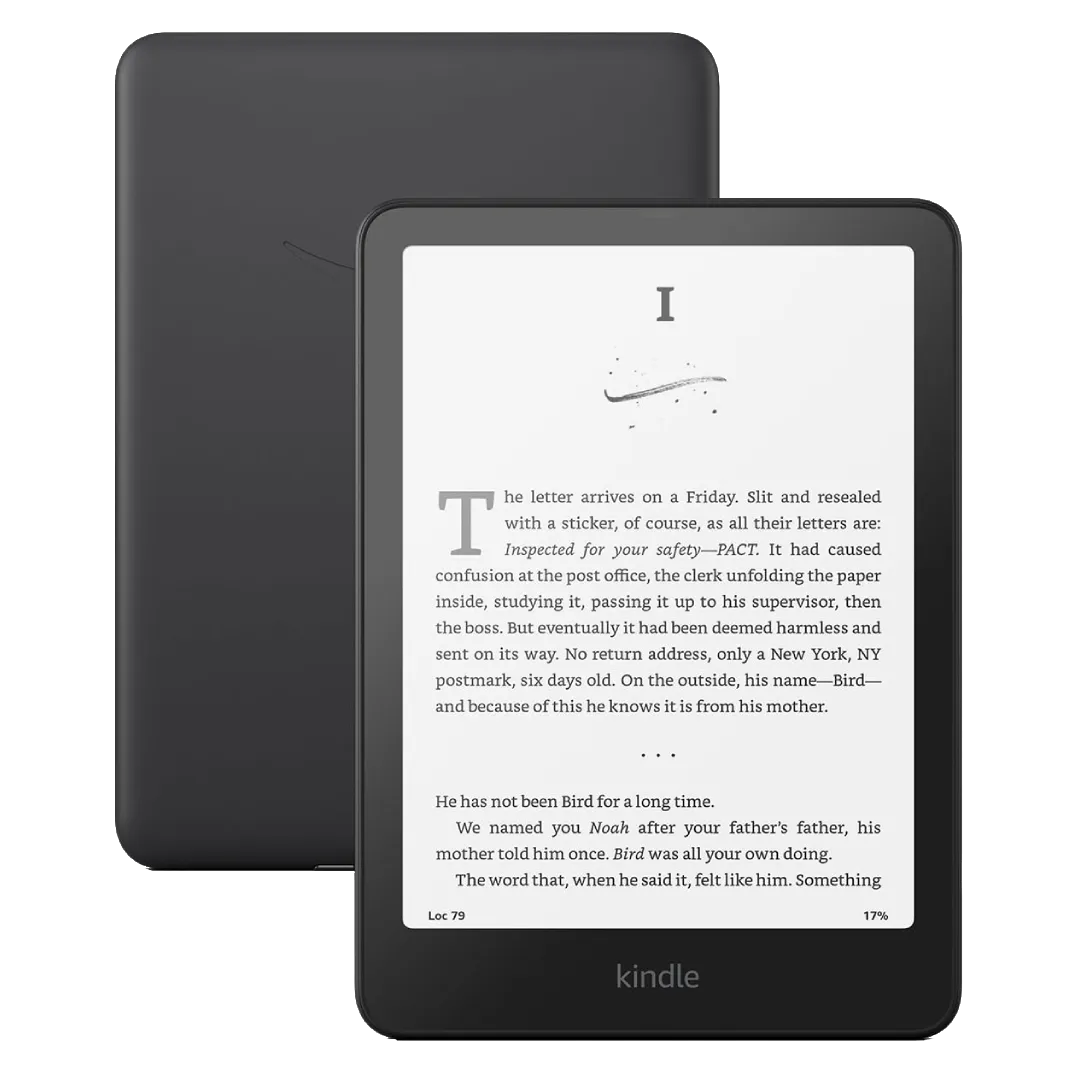
Buying an e-reader in 2026 is harder than it should be. Amazon, Kobo, Boox, reMarkable, and PocketBook all make excellent devices — but each ecosystem has different strengths, limitations, and hidden costs. This guide cuts through the noise.
The Four Questions That Determine Your E-Reader
Before looking at specific models, answer these:
- Where do you buy books? Amazon (Kindle Store), Kobo Store, library (Libby/OverDrive), or DRM-free sources?
- What do you read? Novels, PDFs, comics/manga, or academic papers?
- Where do you read? At home, on a commute, in the bath, by the pool?
- What’s your budget? Under $150, $150–$300, or $300+?
Your answers narrow the field dramatically.
Screen Size: Bigger Isn’t Always Better
| Size | Best For | Example |
|---|---|---|
| 6” | Pocket portability, novels | Kindle Basic, Kobo Clara BW |
| 7” | Sweet spot: novels + web articles | Kindle Paperwhite, Kobo Libra Colour |
| 8” | Comics, manga, PDFs | Kobo Sage |
| 10”+ | Note-taking, sheet music, technical PDFs | Kindle Scribe, reMarkable, Boox Note Air |
For most novel readers, 6–7 inches is ideal. Bigger screens are heavier and less portable — you’ll notice the difference after holding one for an hour.
The Ecosystems
Kindle: The safest choice. The Kindle Store has the largest selection, and Amazon’s hardware is reliable and well-supported. The catch: Kindle uses a proprietary format. EPUB files must be converted. If you buy all your books from Amazon, this doesn’t matter. If you want to borrow from libraries outside the US or sideload from other stores, it’s a limitation.
Kobo: The best choice for library users. Kobo has built-in OverDrive integration in 20+ countries. EPUB files work natively — drag and drop via USB, no conversion needed. The Kobo Store is smaller than Amazon’s but covers all major publishers. Kobo devices are slightly more expensive than equivalent Kindles but offer physical page-turn buttons on mid-range models.
Boox: The most flexible — and the most complex. Boox devices run Android, which means you can install the Kindle app, Kobo app, Libby, and any reading app from Google Play. You’re not locked into any ecosystem. The trade-off: battery life is shorter, the UI is less polished, and the learning curve is steeper. Best for power users who want one device for everything.
reMarkable: Not an e-reader — a digital notebook. reMarkable devices are designed for handwriting, sketching, and PDF annotation. They can display EPUBs, but the reading experience is basic compared to Kindle or Kobo. Only buy a reMarkable if note-taking is your primary use case.
PocketBook: The underdog. PocketBook supports the most file formats out of the box (20+), has physical buttons on every model, and includes speakers on higher-end models for audiobooks. The ecosystem is smaller and the software feels less polished than Kindle or Kobo, but for format flexibility at a reasonable price, PocketBook is worth considering.
Waterproofing: Do You Need It?
IPX8 waterproofing (rated for immersion in fresh water up to 2 meters for 60 minutes) is standard on mid-range and premium e-readers. If you read in the bath, by the pool, or at the beach, it’s worth the premium. If you only read on the couch or in bed, it’s unnecessary.
Our Top Picks (July 2026)
Best Overall: Kindle Paperwhite (12th Gen) — $149.99 6.8” 300 ppi, IPX8, adjustable warm light, 10-week battery. The default recommendation for most readers.
Best for Library Users: Kobo Clara BW — $139.99 6” 300 ppi, IPX8, built-in OverDrive, native EPUB. Better format support than the Paperwhite.
Best with Buttons: Kobo Libra Colour — $229.99 7” color E Ink, page-turn buttons, stylus support, IPX8. The most comfortable reading experience.
Best for PDFs and Notes: Kindle Scribe — $339.99 10.2” 300 ppi, Premium Pen included. Writing on books is genuinely useful.
Best Budget: Kindle Basic (2024) — $109.99 6” 300 ppi, USB-C. No warm light, no waterproofing, but great value.
What About Color E-Ink?
Color E Ink (Kaleido 3) is now available on mid-range devices from Kindle, Kobo, and Boox. The colors are muted compared to a tablet — think newspaper comics, not HDR photos. Color is useful for:
- Comic books and graphic novels
- Book covers and illustrations
- Highlighting in multiple colors
For novels, color adds nothing. If you don’t read comics or illustrated books, save your money and get a B&W device with better contrast.
Your First E-Reader: A Checklist
- Decide on an ecosystem (Kindle, Kobo, or open/Android)
- Pick a screen size (6–7” for novels, 10”+ for PDFs)
- Decide on waterproofing (yes for bath/pool reading)
- Buy a case at the same time (protect that screen)
- Load 3–5 free public domain books before the device arrives
For most people, the Kindle Paperwhite is the right answer. But if you use libraries or want native EPUB support, get the Kobo Clara BW instead. You really can’t go wrong with either.