
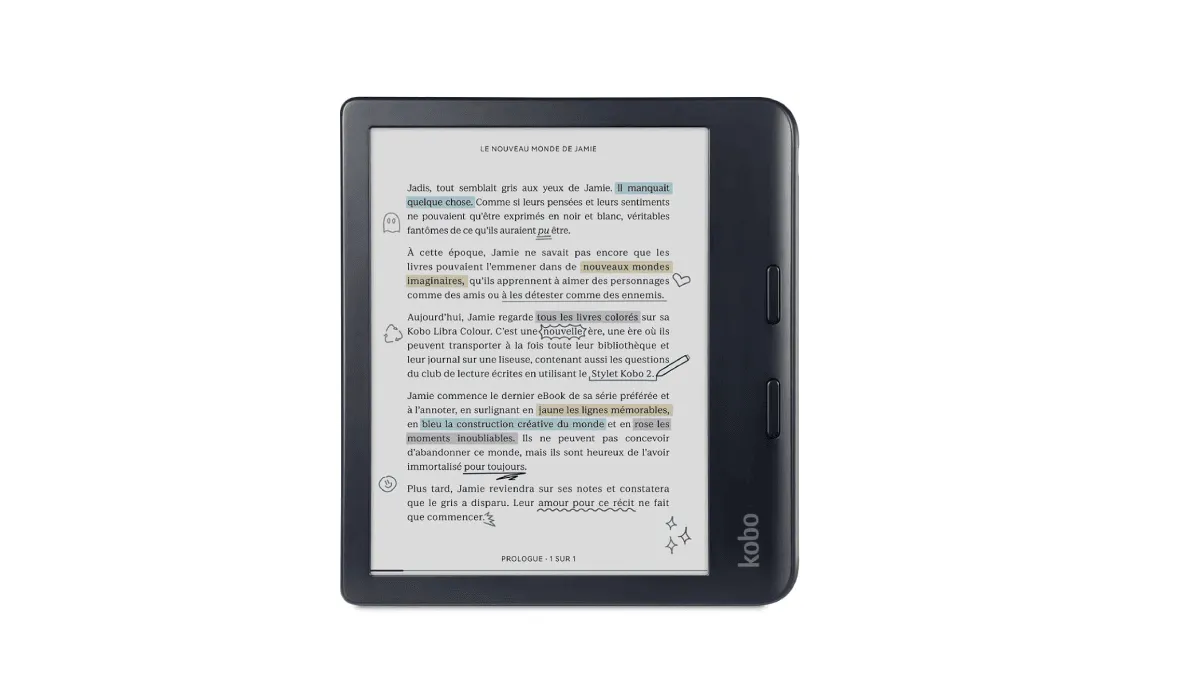
Color E Ink has been “almost there” for a decade. The Kindle Colorsoft and Kobo Libra Colour changed that. After six months with a color e-reader as my daily driver, here’s the honest answer: it depends entirely on what you read.
The state of color E Ink in 2026
Two technologies dominate: Kaleido 3 (used by Kobo and PocketBook) and E Ink Gallery 3 (used by some Boox models and rumored for future Kindles). The difference matters.
Kaleido 3: Adds a color filter layer on top of a standard black-and-white E Ink panel. This means color resolution is 150 PPI while black-and-white stays at 300 PPI. Colors look like a washed-out newspaper comic — not vibrant, but clearly distinguishable. The tradeoff: the screen is slightly darker than a pure B&W panel because the color filter absorbs some light. The Kobo Libra Colour uses this panel — read our full review for a deep dive after switching from Kindle.
Gallery 3: Uses colored particles within the display itself — no filter layer. Colors are richer, contrast is better, but the refresh speed is significantly slower (1.5 seconds for a full-color refresh vs 0.3 seconds for Kaleido 3). Better for static content, worse for anything interactive.
In practice, Kaleido 3 devices (Kobo Libra Colour, Kindle Colorsoft) are the ones you’ll actually buy. Gallery 3 devices exist but are rare and expensive.
What color actually improves
Comics and graphic novels — turning point
If you read comics, the upgrade from B&W to color is massive. A black-and-white Batman comic feels wrong in a way that’s hard to articulate until you see the color version. Speech bubbles, panel borders, and background details that blur together in grayscale suddenly pop.
The 150 PPI color resolution is adequate for comics. It’s not retina-quality, but it’s comparable to a mid-range newspaper print. Good enough to enjoy, not good enough to admire the art.
PDFs with charts and figures
Academic papers, technical documentation, and textbooks with colored charts become readable without zooming in to decipher which line is which. If your work involves reading documents with colored elements, a color e-reader saves real time.
Book covers and library browsing
This sounds trivial, but seeing covers in color changes how you browse a library. The grid view on a Kobo or Kindle becomes a visual experience instead of a grayscale spreadsheet. If you own hundreds of books, being able to scan by cover color and design is genuinely useful.
What color doesn’t improve
Novel reading
For plain text, color adds nothing. Zero. The screen is slightly darker than a B&W panel, which means you’ll use the frontlight more. If 95% of reading is novels, a color e-reader is a downgrade in screen clarity.
Battery life
Color panels draw more power. My Kobo Libra Colour lasts about 3 weeks on a charge vs 5-6 weeks on my B&W Clara. Still far better than a tablet, but noticeably shorter than a pure B&W e-reader.
Who should buy one
Buy a color e-reader if: you read comics or graphic novels at least monthly, or if you read academic papers with colored figures, or if browsing a colorful library genuinely improves your experience.
Stick with B&W if: you primarily read novels and non-fiction text. The screen is brighter, the battery lasts longer, and you save $50-80.
The budget option
If you want color but the $220-280 price of a new device feels steep, look at the PocketBook Verse Pro Color. It uses the same Kaleido 3 panel as the premium devices but costs around $160. The PocketBook ecosystem is less polished than Kindle or Kobo, but the screen is identical to devices costing $100 more.
Verdict
Color E Ink in 2026 is good enough to recommend — for the right person. It’s not a universal upgrade. It’s a specialized tool for visual reading. If that’s you, the Kobo Libra Colour is the best value. If you’re unsure, buy it from a retailer with a 30-day return policy and test it with your actual reading habits. Still deciding between brands? Our e-reader comparison guide breaks down Kindle vs Kobo vs Boox vs reMarkable side by side.
Related
- Kobo Libra Colour review: what surprised me after switching — 30 days with the color screen, buttons, and OverDrive integration
- E-reader comparison: Kindle vs Kobo vs Boox vs reMarkable — side-by-side breakdowns for every major matchup